Wire EDM Machine Operation Chapter 14
Copyright November, 98 Page 14-5 Sodick Inc.
E
E
D
D
G
G
E
E
F
F
I
I
N
N
D
D
(
(
U
U
S
S
I
I
N
N
G
G
G
G
8
8
0
0
)
)
The G80 code will actually edgefind and touch the workpiece three times and take the
average of the three touches, making the “G80” much more accurate than the sensor
touch key procedure. Set WS at 2 and WT at 8 when using .010 diameter wire.
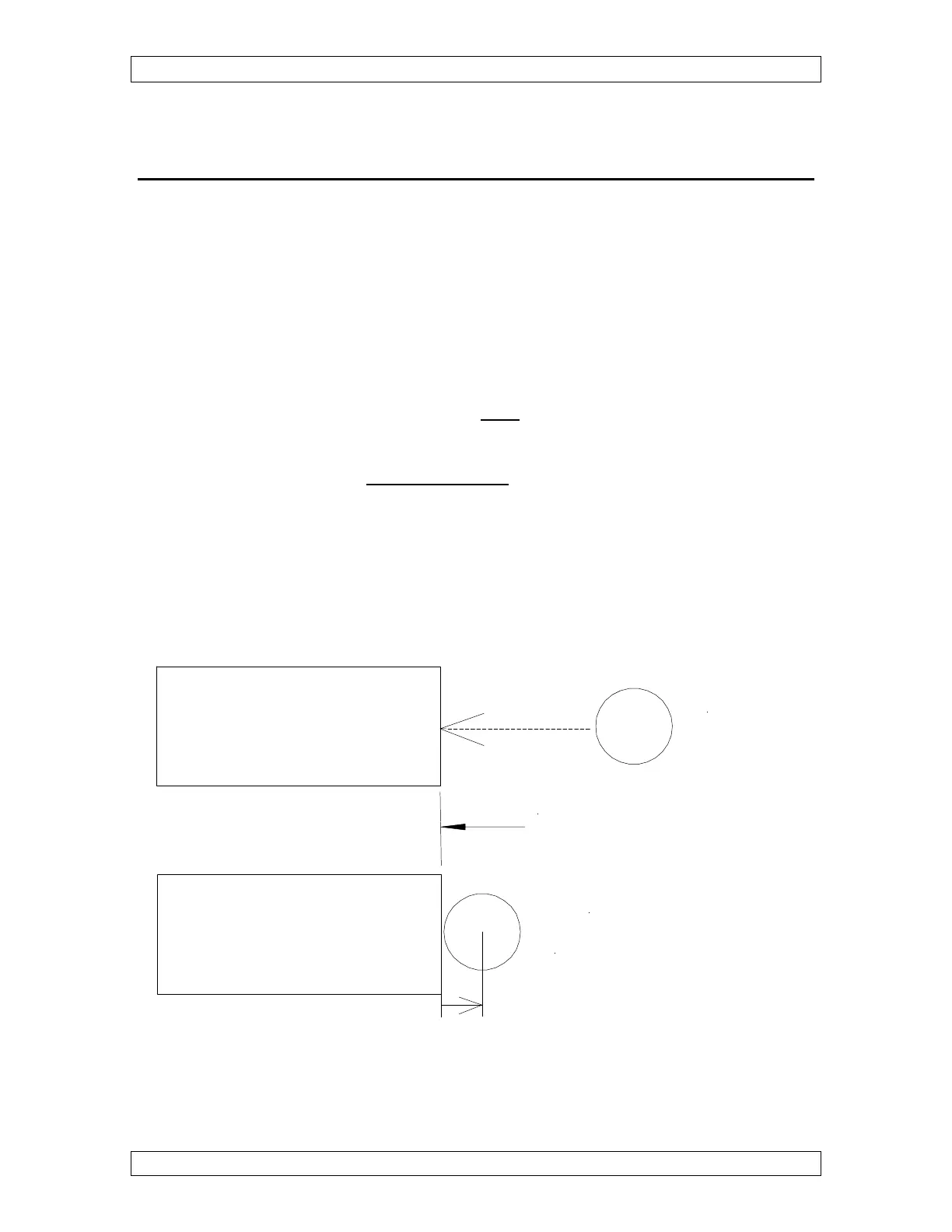
1) Manually jog the wire close to the surface to edgefind (within about .100 inch).
2) Go to the “MAL”,”MDI” screen.
3) Type G80, the axis name and the direction you need to move to edgefind the part.
(choose from X,X-, Y, Y-)
(example: G80X will move the wire to the right to edgefind)
4) Press “ENTER”
5) When the edge find stops, the wire will be flush with the edge of the workpiece.
6) Set location by typing the G92 code.
Remember 1/2 the wire size.
Always set G92 in the opposite direction of the G80 code.
If you used G80 X-then use G92X+.0049 (or 1/2 the wire size).
NOTE: Be sure the wire run turns on. If it doesn’t, enter G80:T80G80 in the string file,
or turn the wire run on manually.
NOTE: Wire run will not turn off automatically when the cycle is done.
G80 X-
G92 X.0049
(Or 1/2 the wire diameter)
X0 Edge



 To Next Page