Wire EDM Machine Operation Chapter 16
Copyright November, 98 Page 16-1 Sodick Inc.
C
C
H
H
A
A
P
P
T
T
E
E
R
R
1
1
6
6
R
R
E
E
M
M
O
O
T
T
E
E
C
C
O
O
N
N
T
T
R
R
O
O
L
L
O
O
P
P
E
E
R
R
A
A
T
T
I
I
O
O
N
N
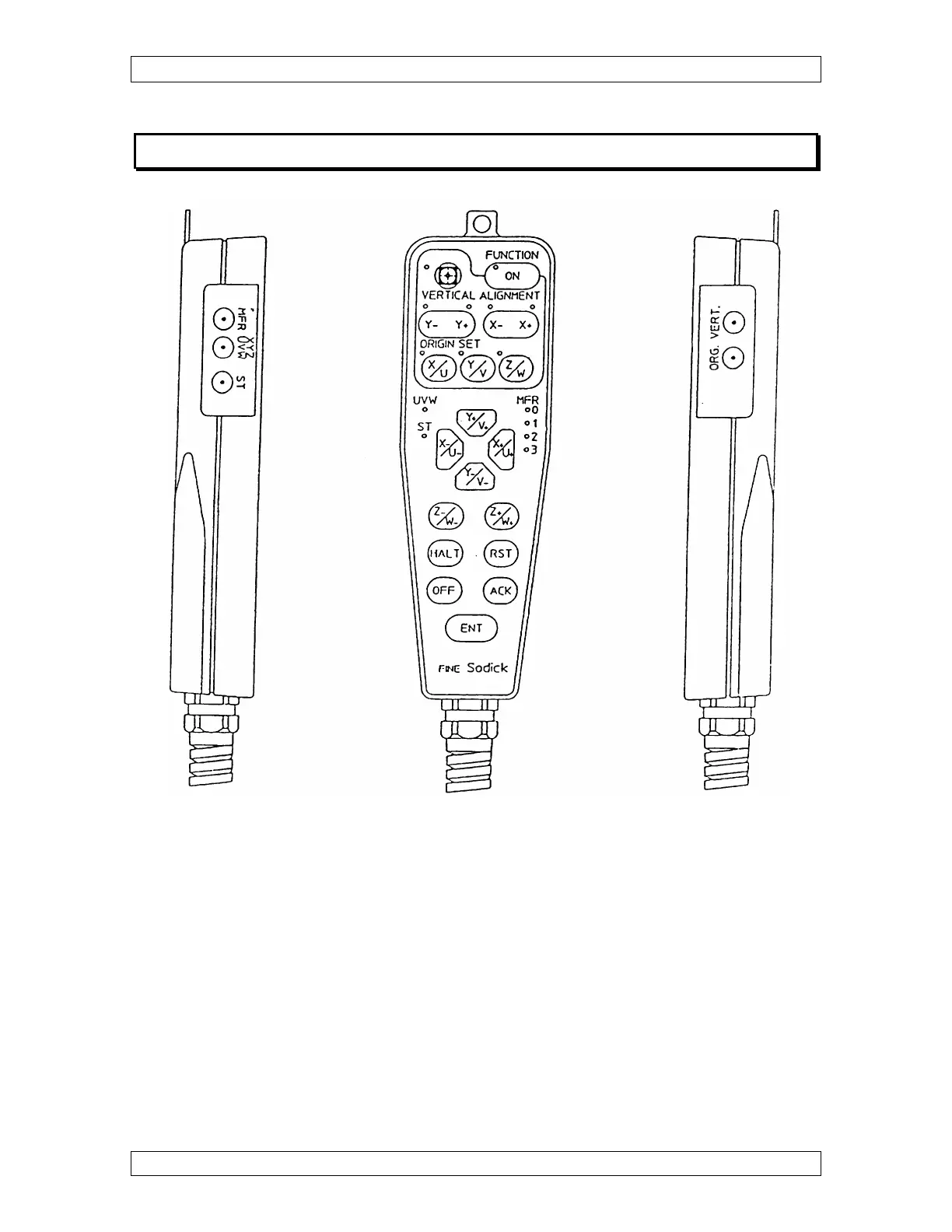
SELECTING A JOG SPEED
To choose the MFR speed on the remote, press the MFR button on the LEFT side and
watch the red LED’s on the front of the remote change.
• 0 - Fastest
• 3 - Slowest.
Note: The KYB/REM switch chooses between the remote or keyboard “ MFR”
settings. If the switch is at KYB the remote still works, but it moves at the “MFR”
speed set on the keyboard.



 To Next Page