Wire EDM Machine Operation Chapter 3
Copyright November, 98 Page 3-3 Sodick Inc.
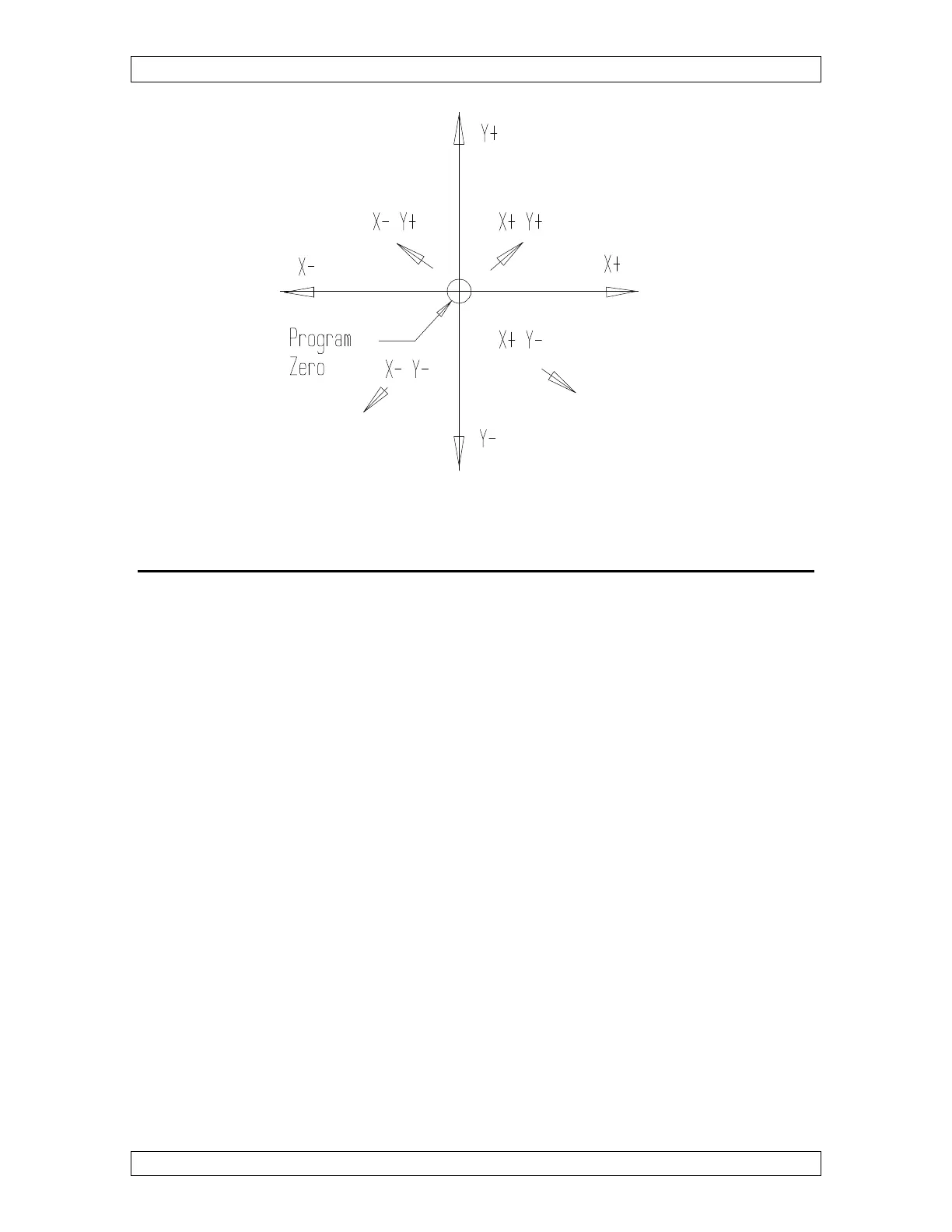
Figure 3-3
H
H
O
O
W
W
T
T
O
O
A
A
S
S
S
S
I
I
G
G
N
N
Y
Y
O
O
U
U
R
R
P
P
R
R
O
O
G
G
R
R
A
A
M
M
Z
Z
E
E
R
R
O
O
P
P
O
O
I
I
N
N
T
T
:
:
In any wire EDM program, you will tell the control where your program zero point is. To
do this, you will be telling the control how far it is from the program zero point to where
the start point is. Before running any program, you will always position the wire to its
starting point. This may be a position where a start hole is located.
A G92 command is used to assign program zero. You will include the distances and
directions from the program zero point to the wire start point in your G92 command. The
best way to get the idea is to look at figure 3-4 .
Notice that the program zero point is the lower left hand corner of this part. Also, notice
that the wire start point (when the program is activated) is .500 over in X and -.500 down
in Y from program zero. Here is the correct command to assign program zero for this
example:
N010 G92 X.500 Y-.500
The Y value is minus since the wire starts from a position that is below program zero in
Y. If you do not want the G92 in the program, position the machine at the start point
location. Go to “MAL”, ”MDI” and type the value of the start point and press enter to
change the CRT displays so the machine knows where it is on the part.



 To Next Page