Wire EDM Machine Operation Chapter 15
Copyright November, 98 Page 15-11 Sodick Inc.
D
D
I
I
S
S
P
P
L
L
A
A
Y
Y
S
S
C
C
R
R
E
E
E
E
N
N
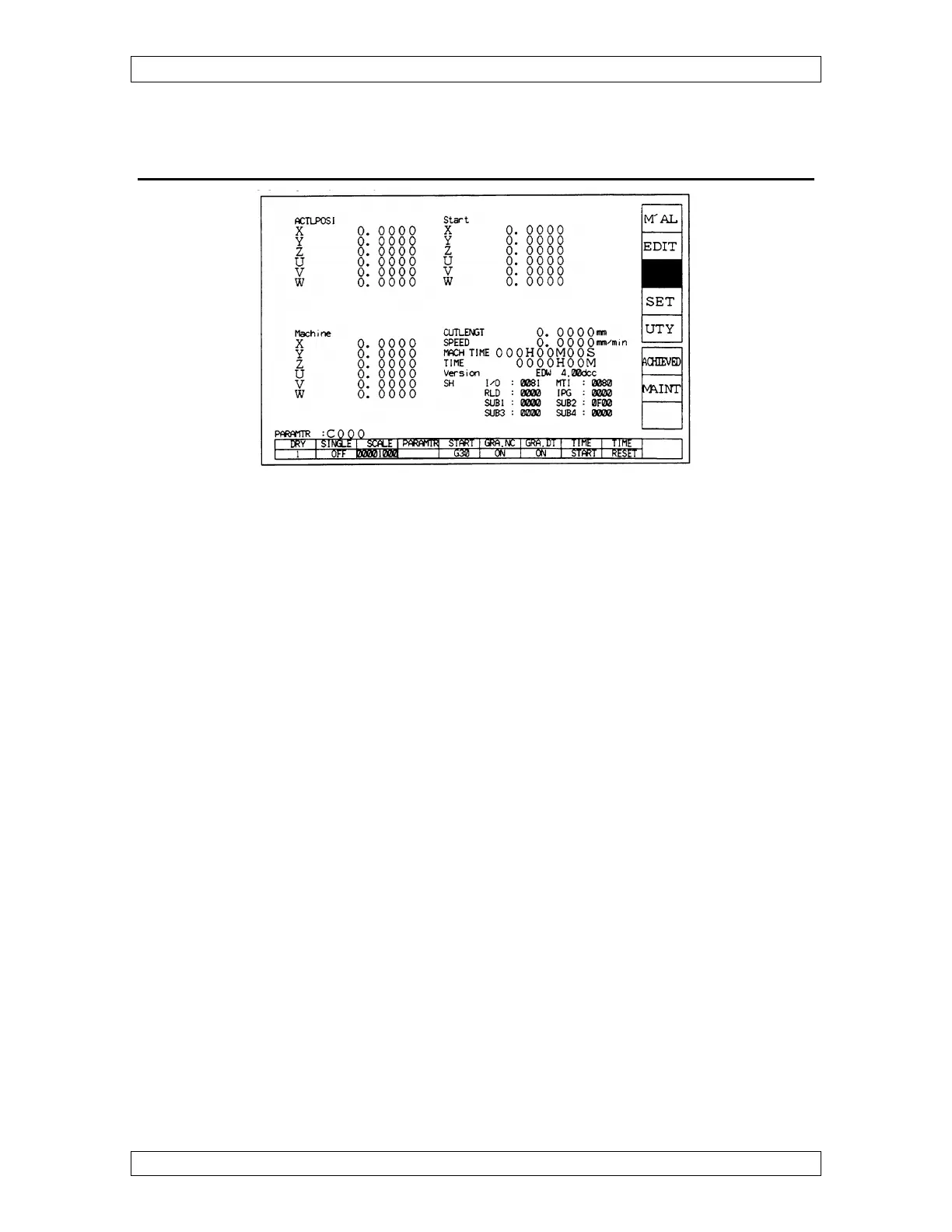
Press the soft key next to “DSPLY”. This screen will show machine movement relative to
the program running under actual position in the upper left corner.
This screen will also show machine numbers in the lower left corner, which shows where
the machine is at, from its home position. When a specific axis is home that axis will be
zero under machine numbers. These numbers change only when an axis moves. If these
numbers are written down when the machine is physically located at the start point or
pickup point, you can rely on these numbers to make sure the machine is back at the
proper location, if you are in doubt of something.
The screen will show in the upper right corner, machine numbers showing where the
machine was located at when the “ENT” key was pressed to start a program. In most
cases, the machine was located at the start point of the program so these numbers are
called start.
The lower right corner shows the cutting length of the program. Rapid moves (G00) are
not included in this value. The cutting speed will be displayed and also the software
version in the control. The software can be upgraded when it is determined that a later
version is needed. The (machine time) clock resets itself when the program is activated.
The (time) clock can be reset by the operator by first stopping it by highlighting the time
start function and then pressing the key again to stop the clock. Now press the time reset
key .To restart the clock, press the key below time stop and then again to start the clock.



 To Next Page