Wire EDM Machine Operation Chapter 15
Copyright November, 98 Page 15-9 Sodick Inc.
E
E
D
D
I
I
T
T
,
,
G
G
R
R
A
A
P
P
H
H
,
,
S
S
C
C
R
R
N
N
F
F
L
L
A
A
G
G
I
I
N
N
P
P
U
U
T
T
S
S
C
C
R
R
E
E
E
E
N
N
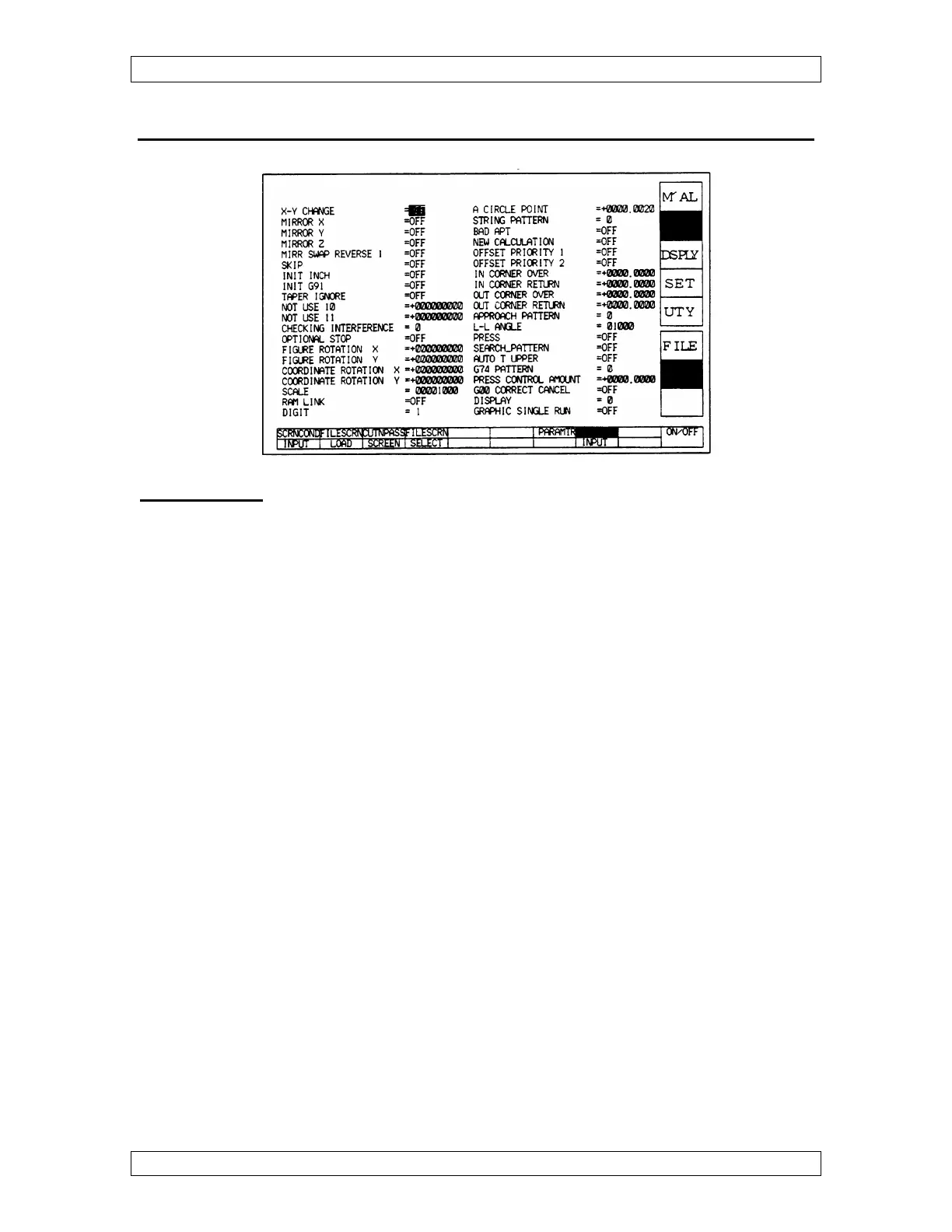
REMEMBER: This screen affects graphics, not the machine! The most commonly
used parameters are listed below:
MIRRORS - Turn the mirrors on and press soft key under Cut N Pass to see the
graphics.
CHECKING INTERFERENCE - Set at 0, 1, or 2.
While cutting, if there’s a smaller radius than the offset amount on an inside corner, the
wire will dig into your workpiece. This is usually undesirable.
AT 0 - The control ignores the situation & digs into the workpiece.
AT 1 - If that situation can happen, the control will stop graphing and tell you the
offset will create interference to make you aware of the situation.
AT 2 - The control decides how to correct the situation and graphs the program
accordingly without warning you. You must then decide if the correction is
acceptable.
SCALE - Scale factor 1000 = full scale should be set the same as scale in SET screen.
DIGIT - Chooses between 4, 5, or 6 place decimal when running in inch mode. Should
be the same as digit on the set, travel screen.
TAPER IGNORE - If taper is in your program and this is turned on, Graphics will not
show taper.
A CIRCLE POINT - When using G2 & G3, it compares the radius at the start and end
points. If within the value specified in this parameter, the program will graph.



 To Next Page