ModelName: Falcon_E
PartNumber: 4-164-613-11
15
15
Basic Operations and Screens
Table of
Contents
Home
Menu
Index
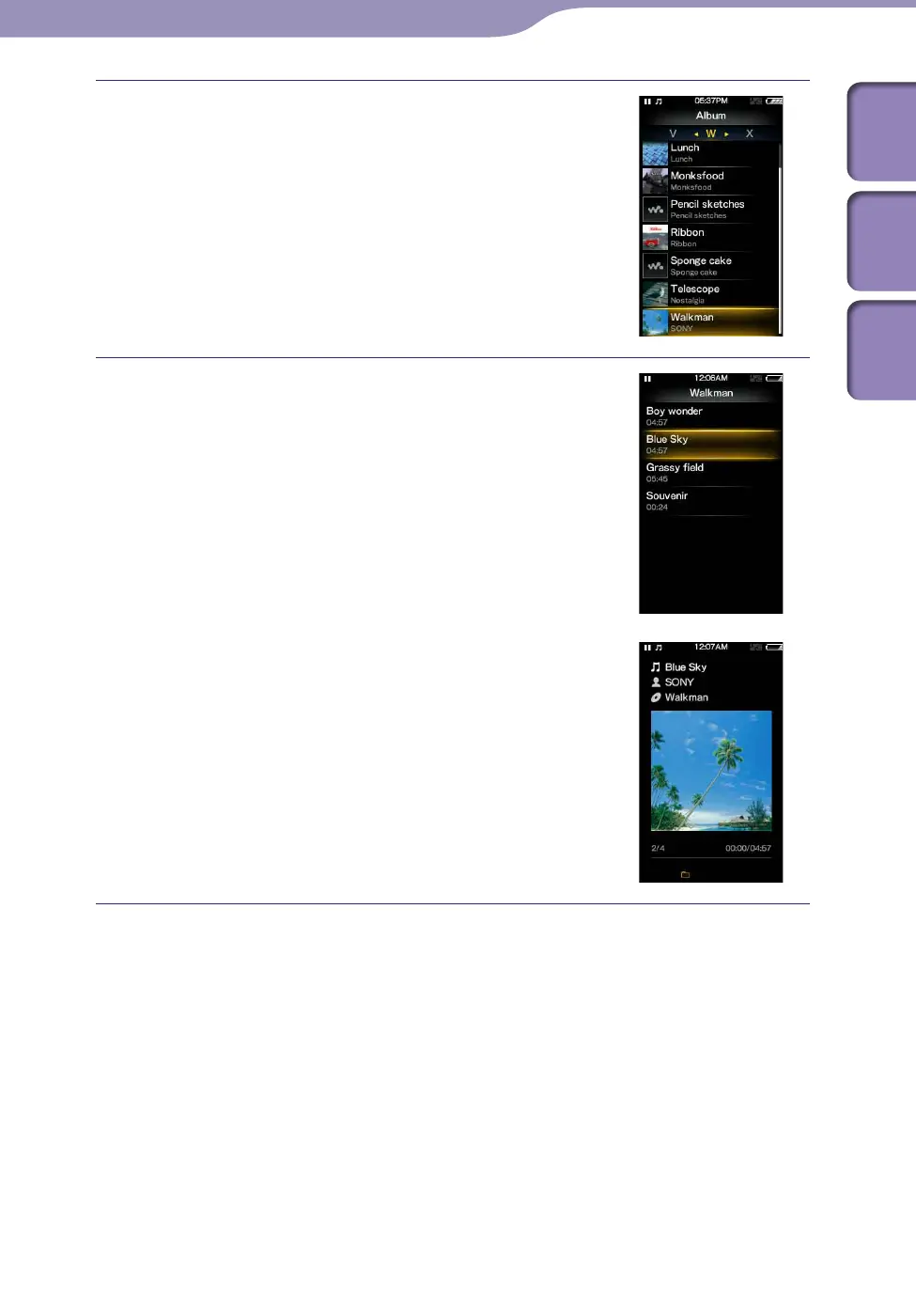
Press the /// button to select an
album, and then press the button to
confirm.
The song list for the selected album appears.
Press the /// button to select a
song, and then press the button to
confirm.
The music playback screen appears and
playback begins.
To return to the Home menu during operation
Press and hold the BACK/HOME button.
To return to the previous screen during operation
Press the BACK/HOME button.











 To Next Page