10
EN
Recorder Connections
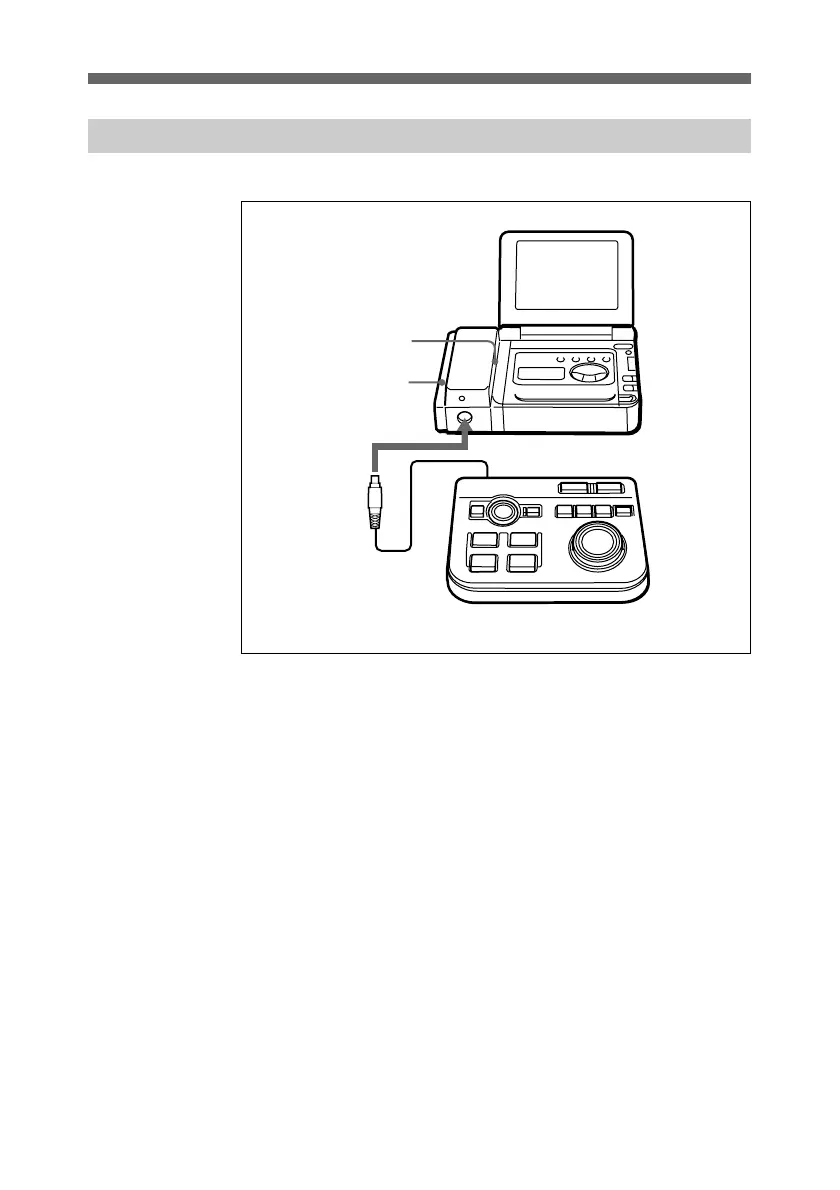
Use a Video Walkman as the recorder for this unit.
1 Remove the cover from the connectors on the Video
Walkman.
To prevent loss, attach the cover you have just removed to
the left side of the interface adaptor.
2 Attach the interface adaptor to the Video Walkman.
Align the interface adaptor with the interface connector
slot on the Video Walkman, and slide it to the rear.
3 Connect the supplied controller to the CONTROL UNIT
connector of the interface adaptor.
Attach the controller cable so that the triangle mark is on
the right.
1
3
2
Recorder
interface adaptor
Controller
Preparations and Connections



 To Next Page