25
EN
Checking cuts
Using the menus, you can check the cuts you have created.
You can check the IN point, OUT point, and duration of each
cut.
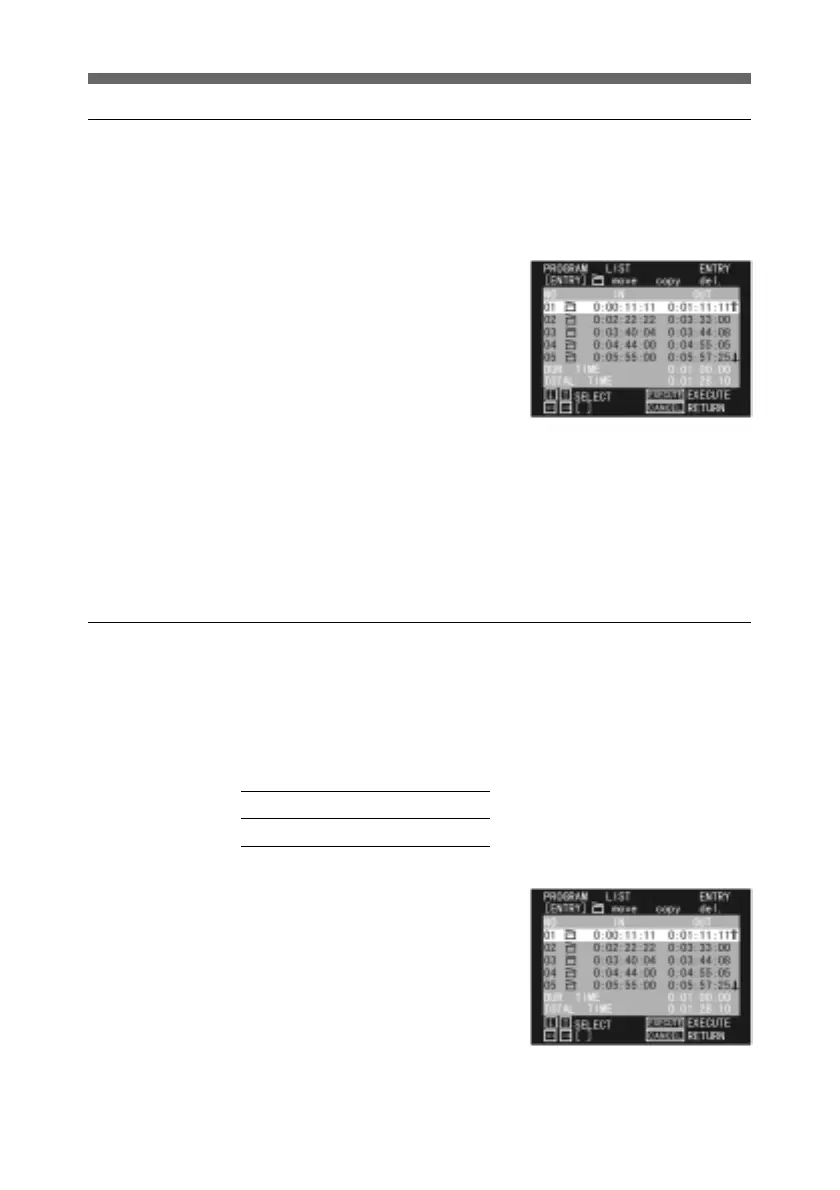
1 Display the PROGRAM LIST
menu. This shows details of
the cuts.
For details of how to display
the PROGRAM LIST menu,
see page 15.
To modify the contents of the program, see the following
pages.
To move a cut - page 27
To copy a cut - page 29
To delete a cut - page 30
To temporarily disable a cut - page 31
Adjusting Edit Timing - Fine Tuning the IN and OUT Points
You can adjust the IN and OUT points to frame accuracy.
The interval between successive frames depends on the color
system as follows.
NTSC 1 frame = 1/30 second
PAL 1 frame = 1/25 second
1 Display the PROGRAM LIST
menu for the program
including the cut you wish to
adjust.
For details of how to display
the PROGRAM LIST menu,
see page 15.
(Continued)



 To Next Page