29
EN
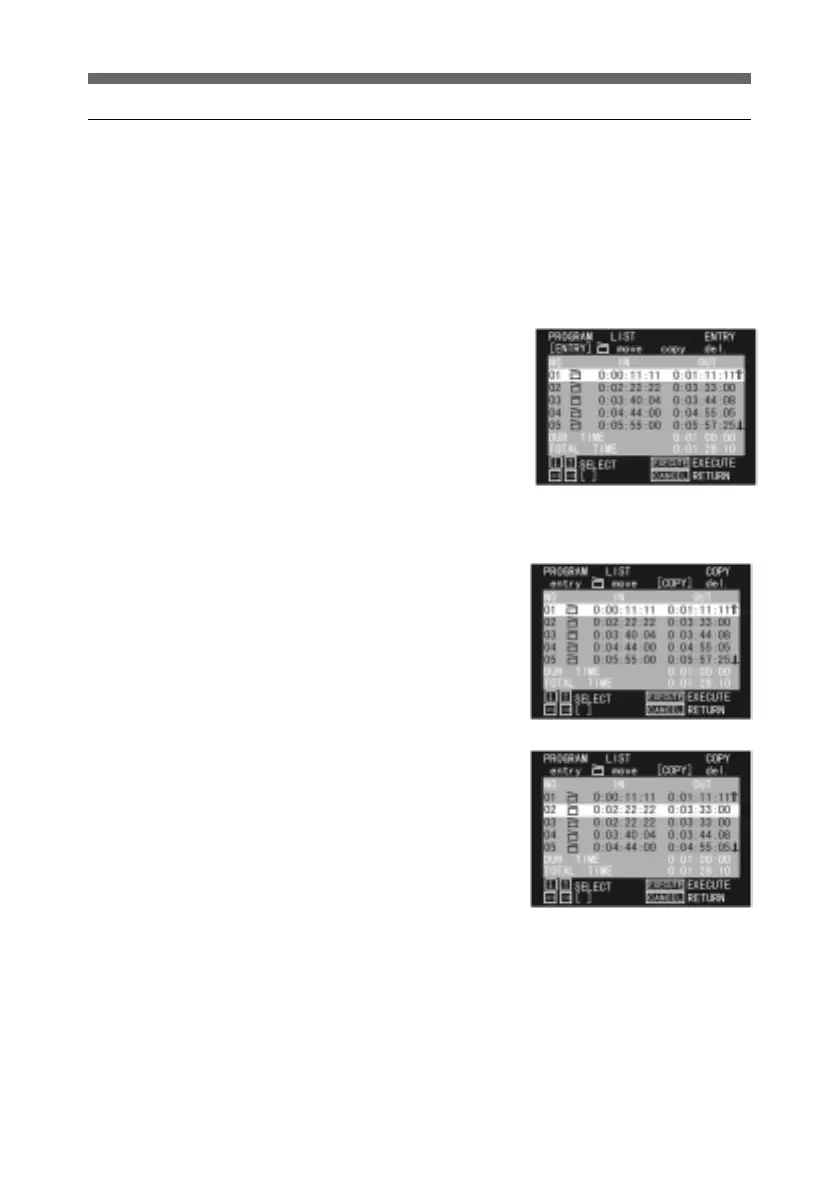
Copying a cut
You can copy a cut, to use it any number of times.
The copy is inserted immediately after the original.
It is only possible to copy a cut within a single program. It is
not possible to copy a cut to a different program.
To rearrange the cuts after copying, see the previous section,
“Moving a cut.”
1 Display the PROGRAM LIST
menu for the program
including the cut you wish to
copy.
For details of how to display
the PROGRAM LIST menu,
see page 15.
2 Press the horizontal arrow
buttons to select COPY.
3 Use the up and down arrow
buttons to select the cut you
wish to copy, and press the
SEL/PUSH EXECUTE
button.
This copies the cut, inserting
the copy immediately after
the original.
4 To copy a number of cuts,
repeat step 3.



 To Next Page