37
EN
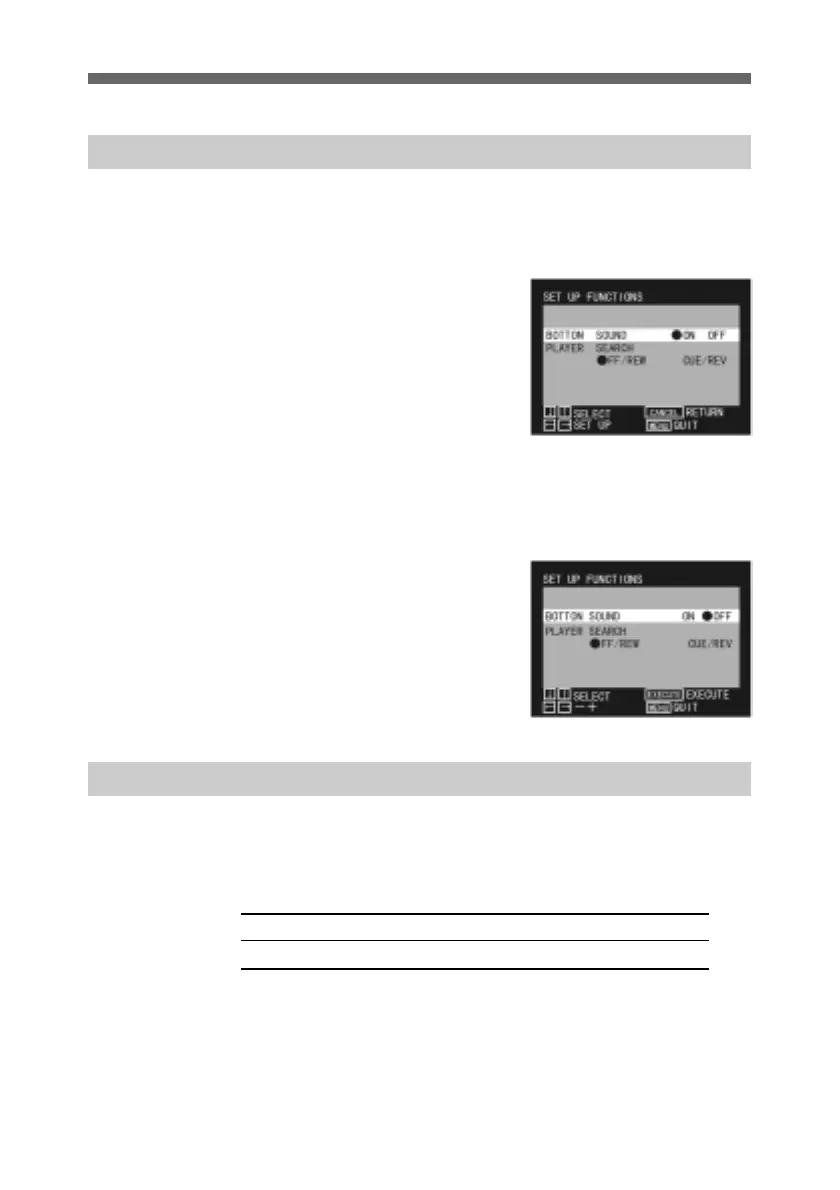
Switching the Button Sound On and Off
You can select not to have a beep each time you press a button
on the controller.
The factory default setting is for a beep to sound.
1 Display the SET UP
FUNCTIONS menu.
For details of how to display
the SET UP FUNCTIONS
menu, see page 15.
2 Use the up and down arrow
buttons to select BUTTON
SOUND.
3 Press the horizontal arrow
buttons to move the circular
mark to “ON” or “OFF” as
required.
4 Press the MENU button to
return to the normal display.
Changing the Search Method
There are modes (search methods) for cueing up to IN and
OUT points during editing.
You can use whichever one is appropriate for your purposes.
Using rewind and fast forward (without playback) FF/REW
Using high-speed playback forward or reverse CUE/REV



 To Next Page