31
EN
Disabling a cut
You can disable a cut within a program that is not needed for
the time being.
This is convenient for making editing decisions by comparing
varying previews.
1 Display the PROGRAM LIST
menu for the program
including the cut you wish to
disable.
For details of how to display
the PROGRAM LIST menu,
see page 15.
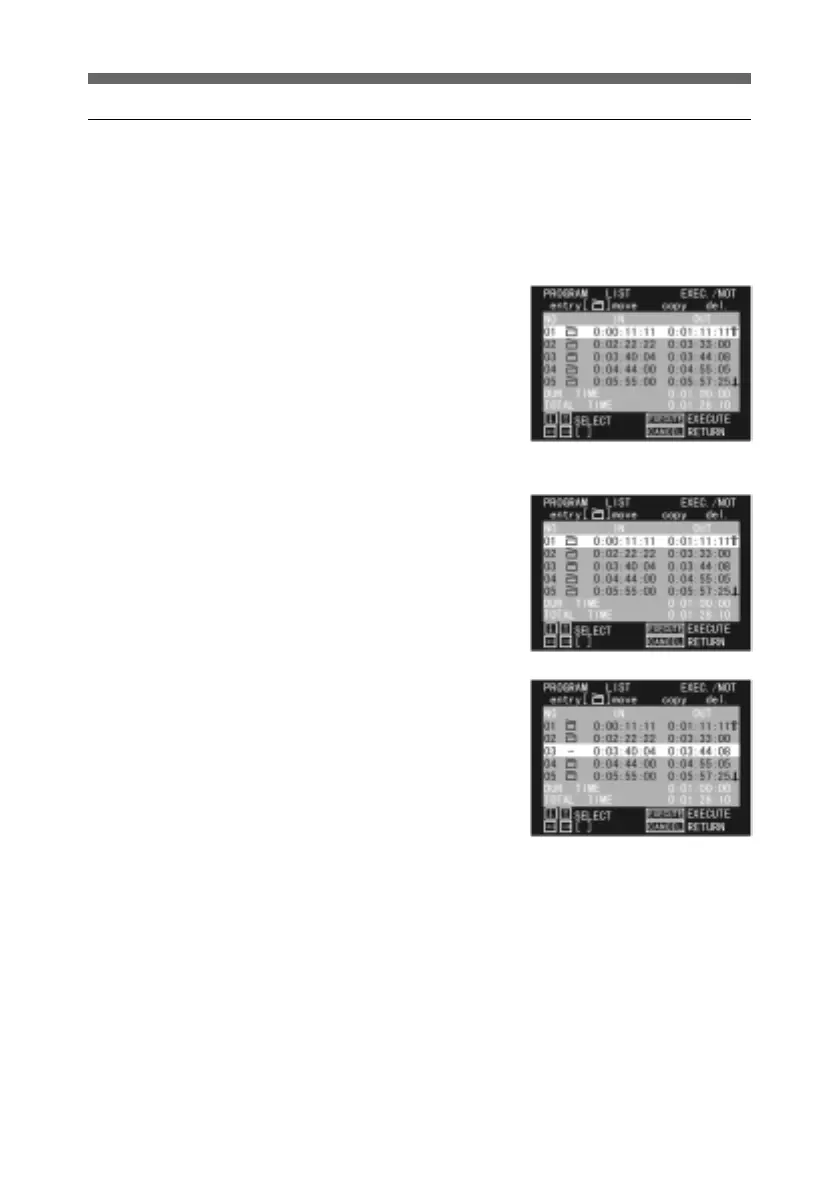
2 Press the horizontal arrow
buttons to select the Clapper
board symbol.
3 Use the up and down arrow
buttons to select the cut you
wish to disable, and press the
SEL/PUSH EXECUTE
button.
The Clapper board symbol
disappears from this cut,
indicating that it is not used.
The cursor automatically goes
to the next row.
If you press the up arrow
button, and select this cut
once more, then press the
SEL/PUSH EXECUTE
button, the clapboard symbol
reappears.
4 To disable a number of cuts,
repeat step 3.



 To Next Page