33
EN
Carrying out editing
Next you record the program you have created on the cassette
in the recorder.
Note
With the DV format, when recording from the beginning of a
tape, first an invalid area lasting about 1 second is recorded.
For best results, start recording about 15 seconds from the
beginning of the tape.
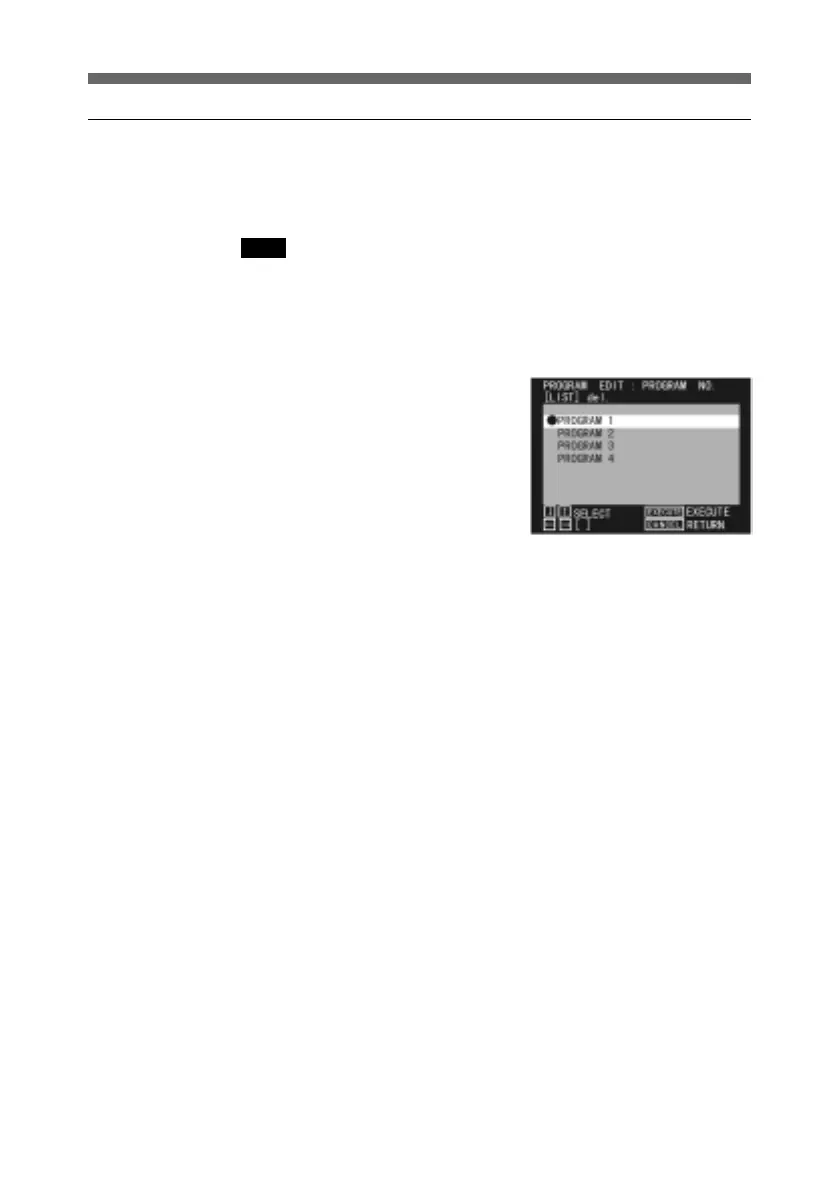
1 Display the PROGRAM NO
menu.
For details of how to display
the PROGRAM NO menu, see
page 15.
2 Use the up and down arrow
buttons to select the program
you wish to record.
3 Press the EDIT button.
This records the program on
the tape in the recorder.
The video being recorded
appears on the recorder
monitor screen.
When the whole program has
been recorded, the system
automatically pauses on the
last frame.
4 Press the STOP button.
The recorder stops.
To interrupt the
recording,press the STOP
button.
A confirmation message
appears: press the SEL/PUSH
EXECUTE button.



 To Next Page