32
EN
Editing
Previewing a program
Before recording, you can preview the results of an edited
program.
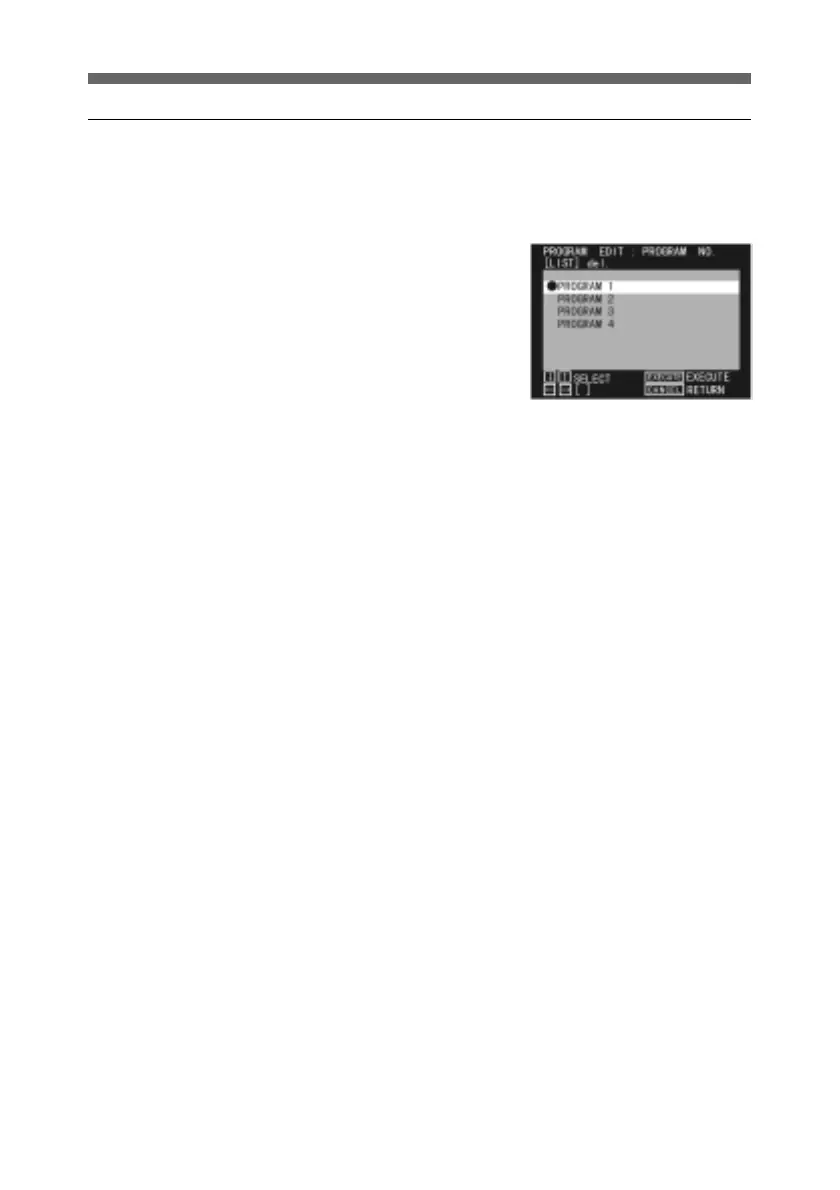
1 In the PROGRAM NO menu,
select the program you wish
to preview.
For details of how to display
the PROGRAM NO menu, see
page 15.
2 Press the PREVIEW button.
The program is played back
in cut number order on the
recorder monitor.
3 When you have previewed the
whole program, the system
automatically pauses on the
last frame. Press the STOP
button to stop the player.
To interrupt the preview at
any point, press the STOP
button.
A confirmation message
appears: press the SEL/PUSH
EXECUTE button.



 To Next Page