16
EN
Menu Details
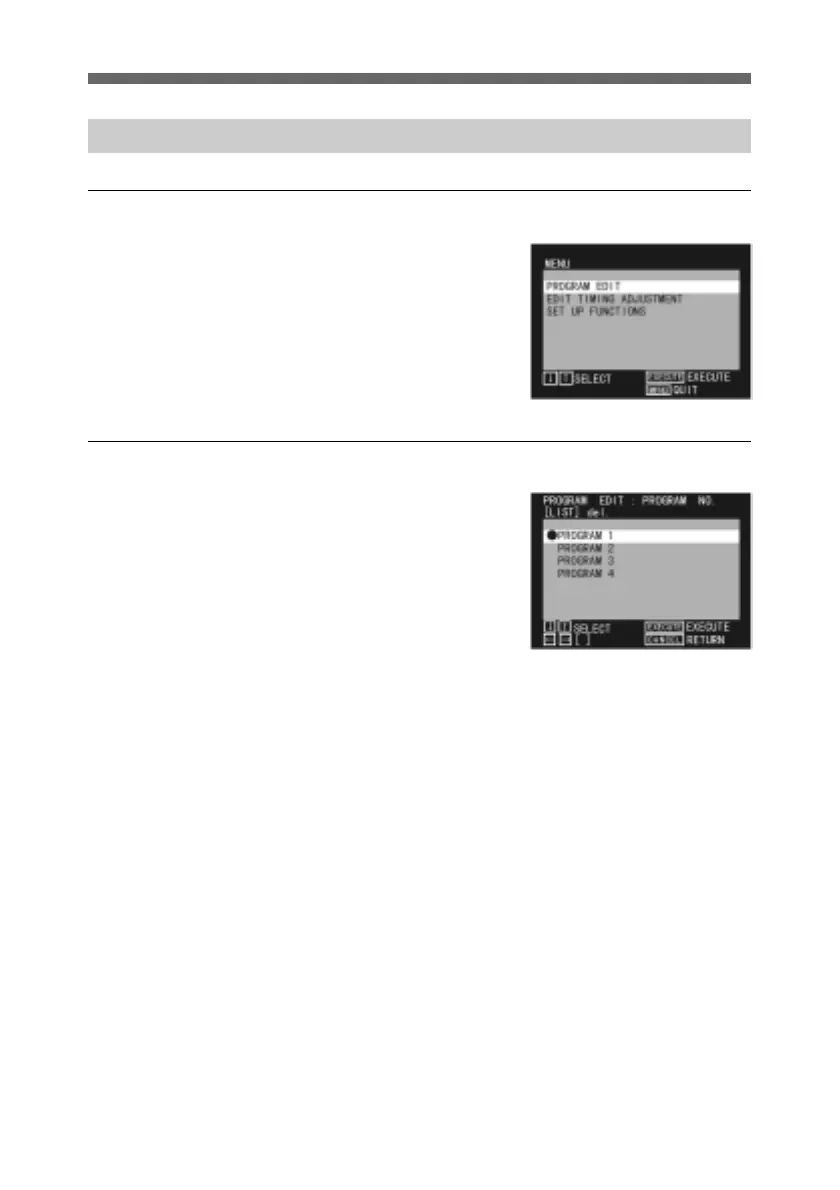
Main menu
This appears when you press the
MENU button.
Use the up and down arrow
buttons to select the submenu.
Then press the SEL/PUSH
EXECUTE button to move to
the selected menu.
PROGRAM NO (Number) menu
Use the up and down arrow
buttons to select the program
you wish to edit.
Then press the horizontal arrow
buttons to select LIST (edit the
program) or DEL (delete the
program).
Menus



 To Next Page