23
EN
Program Editing
Create the desired cuts, and edit the program.
You carry out all operation with the controller.
Creating a cut - setting the IN and OUT points
Create a cut by specifying when it starts and ends.
The start is referred to as the IN point and the end as the OUT
point.
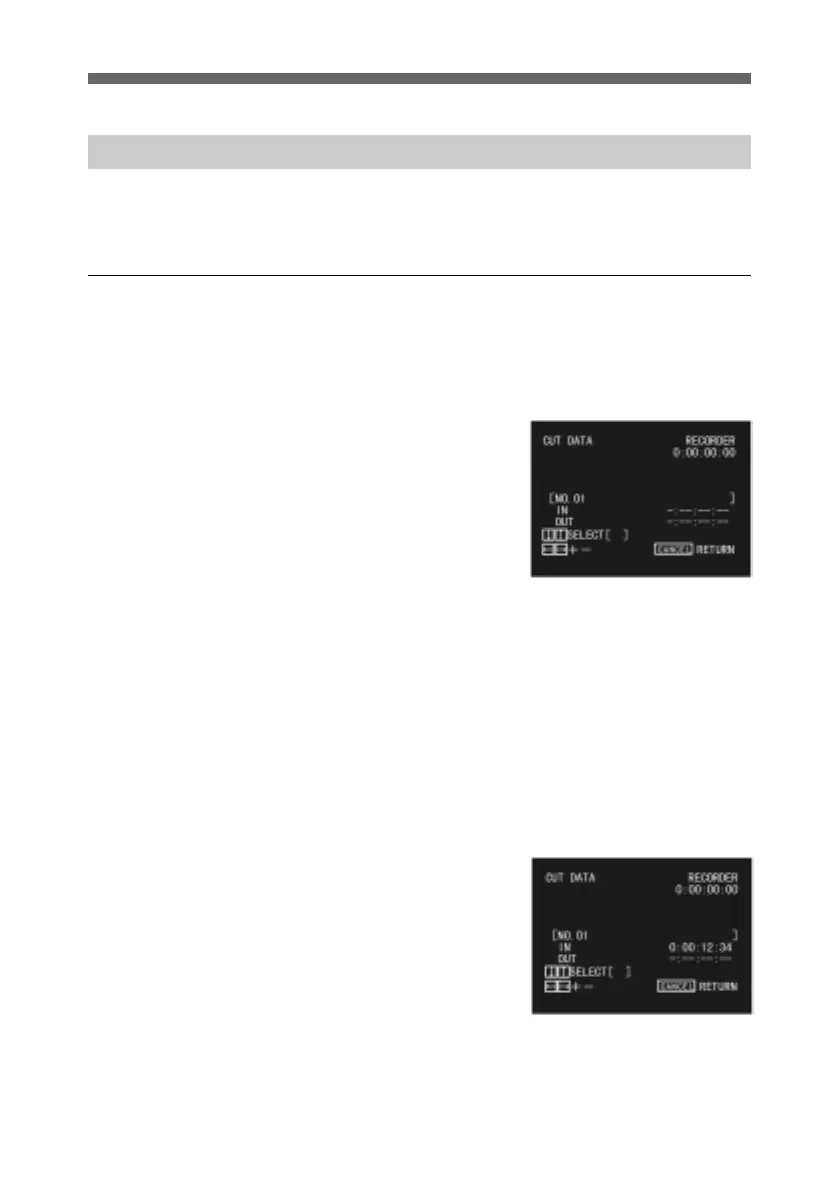
1 Display the CUT DATA
menu.
For details of how to display
the CUT DATA menu, see
page 15.
2 Press the PLAYER button.
The PLAYER button
indicator lights, and you can
now operate the player.
3 Press the PLAY button to
play back the tape.
The playback video appears
on the recorder monitor
screen, with the CUT DATA
menu superimposed.
4 Using the jog dial and shuttle
ring, position the tape at the
start of the cut, and press the
MARK IN button.
This sets the IN point, and
displays the time on the
screen.
(Continued)



 To Next Page