11
EN
Player Connections
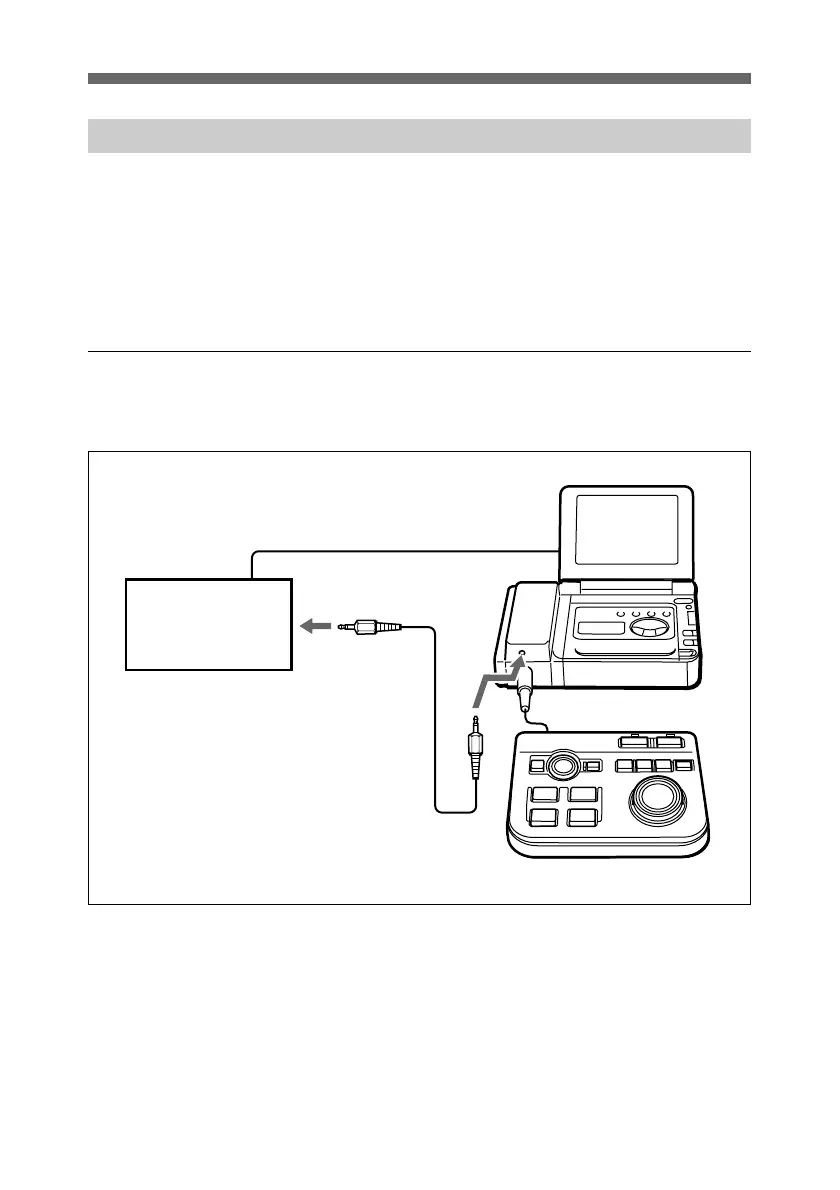
Connect the video device used as the player to the interface
adaptor attached to the Video Walkman.
The video device used as the player must have a LANC
connector.
The method of connection and the cables used depend on the
connectors provided on the player.
Using a DV connector
When the player has a DV connector, use a DV cable for the
connection.
1 With the LANC cable, connect the LANC connector on the
front of the interface adaptor to the LANC connector on
the player.
2 With the DV cable, connect the DV connector on the
recorder to the DV connector on the player.
1
2
2
DV cable
player
interface
adaptor
Recorder
Controller



 To Next Page