36
EN
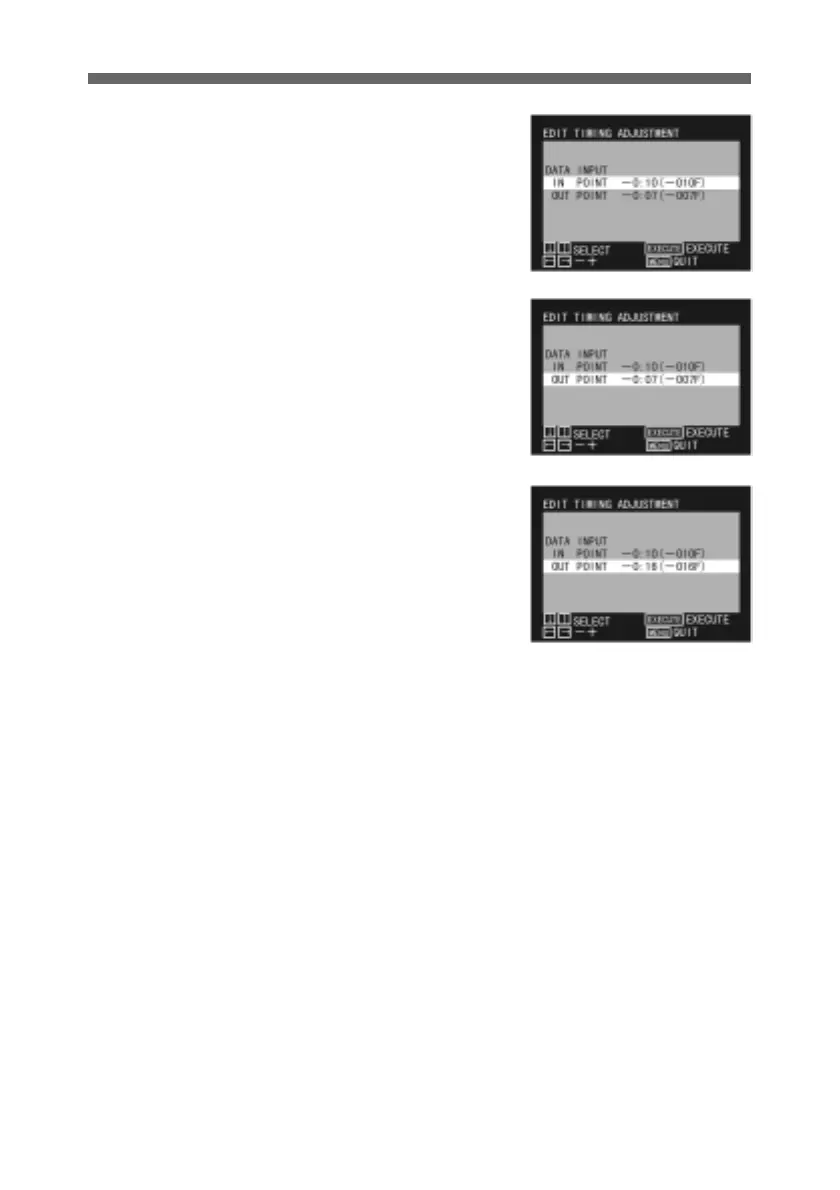
1 Display the EDIT TIMING
ADJUSTMENT menu.
For details of how to display
the EDIT TIMING
ADJUSTMENT menu, see
page 15.
2 Use the up and down arrow
buttons to select the point for
which you wish to change the
setting.
3 Press the horizontal arrow
buttons to adjust the number
of frames.
Pressing the left arrow button
makes the value more
negative by one frame, and
pressing the right arrow
button makes the value less
negative by one frame. The
number of frames is shown in
parenthesis.
Holding down the button
speeds up the change.
4 To adjust both the IN and
OUT points, repeat steps 2
and 3.
5 Press the MENU button to
return to the normal display.
Editor Settings



 To Next Page