28
EN
Editing
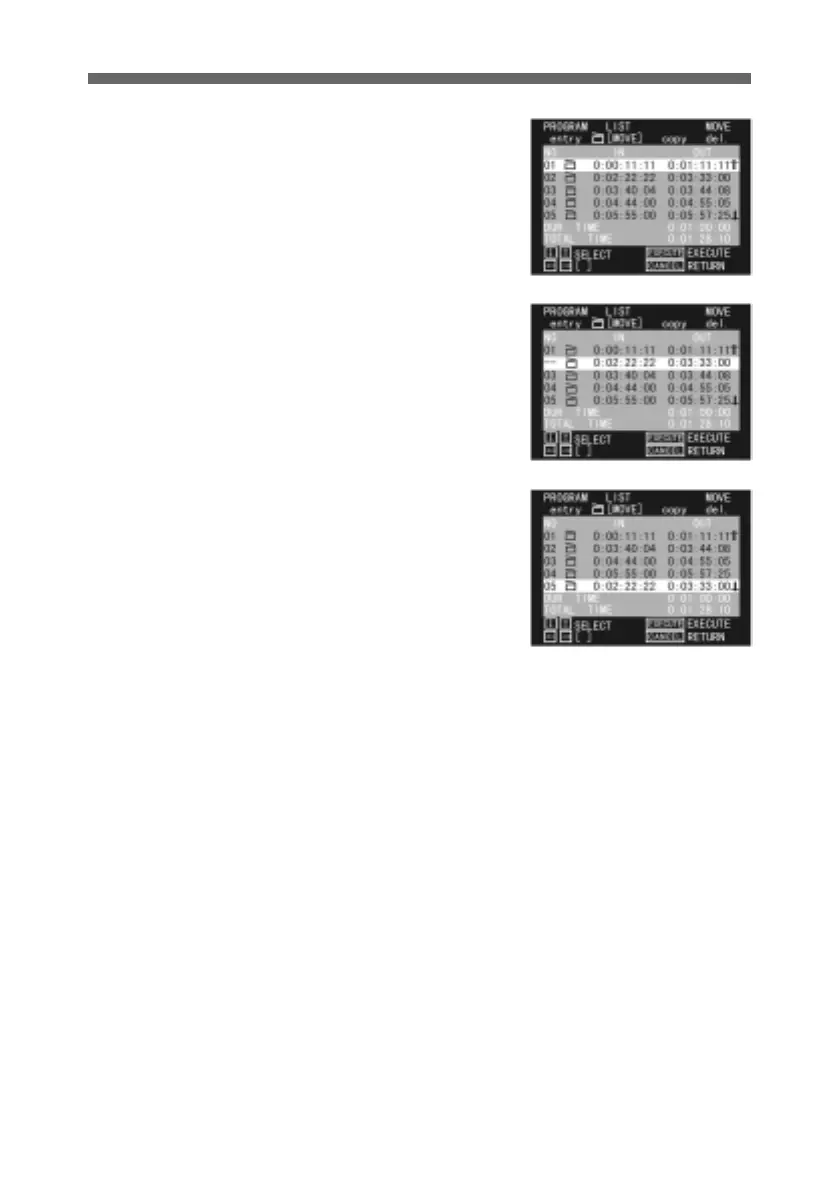
2 Press the horizontal arrow
buttons to select MOVE.
3 Use the up and down arrow
buttons to select the cut you
wish to move, and press the
SEL/PUSH EXECUTE
button.
The “NO.” indication for the
selected cut changes to “--”.
4 Use the up and down arrow
buttons to select where you
wish to move the cut to, and
press the SEL/PUSH
EXECUTE button. The
“NO.” indication of “--”
changes to indicate the new
position, and the cut moves.



 To Next Page