41
EN
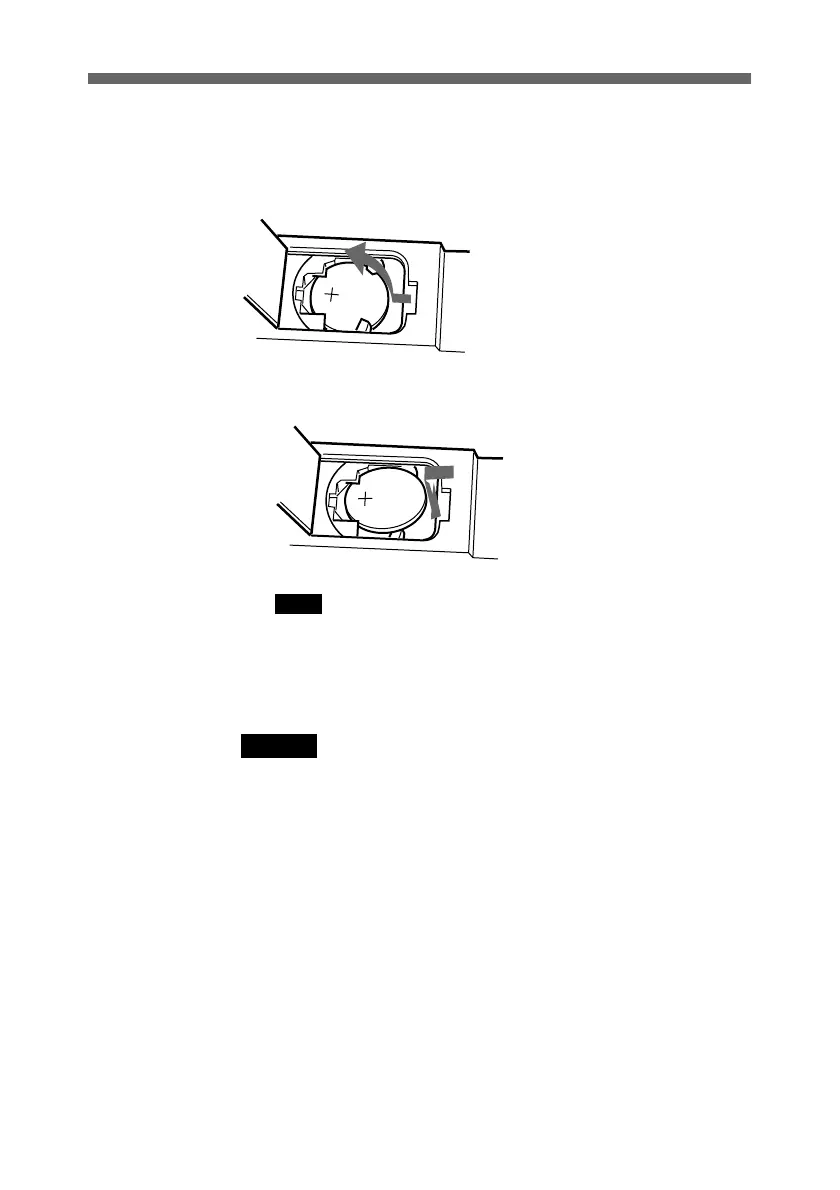
3 Remove the lithium battery.
Press down the edge of the battery, to pop up the front.
4 Insert the new battery.
Put the lithium battery at an angle, and insert it firmly.
Note
Make sure that the battery polarity is correct.
5 Close the lid of the lithium battery compartment, and
replace the cover.
Warning
Battery may explode if mistreated. Do not recharge,
disassemble or dispose of in fire.



 To Next Page