42
Setting the Output Signal
Chapter 3 Basic Adjustments and Settings
3-6 Setting the Output
Signal
3-6-1 Adjusting the Output Signal
Image
The “look” (tone and color) of the image output on SDI
OUT1 connector and SDI OUT2 connector can be
specified.
This function allows you to adjust the output image on the
SDI OUT1 connector and SDI OUT2 connector, without
affecting the main RAW image output.
Adjusting the SDI OUT1 output signal
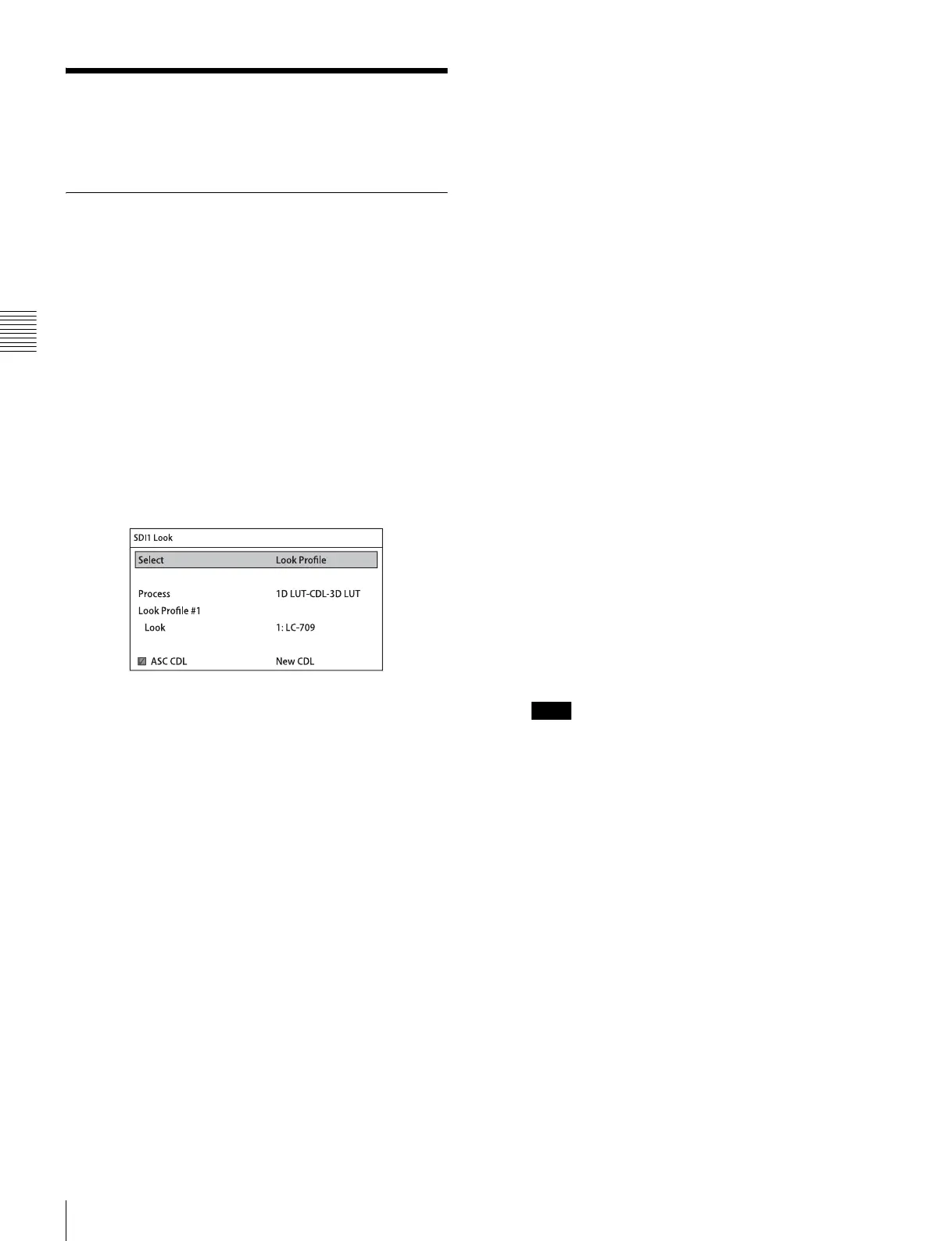
You adjust the image on the <SDI1 Look> page of the VF/
SDI menu.
<SDI1 Look> page
Select
Sets the look of the output image on the SDI OUT1
connector.
ACES-Proxy10: 10-bit approximation of a log curve
specified by ACES (Academy Color Encoding
Specification).
Graded ACES: Outputs ACES-Proxy10 images with
RRT and ODT (Gamma 2.4) applied.
Look Profile: Selects the look, using a look number,
for the output of images suitable as the starting
point for color grading or images close to print
film.
S-Log3/S-Gamut3: Outputs images in S-Log3 or
S-Gamut3. This settings allows video output using
a new color gamut with improved color
reproduction and a log curve that is close to
Cineon.
S-Log3/S-Gamut3.Cine: Outputs images in S-Log3
or S-Gamut3.Cine. This setting allows video
output using a color gamut expanded from DCI P3
and a log curve that is close to Cineon.
S-Log2/S-Gamut: Outputs images in S-Log2 or S-
Gamut. This setting is suitable for monitoring the
full range of the image, from dark areas to high-
intensity areas.
Color/1D LUT: Outputs images with the specified
Color and 1D LUT.
3D LUT: Allows you to specify a 3D LUT file.
L3D File: Allows you to specify a L3D file.
EI Applied
Specifies whether to enable or disable the exposure index
function on the video output of the SDI OUT1 connector.
The exposure index function can only be disabled when
ACES-Proxy10, S-Log2/S-Gamut, S-Log3/S-Gamut3, or
S-Log3/S-Gamut3.Cine is selected for Select.
Process
Allows you to switch the position in which ASC CDL is
applied to the video output of the SDI OUT1 connector to
in front of the 3D LUT or behind.
This is enabled only when Look Profile, 3D LUT, or L3D
File is selected for Select.
When Color/1D LUT is selected for Select
Color
S-Gamut: Wide color space comparable to film
cameras
F900: Color space equivalent to conventional
cameras
ITU-R BT.709: Color space equivalent to ITU-R
BT.709
1D LUT: Selects the tone of the output image.
For the supported values, see “3-3-8 Setting the
SDI OUT2 Output LUT” (page 35).
When a User LUT is used, the signal level that is
output on the SDI OUT1 connector is scaled to
100% level.
When 3D LUT is selected for Select
3D LUT: Select an imported 3D LUT file.
You can import cube files generated from color grading
tools such as RAW Viewer.
The conditions for cube files that can be imported are as
follows.
• The file format must be Resolve.
• The number of lattice points is 33. However, the handles
this as 17 lattice points.
• The 1D LUT and Color input conditions will be fixed at
S-Log3 and S-Gamut3.Cine, respectively.
When “Through” is selected, a 3D LUT is not used, and
1D LUT is fixed at S-Log3 and Color is fixed at S-
Gamut3.Cine.
When L3D File is selected for Select
L3D File: Select an imported L3D file.
Note



 To Next Page