85
Menu Operation using a Web Browser / Operation using a Tablet Device
Appendix
Menu Operation using a
Web Browser
The settings menus of this camera can be controlled from
a computer using a Web browser.
Supported OS
Windows XP, Windows Vista, Windows 7
Mac OS X
Supported browsers
Firefox 25 or Later
Google Chrome 29 or Later
Safari 5 or later
To display the menu
1
Set the IP address in the IP Address field on the <LAN
Setting> page in the Network menu.
Example: 192.168.1.2
2
Connect a computer to the camera via a hub or directly
using a cross cable.
3
Launch the web browser on the computer and enter
http:// then the IP address you set on the <LAN
Setting> page.
Example: http://192.168.1.2
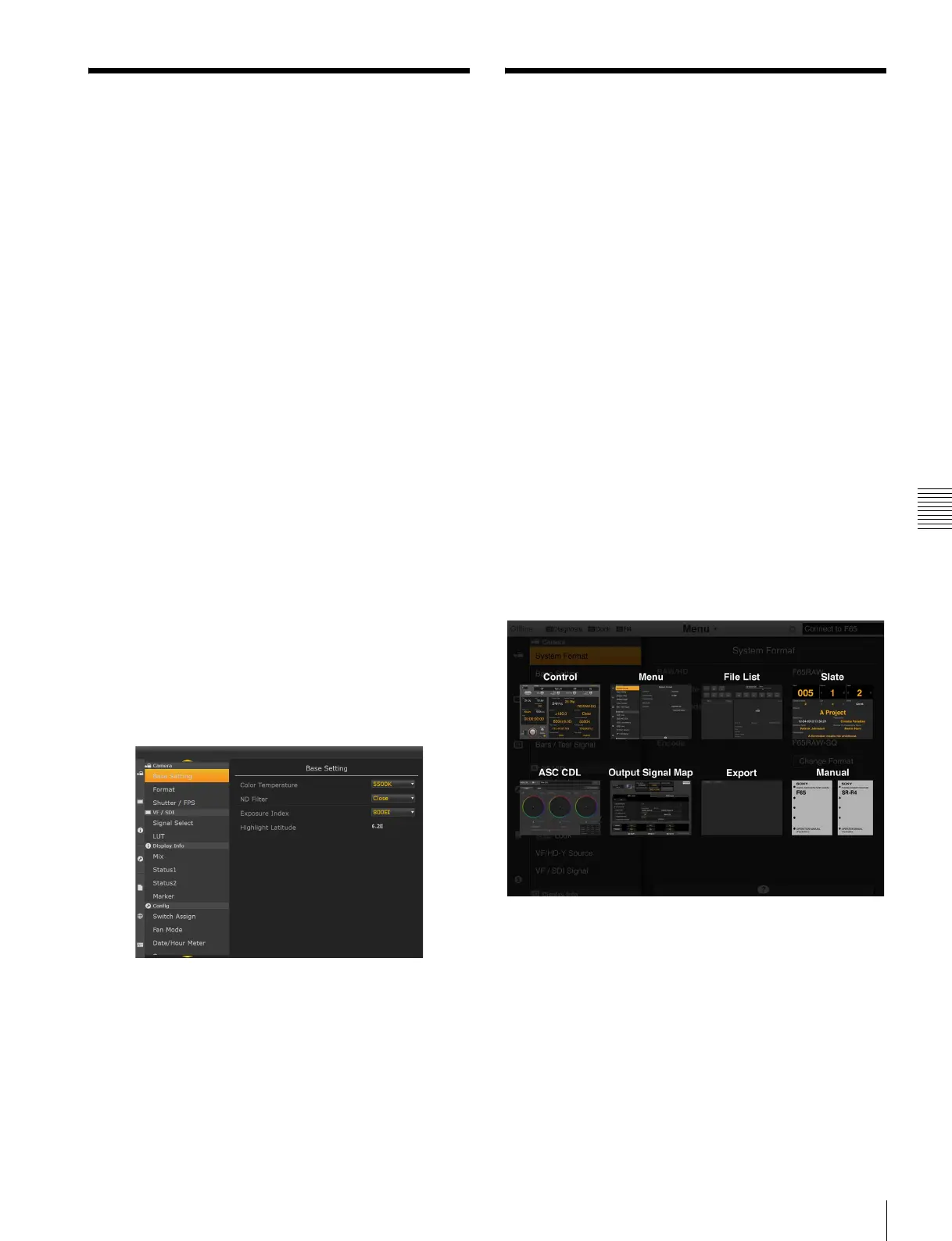
The following menu screen appears.
• Windows and Windows Vista are registered trademarks of Microsoft
Corporation in the United States and other countries.
• Mac OS is a registered trademark of Apple Inc.
• Firefox is a registered trademark of the Mozilla Foundation in the United
States and other countries.
• Google Chrome is a trademark of Google Inc.
Operation using a Tablet
Device
The camera can be operated wirelessly by installing the
F65Remote Look Plus application for tablet devices.
A CBK-WA01 Wi-Fi adapter (option) is required for
wireless operation.
For details about mounting the CBK-WA01, see s.
Operations using F65Remote Look Plus
• Display and set frequently used menu settings in a list
(Control screen)
• Display and change camera configuration settings
(Menu screen)*
• Display list of files recorded in SRMemory (File List
screen)
• Display slate information (Slate screen)
• Display and set ASC CDL settings (ASC CDL screen)
• Display menu setting status from video signal input to
output (Output Signal Map screen)
• File list and ASC CDL file export (Export screen)
• Display Operation Manual (Manual screen)
* Some menus cannot be displayed.
Supported devices
iPad2, iPad (third generation and later)
iOS 6.1 or later



 To Next Page