— 38 —
SELECTING THE TEST MODE
There are 31 different types of test mode as shown below. First, select a desired test group by turning the MULTI JOG dial. When the
desired test group is selected, press the ENTER/YES button to set it. After entering a group, select a desired test mode by turning the
MULTI JOG dial. For the contents of the selected test mode, refer to the column “Group” in the following table.
All operations that are required during service and maintenance are included in group “S”. Be careful not to enter any group other than “S”
by mistake.
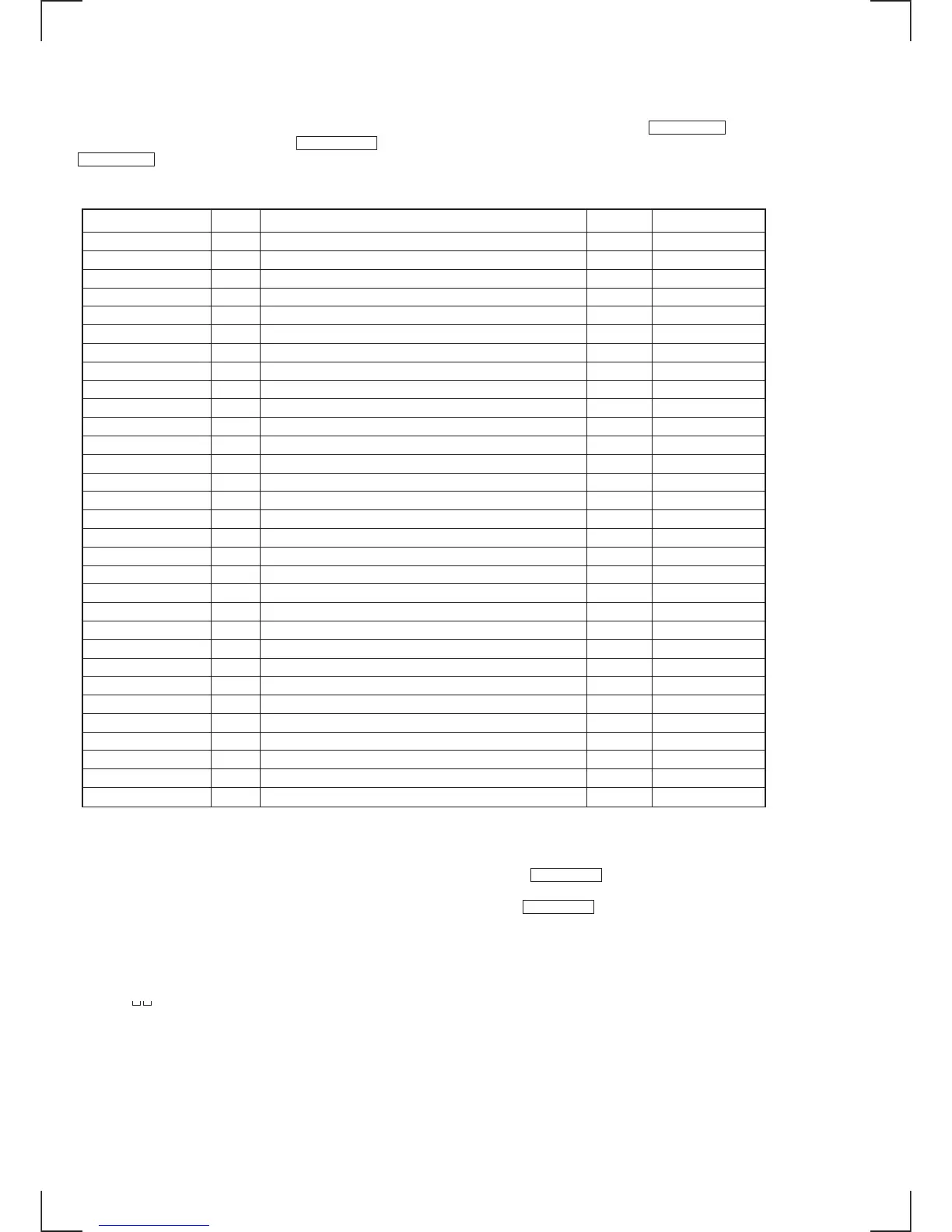
Display No. Contents Mark Group (*)
TEMP CHECK 01 Temperature compensation offset check C S
LDPER CHECK 02 Laser power check C S
EF MO CHECK 03 Traverse (MD) check C S
EF CD CHECK 04 Traverse (CD) check C S
FBIAS CHECK 05 Focus bias check C S
Scurve CHECK 06 S-curve check (×)C
VERIFY MODE 07 Non-volatile memory check (×)C
DETRK CHECK 08 Detrack check (×)C
TEMP ADJUST 09 Temperature compensation offset adjustment A S
LDPWR ADJUST 10 Laser power adjustment A S
EF MO ADJUST 11 Traverse (MD) adjustment A S
EF CD ADJUST 12 Traverse (CD) adjustment A S
FBIAS ADJUST 13 Focus bias adjustment A S
EEP MODE 14 Non-volatile memory control (×) (!) D
MANUAL CMD 15 Command transfer (×)D
SVDATA READ 16 Status display (×)D
ERR DP MODE 17 Error history display, clear S
SLED MOVE 18 Sled check (×)D
ACCESS MODE 19 Access check (×)D
0920 CHECK 20 Outermost circumference check (×)D
HEAD ADJUST 21 Head position check (×)D
CPLAY2 MODE 22 Same function as CPLAY MODE (×)D
CREC2 MODE 23 Same function as CREC MODE (×)D
ADJ CLEAR 24 Initialization of adjustment value in non-volatile memory A S
AG Set (MO) 25 Auto gain output level adjustment (MO) A S
AG Set (CD) 26 Auto gain output level adjustment (CD) A S
Iop Read 27 IOP data display C S
Iop Write 28 IOP data write A S
INFOMATION 29 Microprocessor version display C S
CPLAY MODE 30 Continuous playback mode C A S D
CREC MODE 31 Continuous recording mode C A S D
• If you enter a wrong mode by mistake, immediately exit the mode by pressing the MENU/NO button.
• The test groups with a (×) mark in the Mark column are not described in detail because these test groups are not used for servicing. If you
enter one of these groups by mistake, immediately exit the mode by pressing the MENU/NO button.
Be very careful not to enter any test groups with an exclamation mark (!) in the Mark column because the non-volatile memory can be
written in these test groups and the HCD-MD555 will not work correctly.
Displays on Screen when the Test Mode is Selected
• Name of the selected test mode appears on the upper display.
• MD1- appears in the lower display.
↑
Indicates the test mode number.
(*) Group
C: Check A: Adjust
S: Service D: Develop


 To Next Page