70
GB
4 Press X/x repeatedly until “Name In?”
appears in the front panel display.
5 Press .
6 Create a name by using C/X/x/c.
Press X/x to select a character, then press c
to move the cursor to the next position.
Letters, numbers, and other symbols can be
input for a radio station name.
If you enter a wrong character
Press C/c repeatedly until the character to
be changed flashes, then press X/x to select
the desired character.
To erase the character, press C/c repeatedly
until the character to be erased flashes, then
press CLEAR.
7 Press .
“Complete!” appears in the front panel
display, and the station name is stored.
8 Press MENU.
• You can check the frequency in the front panel display
by pressing DISPLAY repeatedly (page 70).
Viewing the station name or
frequency in the front panel
display
When the system is set to “FM” or “AM,” you
can check the frequency using the front panel
display.
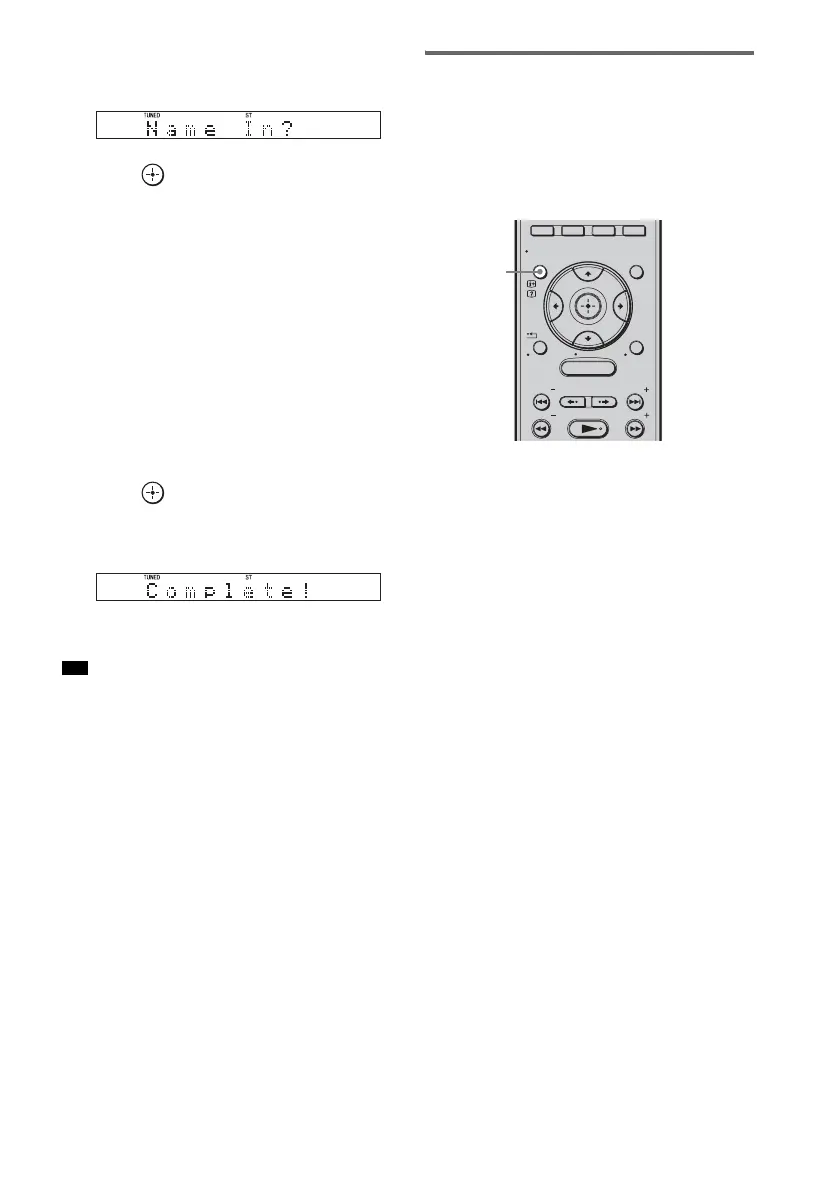
Press DISPLAY.
Each time you press DISPLAY, the front panel
display changes as shown.
1 Station name*
2 Frequency**
* This is displayed if you have entered a name for a
preset station.
** Returns to the original display when several seconds
have elapsed.
Tip
MENU
GUI MENU
TOOLS/
OPTIONS
RETURN/
EXIT
PRESET
TUNING
PRESET
TUNING
HOME
DISPLAY
DISPLAY


 To Next Page
 Loading...











