93
GB
Advanced Settings
5 Press X/x repeatedly to select the
desired setting, then press .
• [AUTO]: Normally select this. The
system changes [RF
Change] to [ON] or [OFF]
automatically.
• [ON]: The system transmits sound
by searching for a better
channel for transmitting.
• [OFF]: The system transmits sound
by fixing the channel for
transmitting.
6 Press GUI MENU.
The GUI menu turns off.
7 When you set [RF Change] to [OFF],
select the ID so that sound
transmission is most stable (page 87).
• In most cases, you will not need to change this setting.
– If [RF Change] is set to [OFF], transmission
between the subwoofer and S-AIR sub unit can be
performed using one of the following channels.
– S-AIR ID A: equivalent channel for IEEE 802.11b/
g channel 1
– S-AIR ID B: equivalent channel for IEEE 802.11b/
g channel 6
– S-AIR ID C: equivalent channel for IEEE 802.11b/
g channel 11
• The transmission may be improved by changing the
transmission channel (frequency) of the other wireless
system(s). For details, refer to the operating
instructions of the other wireless system(s).
Stabilizing S-AIR reception
Read the following when S-AIR reception is
poor or unstable.
Confirm the wireless adapters are inserted
correctly (page 85).
Confirm that the S-AIR IDs of the S-AIR
main unit and sub unit are the same
(page 87).
About environments where S-AIR
products (S-AIR main unit and sub
unit) are used
S-AIR products use a radio frequency of 2.4
GHz. Certain electronic equipment or other
factors may cause lost connection or instability
in S-AIR reception.
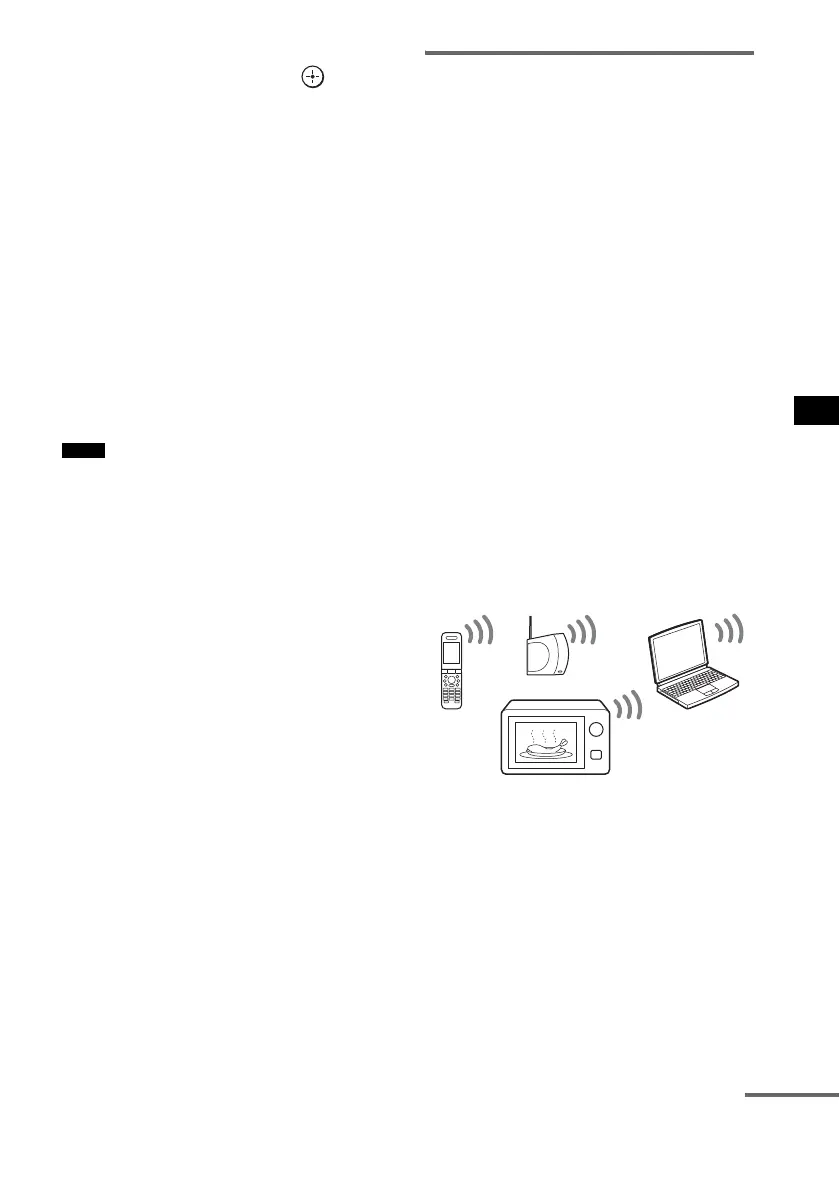
Electronic equipment influence
The following may cause interference or cross
talk.
– Cellular phones, cordless phones
– Wireless LAN, personal computers
– Game machines using radio signals
– Microwave ovens
Other factors
The following may cause poor reception.
– Materials or structures, such as walls and
floors
– The location where an S-AIR product is
placed
When using S-AIR products, place them as far as
possible from the above electronic equipment, or
place where S-AIR reception is stable.
Notes
continued



 To Next Page