87
GB
Advanced Settings
Establishing sound
transmission between the
subwoofer and S-AIR sub unit
(ID setting)
Simply by matching the ID of the subwoofer and
the S-AIR sub unit, you can establish sound
transmission.
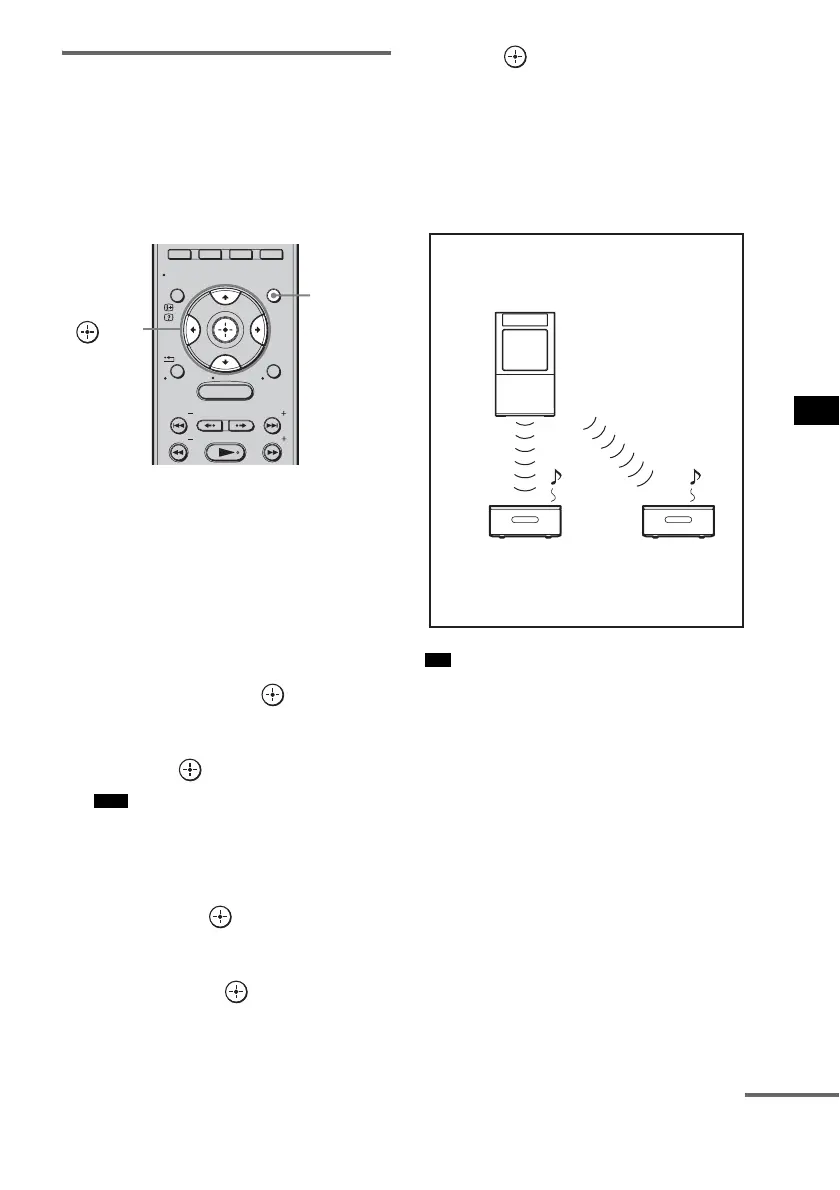
To set the ID of the subwoofer
1 Turn on the subwoofer.
The subwoofer turns on.
2 Press GUI MENU.
“GUI MENU” appears in the front panel
display of the subwoofer and the GUI menu
appears on the TV screen.
3 Press X/x repeatedly to select
[Settings], then press or c.
The settings menu appears.
4 Press X/x repeatedly to select [S-AIR],
then press .
• When the S-AIR transmitter (not supplied)
is not inserted into the subwoofer, [S-AIR]
cannot be selected.
5 Press X/x repeatedly to select [S-AIR
ID], then press or c.
The S-AIR ID menu appears.
6 Press X/x to select the desired ID (A, B,
or C), then press .
The ID of the subwoofer is set, and the
message, [Set S-AIR ID of the sub unit to
the same as that of the main unit.], appears.
7 Press to set the ID of the S-AIR sub
unit.
8 Press GUI MENU.
The GUI menu turns off.
9 Set the S-AIR sub unit to the same ID.
Sound transmission is established as follows
(example):
• To confirm the current ID, perform steps 1 to 3
above. When you pair the subwoofer with the
S-AIR sub unit (page 90), [(Pairing)] appears
beside the ID on the TV screen in the GUI
menu.
To set the ID of the S-AIR receiver
Refer to the operating instructions of the S-AIR
receiver.
Note
MENU
GUI MENU
TOOLS/
OPTIONS
RETURN/
EXIT
PRESET
TUNING
PRESET
TUNING
HOME
DISPLAY
GUI
MENU
C, X, x, c,
Tip
ID A
S-AIR main unit
(This subwoofer)
ID A
S-AIR sub unit
ID A
S-AIR sub unit
continued



 To Next Page