Help Guide
IC Recorder
ICD-TX660
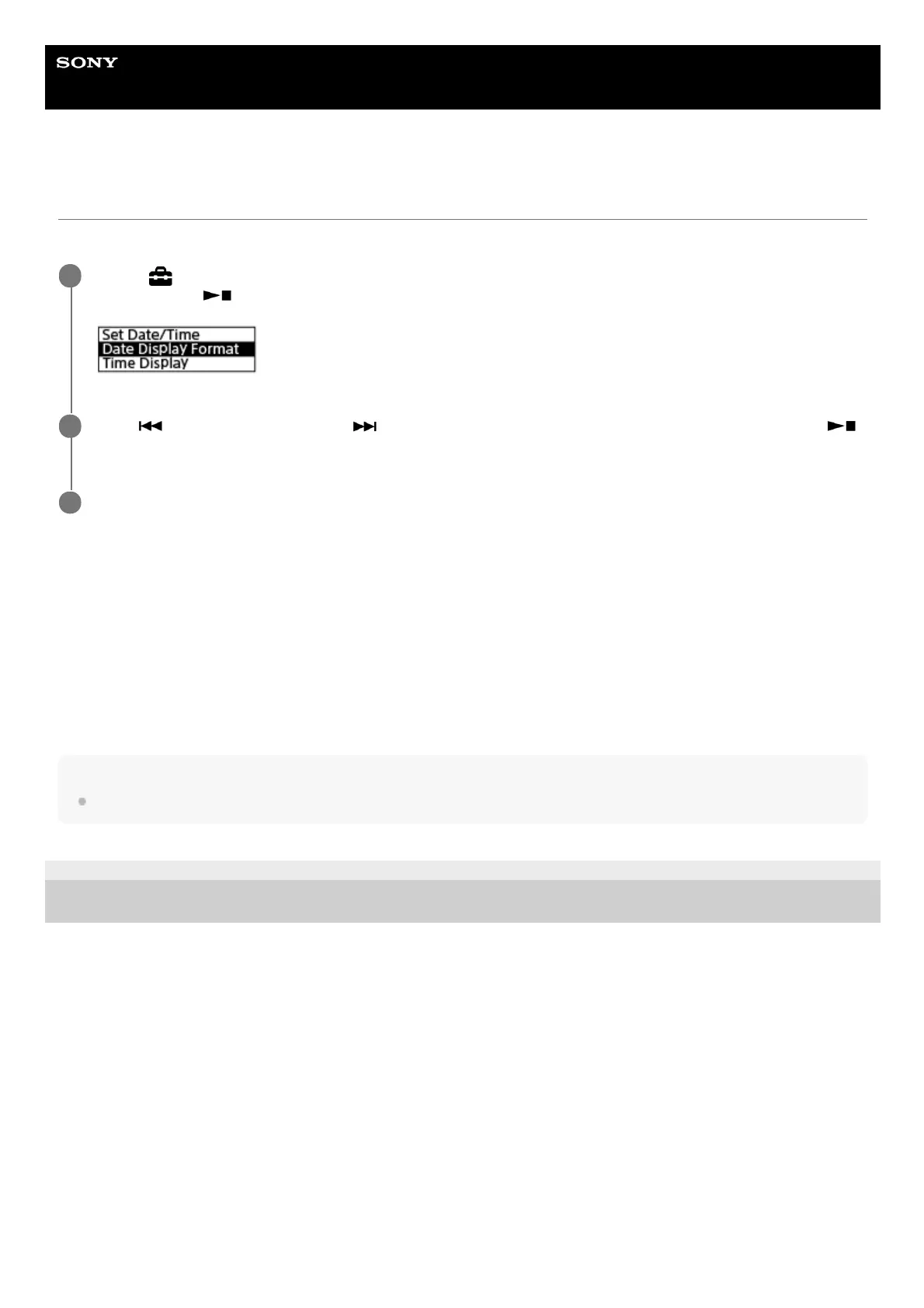
Selecting the date display format (Date Display Format)
You can select the date display format to suit your preference.
Description of menu items
You can select one of the following items:
YYYY/MM/DD:
The date appears in the year/month/date format.
MM/DD/YYYY:
The date appears in the month/date/year format.
DD/MM/YYYY:
The date appears in the date/month/year format.
Note
The default setting differs depending on the area you purchased your IC recorder.
5-025-099-11(1) Copyright 2021 Sony Corporation
Select [
Settings] - [Common Settings] - [Date & Time] - [Date Display Format] from the HOME menu,
and then press
(play/enter/stop).
1
Press
(review/fast backward) or (cue/fast forward) to select the desired format, and then press
(play/enter/stop).
2
Press and hold BACK/HOME to return to the HOME menu.
3



 To Next Page