Help Guide
IC Recorder
ICD-TX660
Formatting the memory (Format)
You can format the built-in memory of your IC recorder. Formatting the built-in memory will delete all of the stored data
and restore the original folder structure at your purchase.
Note
Be aware that formatting the built-in memory will delete all of the stored data, including protected files, and you will not be able to
restore anything after the formatting process.
Hint
To cancel the formatting process, select [No] in step 2.
5-025-099-11(1) Copyright 2021 Sony Corporation
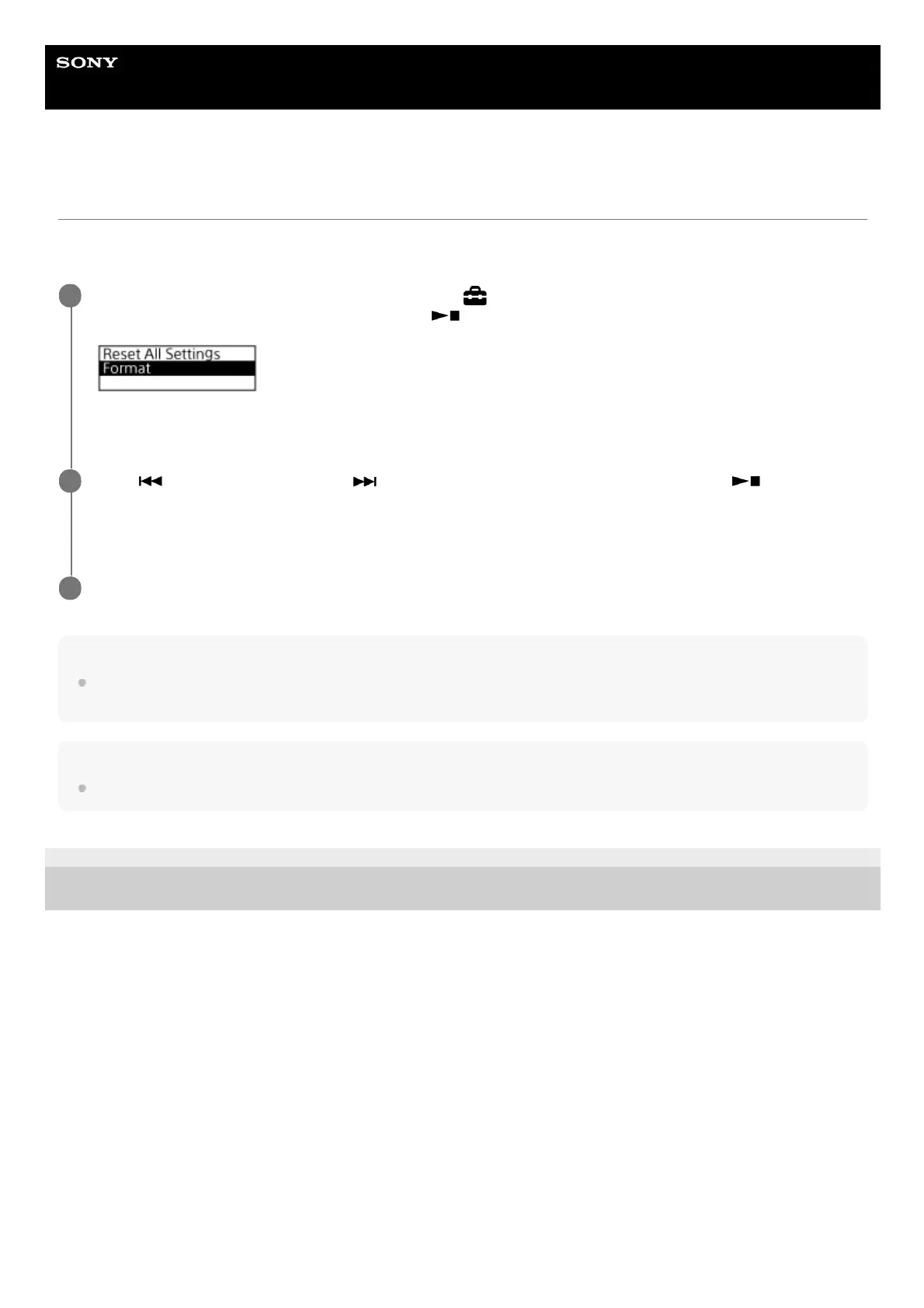
While recording or playback is on standby, select [
Settings] - [Common Settings] - [Reset/Format] -
[Format] from the HOME menu, and then press
(play/enter/stop).
[Delete All Data?] appears.
1
Press
(review/fast backward) or (cue/fast forward) to select [Yes], and then press
(play/enter/stop).
[Please Wait] appears and the built-in memory will be formatted.
2
Press and hold BACK/HOME to return to the HOME menu.
3



 To Next Page