Help Guide
IC Recorder
ICD-TX660
Protecting a file
To prevent a file from being accidentally deleted or edited, you can protect an important file. A protected file is regarded
as a read-only file that you cannot delete or edit.
Hint
To remove protection from a file, select the protected file, and then select [Do Not Protect] in step 2.
Related Topic
Selecting a file
5-025-099-11(1) Copyright 2021 Sony Corporation
Select the file that you want to protect.
1
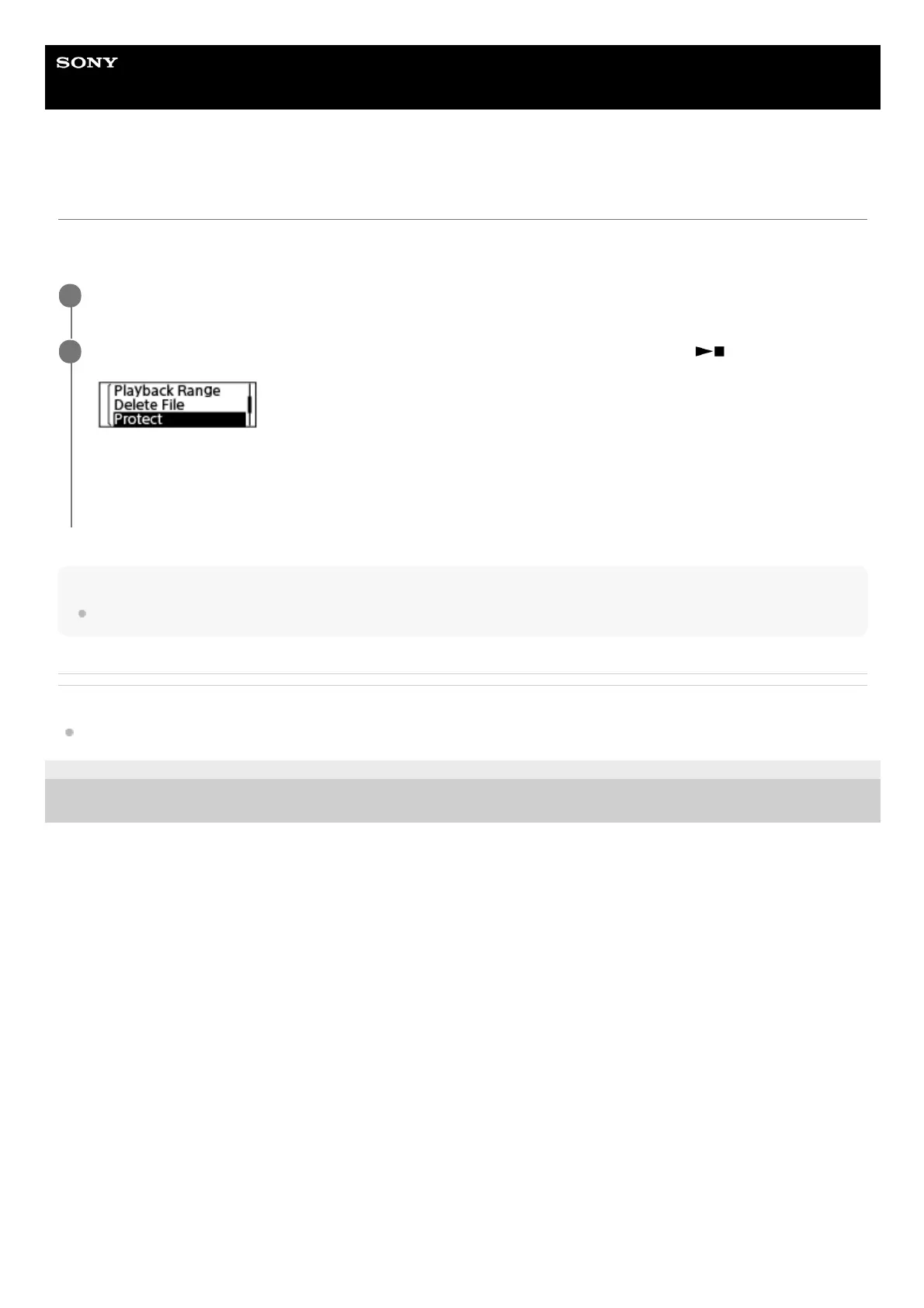
While playback is on standby, select [Protect] on the OPTION menu, and then press
(play/enter/stop).
[Please Wait] and then [Protected] appear on the display window and the file is protected.
On the screen for viewing information about the recorded file, [ON] is displayed next to [File Protection:] to indicate
that the file is protected.
2



 To Next Page