Help Guide
IC Recorder
ICD-TX660
Setting the time period before the IC recorder automatically turns off (Auto Power Off)
You can set your IC recorder to automatically turn off if it is left unused for the specified period time.
Description of menu items
You can select one of the following items:
OFF:
Your IC recorder will not turn off automatically.
5 Min:
Your IC recorder will turn off in approx. 5 minutes.
10 Min:
Your IC recorder will turn off in approx. 10 minutes (default setting).
30 Min:
Your IC recorder will turn off in approx. 30 minutes.
60 Min:
Your IC recorder will turn off in approx. 60 minutes.
Note
During the recording delay countdown, your IC recorder does not turn off even when the period of time specified for the Auto
Power Off function expires.
Related Topic
Turning the power on
Releasing the IC recorder from the HOLD state
Using the recording delay function
5-025-099-11(1) Copyright 2021 Sony Corporation
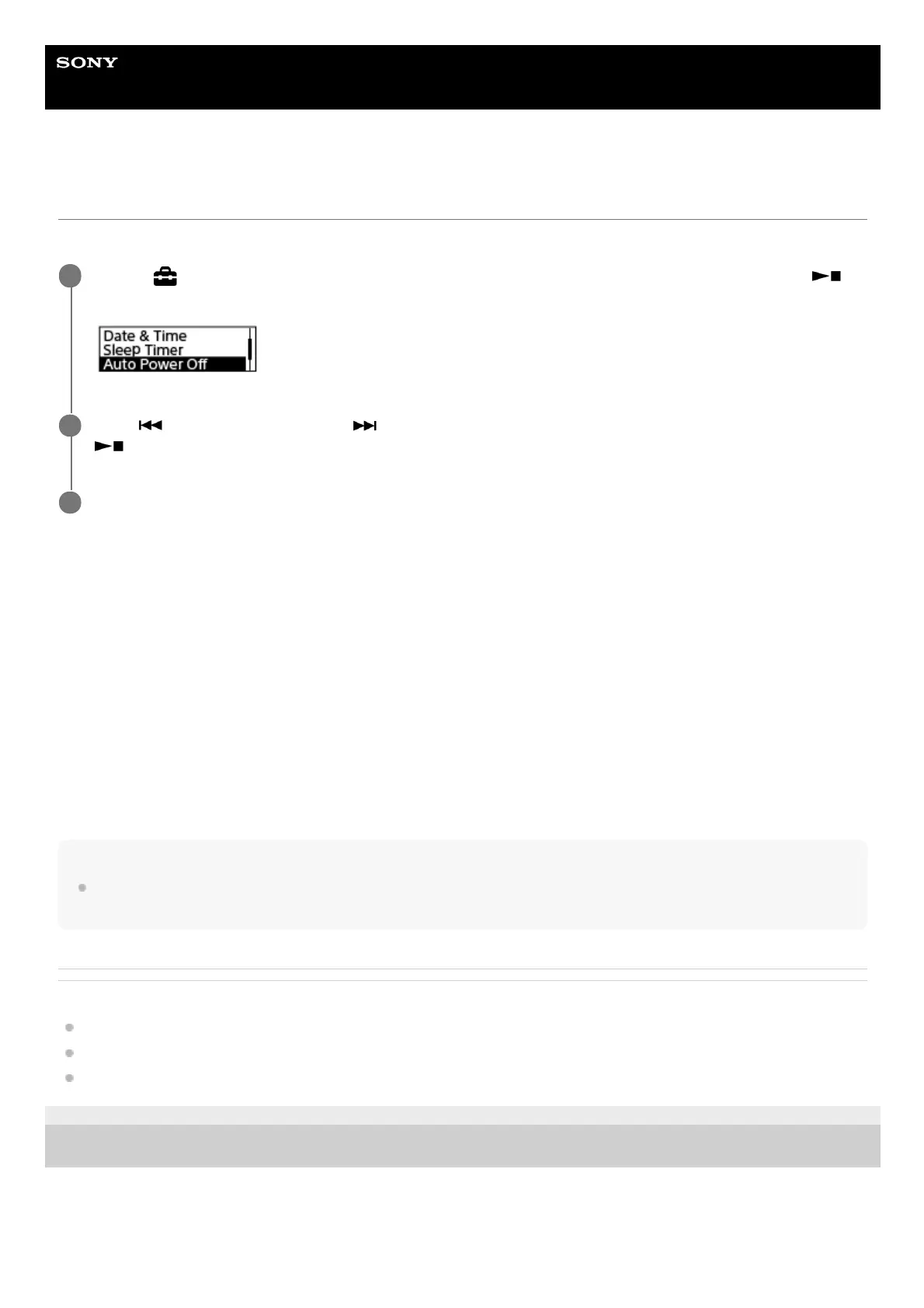
Select [
Settings] - [Common Settings] - [Auto Power Off] from the HOME menu, and then press
(play/enter/stop).
1
Press
(review/fast backward) or (cue/fast forward) to select the desired time period, and then press
(play/enter/stop).
2
Press and hold BACK/HOME to return to the HOME menu.
3



 To Next Page