Help Guide
IC Recorder
ICD-TX660
Copying files from the IC recorder to a computer
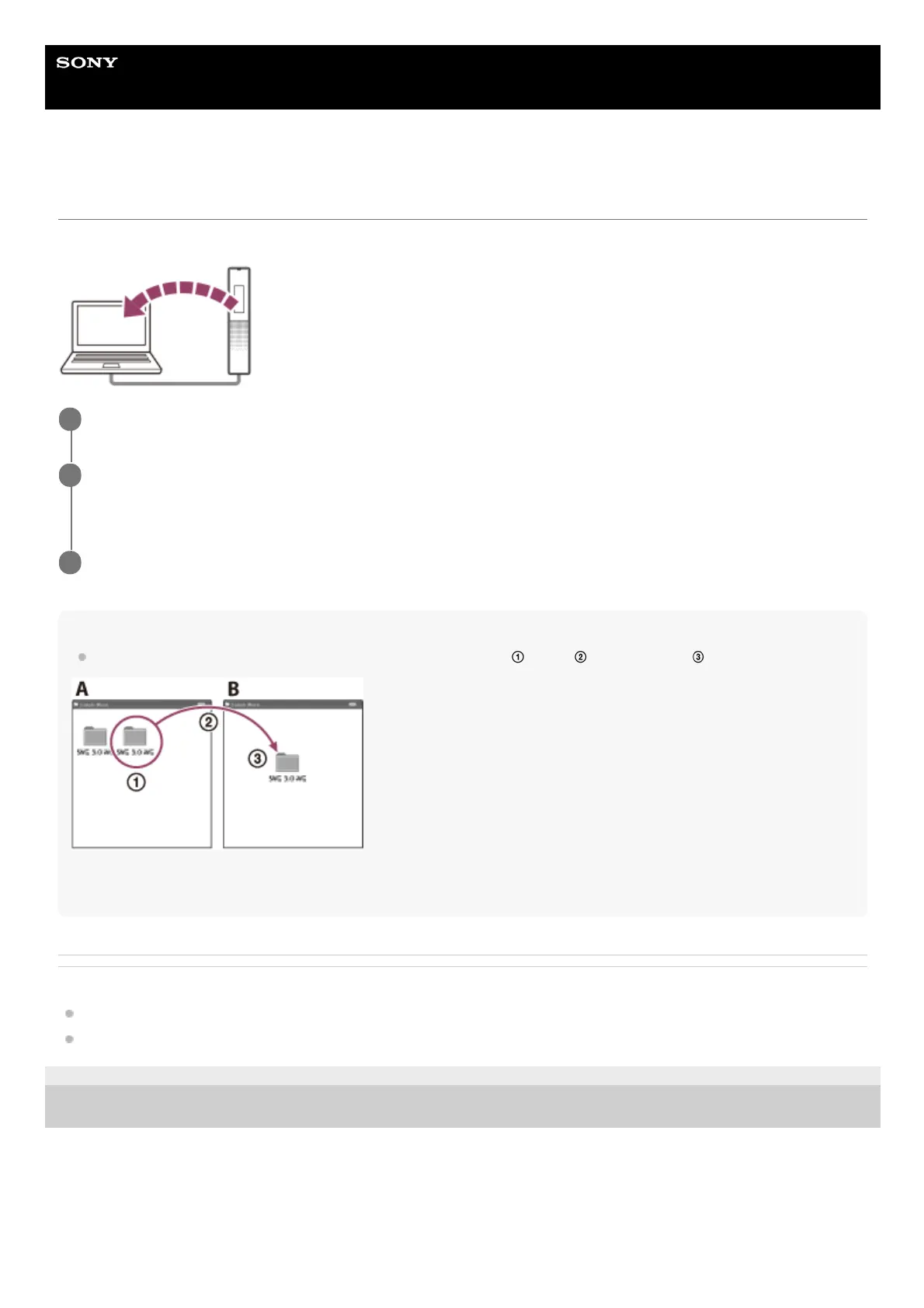
You can copy files and folders from your IC recorder to a computer to store them.
Hint
To copy a file or folder (drag and drop), click and hold the file or folder (
), drag ( ), and then drop ( ).
A: IC RECORDER
B: Computer
Related Topic
Connecting the IC recorder to a computer
Disconnecting the IC recorder from the computer
5-025-099-11(1) Copyright 2021 Sony Corporation
Connect the IC recorder to the computer.
1
Copy files or folders you want to transfer to the computer.
Drag and drop the files or folders you want to copy from [IC RECORDER] to the local disk on the computer.
2
Disconnect the IC recorder from the computer.
3



 To Next Page