Help Guide
IC Recorder
ICD-TX660
Reducing noise during recording (Recording Filter)
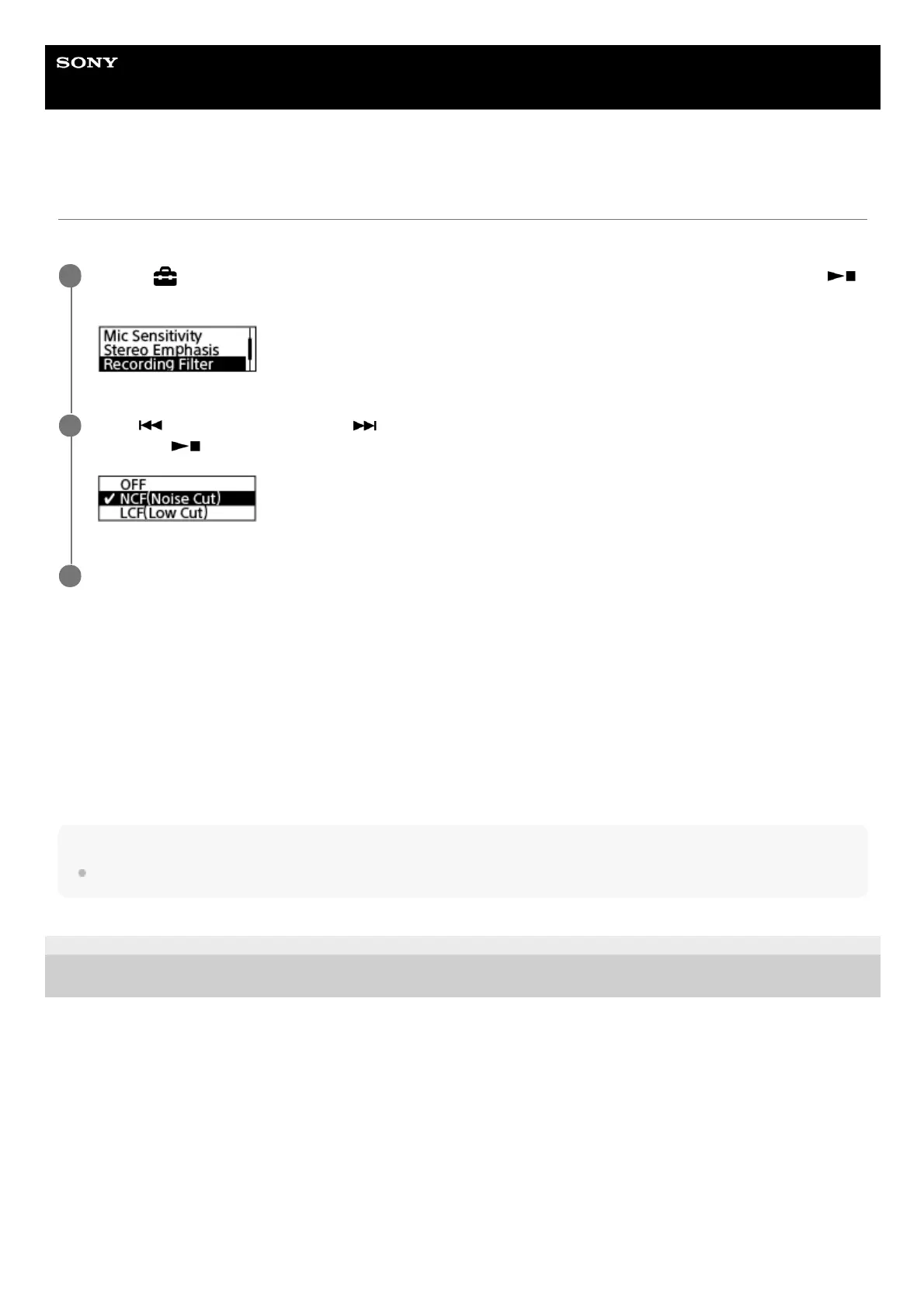
With the Recording Filter function, you can reduce noise in the recordings.
Description of menu items
You can select one of the following items:
OFF:
Turns off the Recording Filter function.
NCF(Noise Cut):
Cuts high-frequency sounds except for human voices as well as low-frequency sounds (default setting).
LCF(Low Cut):
Cuts low-frequency sounds, including noise from projectors and roaring wind sounds.
Hint
To cancel the Recording Filter function setup process, select [OFF] in step 2.
5-025-099-11(1) Copyright 2021 Sony Corporation
Select [
Settings] - [Recording Settings] - [Recording Filter] from the HOME menu, and then press
(play/enter/stop).
1
Press
(review/fast backward) or (cue/fast forward) to select [NCF(Noise Cut)] or [LCF(Low Cut)], and
then press
(play/enter/stop).
2
Press and hold BACK/HOME to return to the HOME menu.
3



 To Next Page