Help Guide
IC Recorder
ICD-TX660
Deleting a file
You can select a file and delete it.
Note
Once you have deleted a file, you will not be able to restore it.
Note
You cannot delete a protected file. To delete a protected file, remove the protection from the file first, then delete the file. For
instructions on removing protection, see Protecting a file.
Hint
To cancel the deleting process, select [No] in step 3, and then press
(play/enter/stop).
To delete a part of a file, first divide the file into two files, select the file you want to delete, and proceed with step 2 and step 3.
For instructions on dividing a file, see Dividing a file at the current playback point.
Related Topic
Selecting a file
Deleting all files in the searched folder or list
Deleting a folder
5-025-099-11(1) Copyright 2021 Sony Corporation
Select a file you want to delete.
1
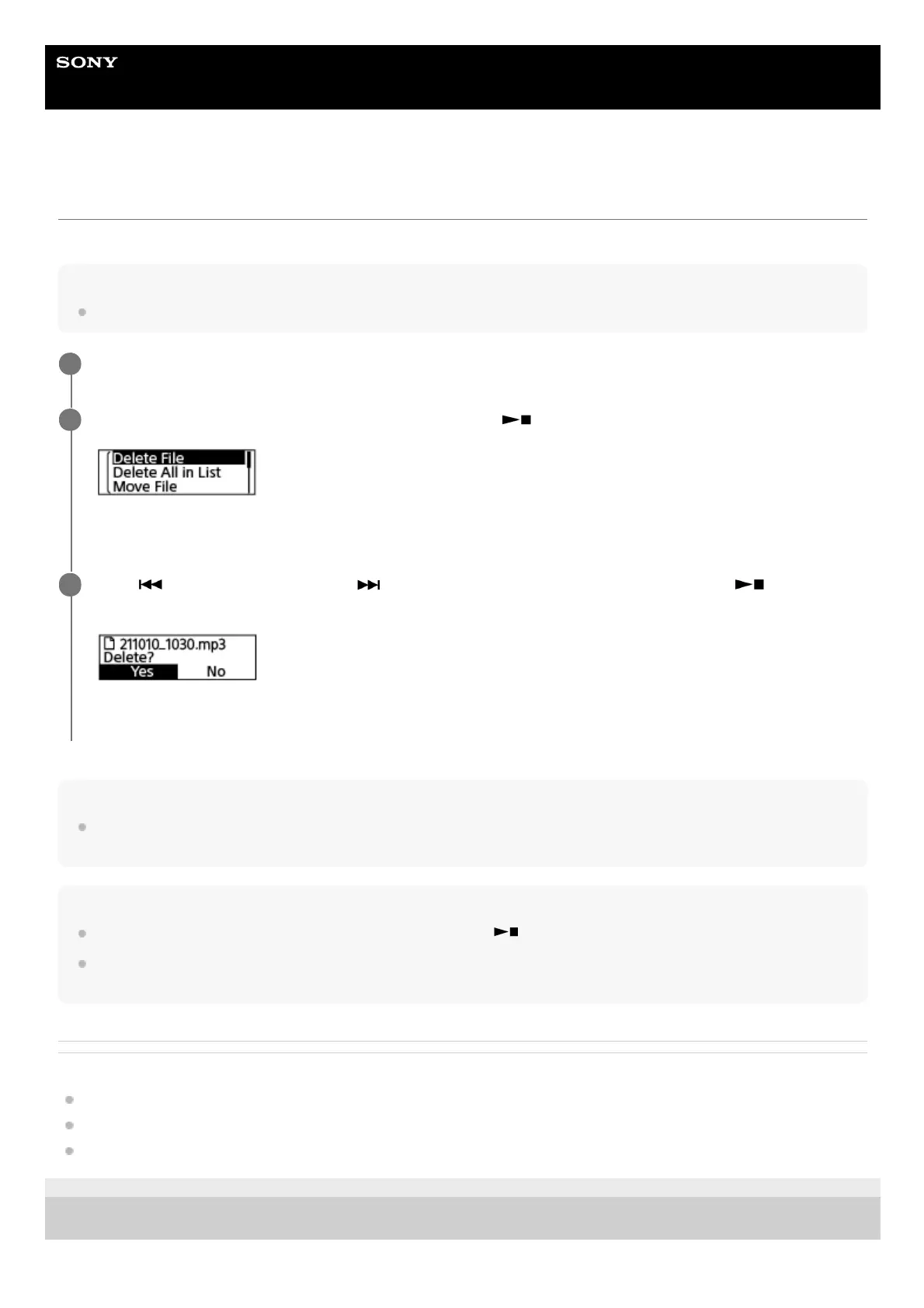
Select [Delete File] on the OPTION menu, and then press
(play/enter/stop).
[Delete?] appears and the specified file plays for confirmation.
2
Press
(review/fast backward) or (cue/fast forward) to select [Yes], and then press
(play/enter/stop).
[Please Wait] appears on the display window and the selected file will be deleted.
3



 To Next Page