Help Guide
IC Recorder
ICD-TX660
Recording automatically in response to the input sound volume – the VOR function
You can set your IC recorder to automatically start when the input sound volume reaches the predefined level, and
pause when the volume decreases below the level.
When the input sound volume decreases below the predefined level, the [VOR] indicator flashes on the display window
and the recording pauses. When the volume reaches the level once again, the recording restarts.
Note
The VOR function is affected by the ambient sound conditions. Select the sensitivity level of the built-in microphones suitable to
your ambient sound conditions. For instructions on selecting the sensitivity level, see Selecting the sensitivity level of the built-in
microphones (Mic Sensitivity).
If the selected sensitivity level does not work as you expected or when you want to make an important recording, follow the
above steps to set [VOR] to [OFF].
Hint
To cancel the VOR function setup process, set [VOR] to [OFF] in step 2.
5-025-099-11(1) Copyright 2021 Sony Corporation
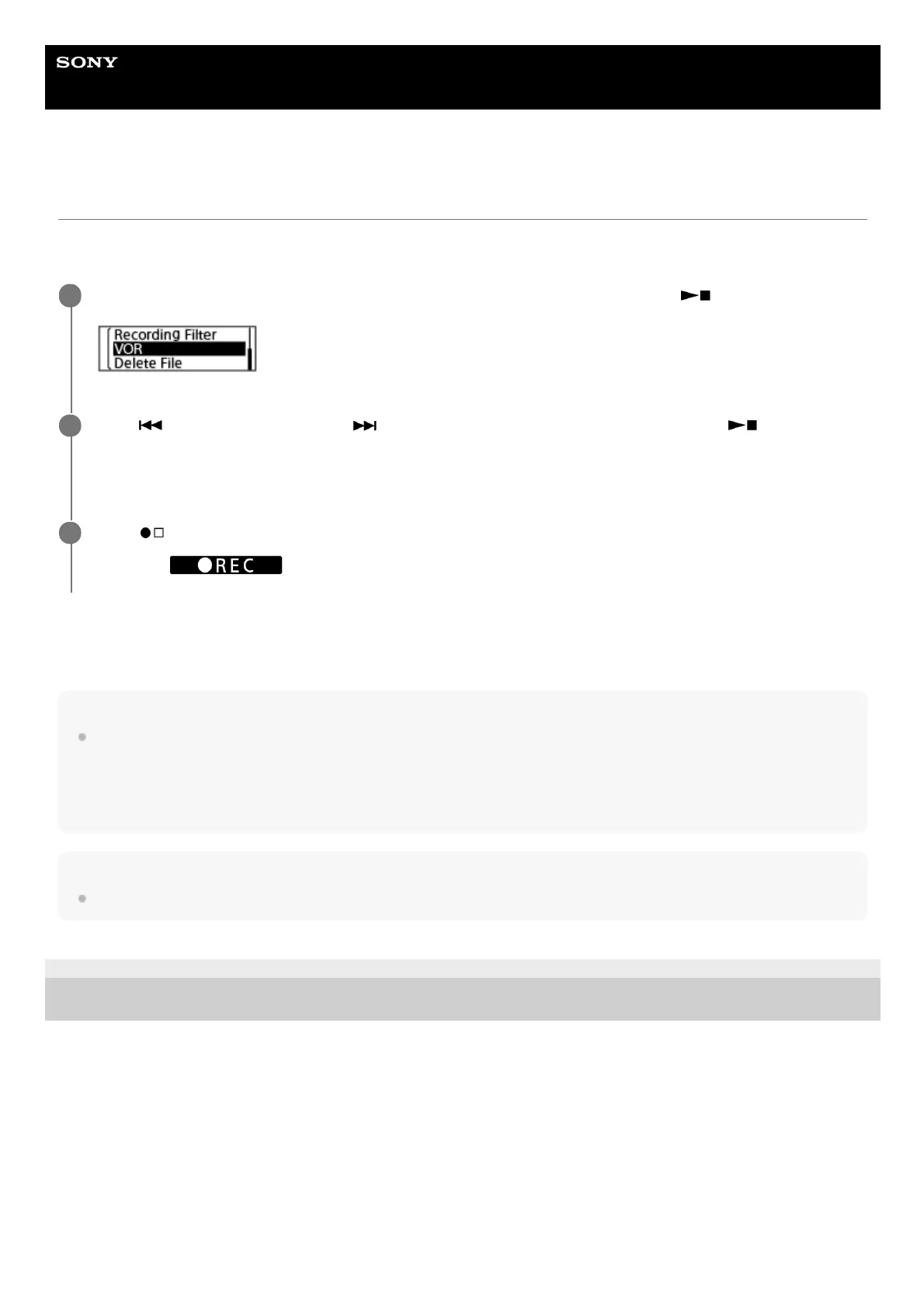
While recording is on standby, select [VOR] on the OPTION menu, and then press
(play/enter/stop).
1
Press
(review/fast backward) or (cue/fast forward) to select [ON], and then press
(play/enter/stop).
[VOR] is set to [OFF] by default.
2
Press
(record/recording stop).
[VOR] and
appears on the display window.
3



 To Next Page