Help Guide
IC Recorder
ICD-TX660
Selecting the playback mode
You can select the playback mode that suits your needs.
Description of menu items
You can select one of the following items:
Normal:
Plays the files in the specified range one by one (default setting).
Repeat:
Plays the files in the specified range repeatedly.
1 File Play:
Plays the current file to the end and stops.
1 File Repeat:
Plays the current file repeatedly.
Shuffle:
Plays the files in the specified range at random.
Shuffle Repeat:
Plays the files in the specified range repeatedly at random.
Related Topic
Specifying a segment of a file to play repeatedly (A-B repeat)
Repeatedly playing the current file (Button-hold repeat playback)
5-025-099-11(1) Copyright 2021 Sony Corporation
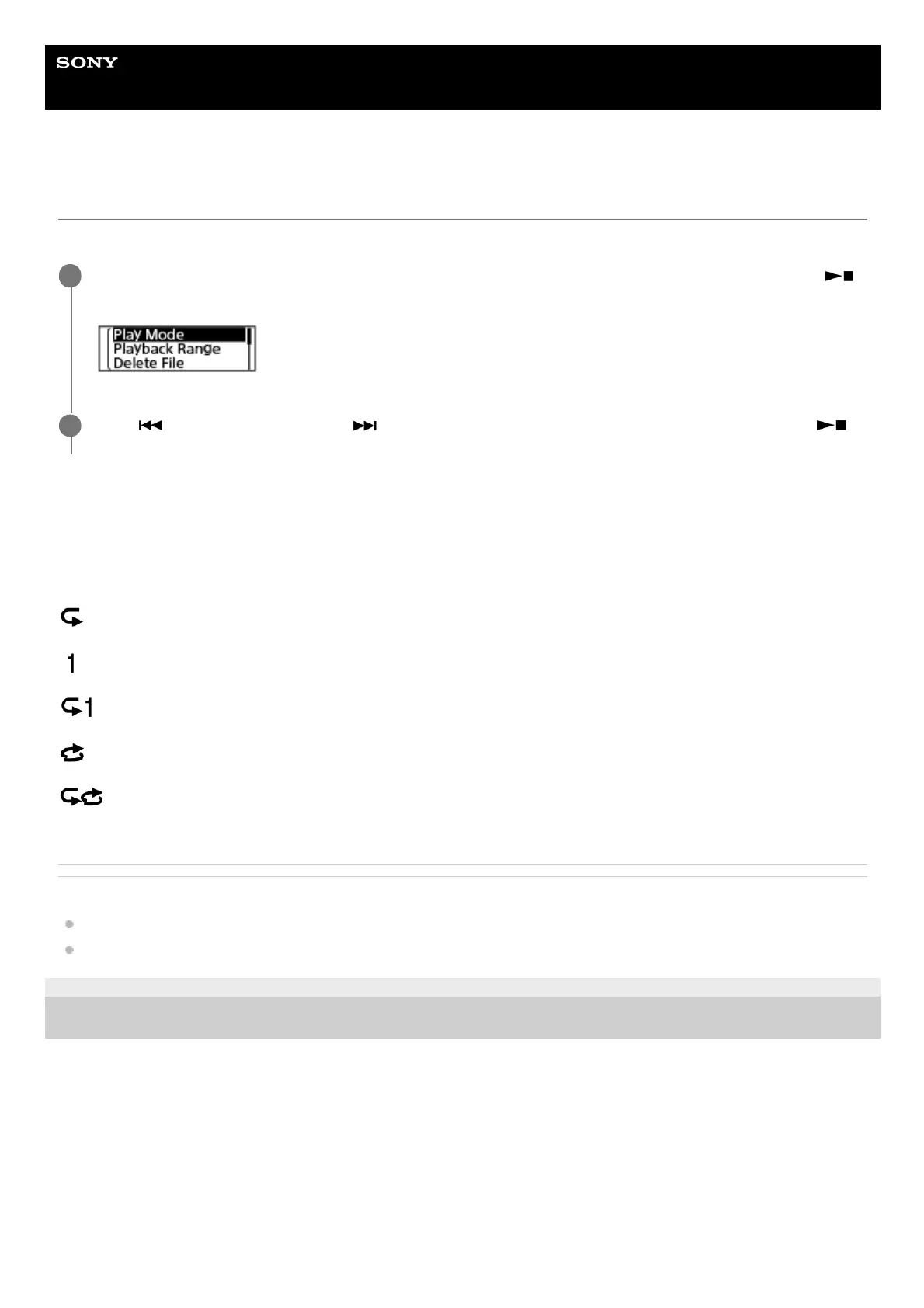
While playback is on standby or in progress, select [Play Mode] on the OPTION menu, and then press
(play/enter/stop).
1
Press
(review/fast backward) or (cue/fast forward) to select a playback mode, and then press
(play/enter/stop).
2



 To Next Page