Help Guide
IC Recorder
ICD-TX660
Specifying a segment of a file to play repeatedly (A-B repeat)
You can specify the starting point A and the finishing point B in a file to play the segment between the specified points
repeatedly.
Note
While playback is on standby, you cannot specify the same point as the starting point A and the finishing point B.
You cannot turn on the button-hold repeat playback function while the A-B repeat playback function is active.
While in time jump mode, you cannot use A-B repeat.
Hint
To change the segment specified for the A-B repeat playback function, resume normal playback by pressing BACK/HOME while
the A-B repeat playback function is active, and then repeat step 1 and step 2.
Related Topic
Selecting the playback mode
Repeatedly playing the current file (Button-hold repeat playback)
5-025-099-11(1) Copyright 2021 Sony Corporation
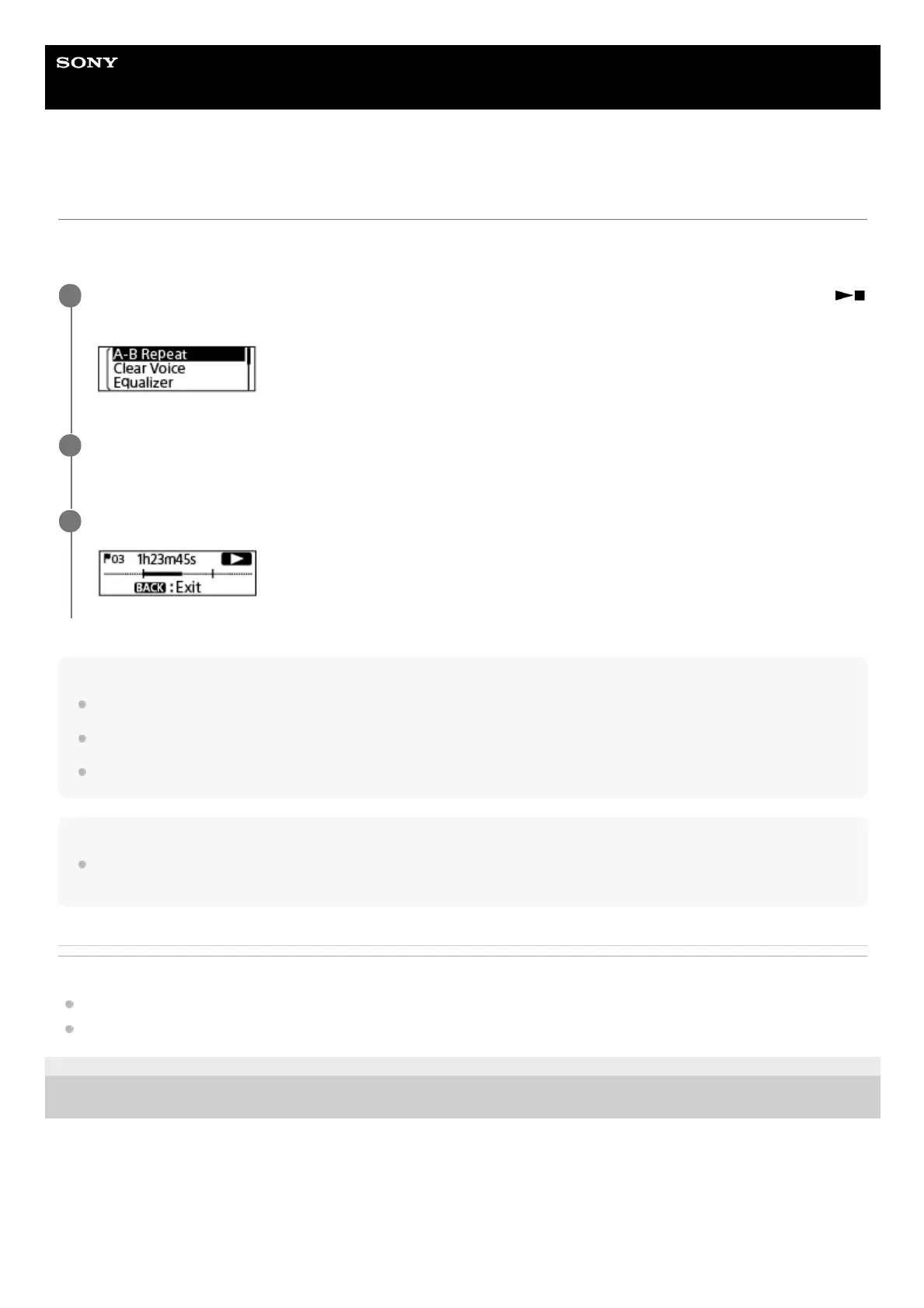
While playback is on standby or in progress, select [A-B Repeat] on the OPTION menu, and then press
(play/enter/stop).
1
Press OPTION to specify the starting point A, and then press OPTION once again to specify the finishing
point B.
2
To resume normal playback, press BACK/HOME.
3



 To Next Page