Help Guide
IC Recorder
ICD-TX660
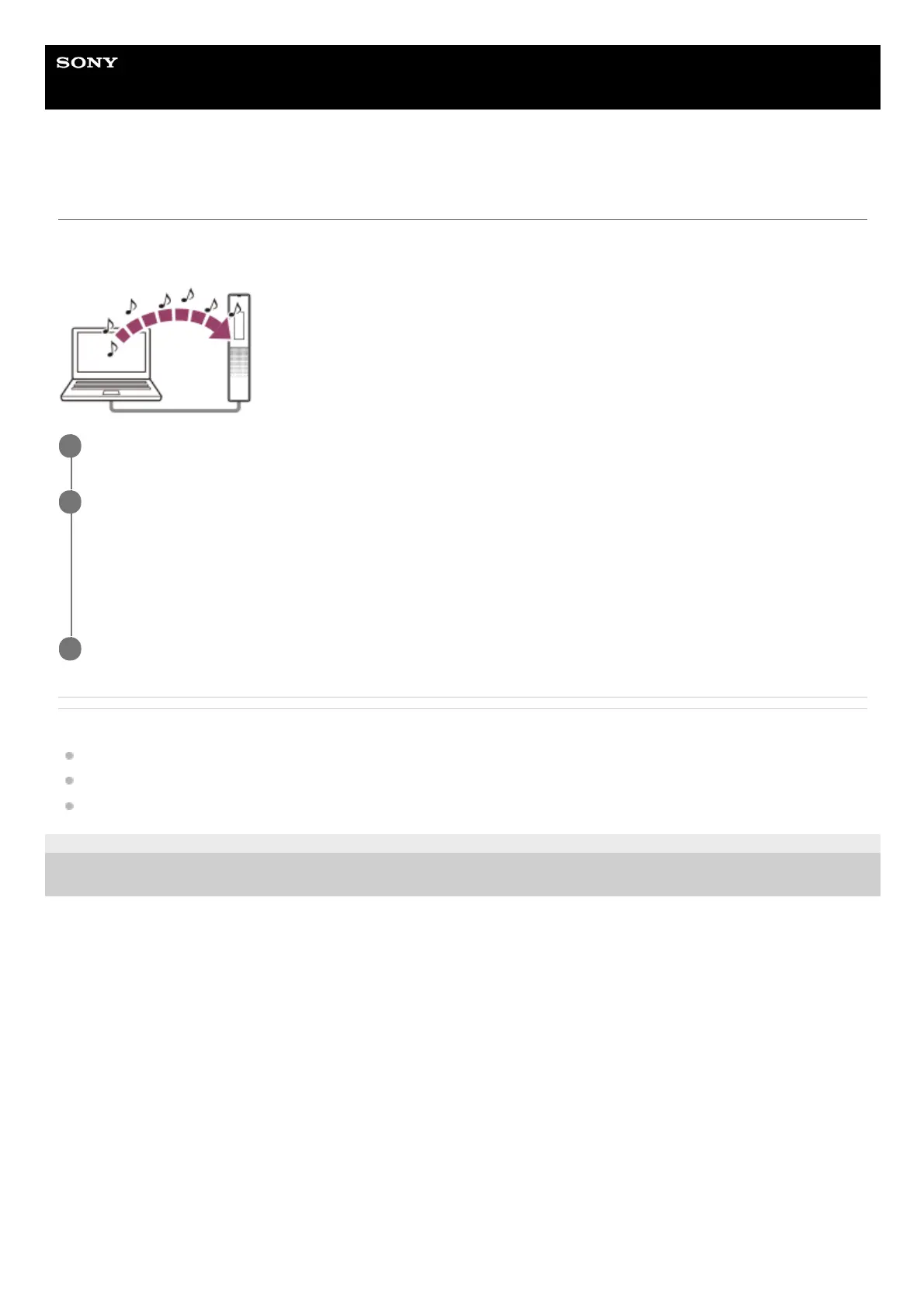
Copying music files from a computer to the IC recorder
You can copy music and audio files LPCM (.wav) / MP3 (.mp3) / WMA (.wma) / AAC-LC (.m4a) from a computer to your
IC recorder by drag and drop.
Related Topic
Technical specifications
Connecting the IC recorder to a computer
Disconnecting the IC recorder from the computer
5-025-099-11(1) Copyright 2021 Sony Corporation
Connect the IC recorder to the computer.
1
Copy the folder containing music files to the IC recorder.
Open the Explorer (Windows) or the Finder (Mac) and drag and drop the folder containing music files to the
REC_FILE folder or the MUSIC folder.
Your IC recorder is capable of storing up to 199 files per folder and recognizing a total of up to 5,000 folders and
files stored on the built-in memory.
2
Disconnect the IC recorder from the computer.
3



 To Next Page