Help Guide
IC Recorder
ICD-TX660
Selecting a sound quality setting (Equalizer)
You can select a sound quality setting in accordance with a music genre.
Description of menu items
You can select one of the following items:
OFF:
Turns off the Equalizer function (default setting).
Excited:
Suitable when you want to uplift yourself and feel hyper by listening to up-tempo music, or when you want to feel
exhilarated by listening to music.
Relaxed:
Suitable when you want to feel calm with music playing in background (for example, when you do not want to be
distracted by music or when you want to sleep while listening to music).
Vocal:
Suitable when you want to listen to music with focus on vocal parts.
Treble Boost:
Suitable when you want to listen to music with focus on high notes.
Bass Boost:
Suitable when you want to listen to music with focus on low notes.
Note
While playback is in progress with the built-in speaker, the Equalizer function does not work.
5-025-099-11(1) Copyright 2021 Sony Corporation
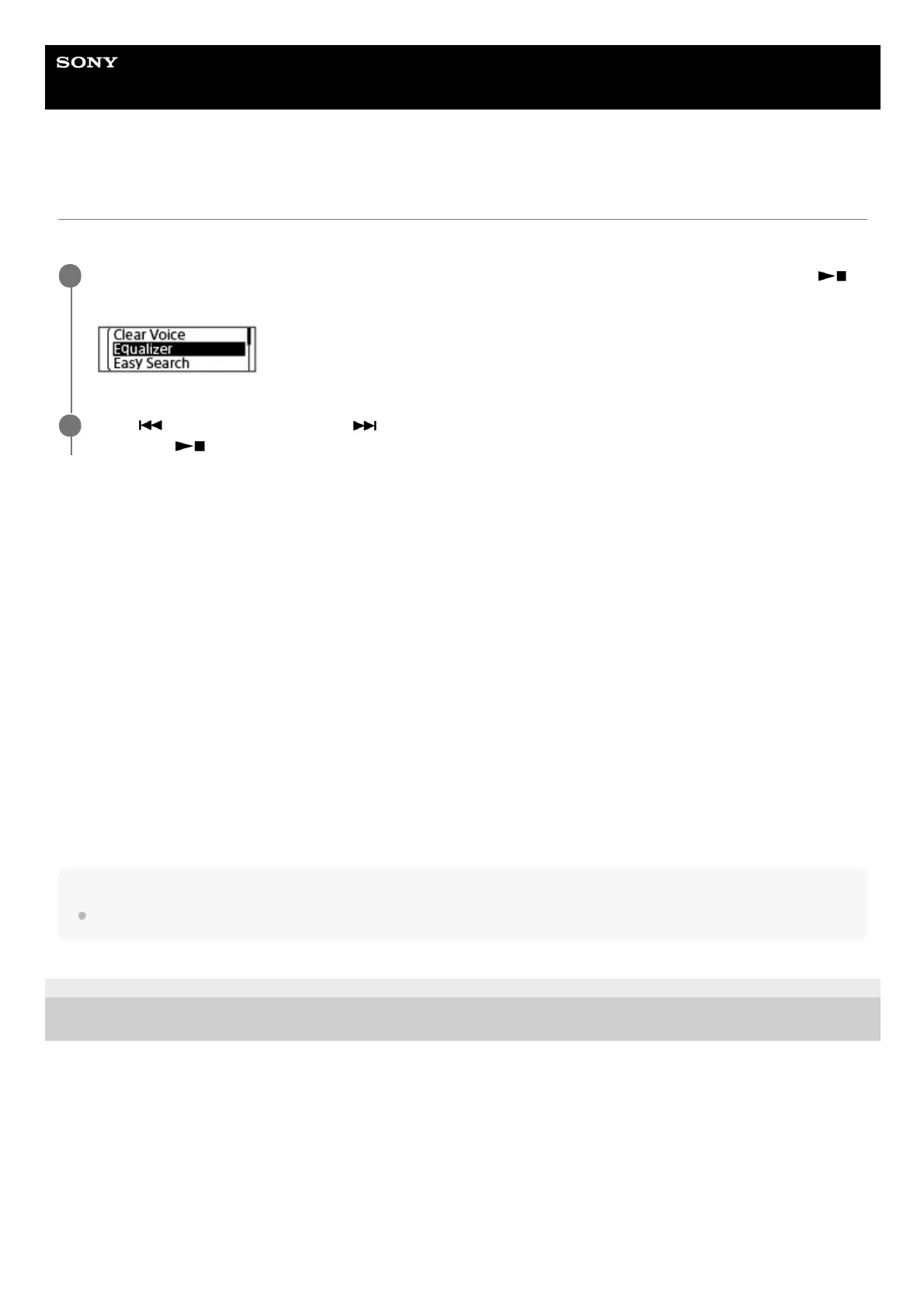
While playback is on standby or in progress, select [Equalizer] on the OPTION menu, and then press
(play/enter/stop).
1
Press
(review/fast backward) or (cue/fast forward) to select the desired sound quality setting, and
then press
(play/enter/stop).
2



 To Next Page