Help Guide
IC Recorder
ICD-TX660
Selecting the clock display format (Time Display)
You can select either the 12-Hour or 24-Hour format.
Description of menu items
You can select one of the following items:
12-Hour:
12:00AM = midnight, 12:00PM = noon
24-Hour:
00:00 = midnight, 12:00 = noon
Note
The default setting differs depending on the country or region of your purchase.
5-025-099-11(1) Copyright 2021 Sony Corporation
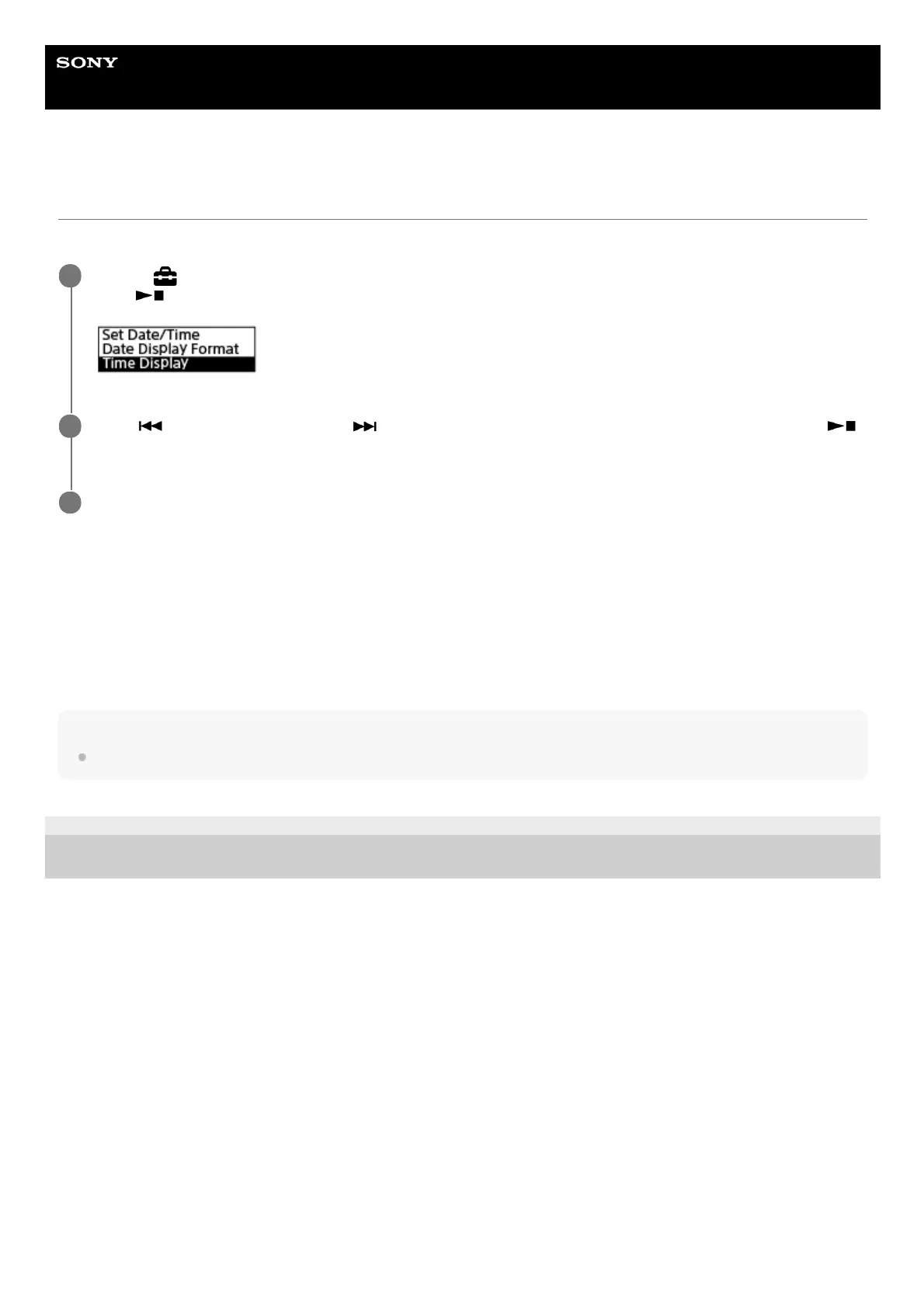
Select [
Settings] - [Common Settings] - [Date & Time] - [Time Display] from the HOME menu, and then
press
(play/enter/stop).
1
Press
(review/fast backward) or (cue/fast forward) to select the desired format, and then press
(play/enter/stop).
2
Press and hold BACK/HOME to return to the HOME menu.
3



 To Next Page