Help Guide
IC Recorder
ICD-TX660
Turning the beep sound on or off (Beep)
You can turn the operation beep sound on or off.
Description of menu items
You can select one of the following items:
ON:
A beep will sound to indicate that an operation is accepted or an error occurs (default setting).
OFF:
No beeps will sound.
Related Topic
Monitoring the recording audio
5-025-099-11(1) Copyright 2021 Sony Corporation
Select [
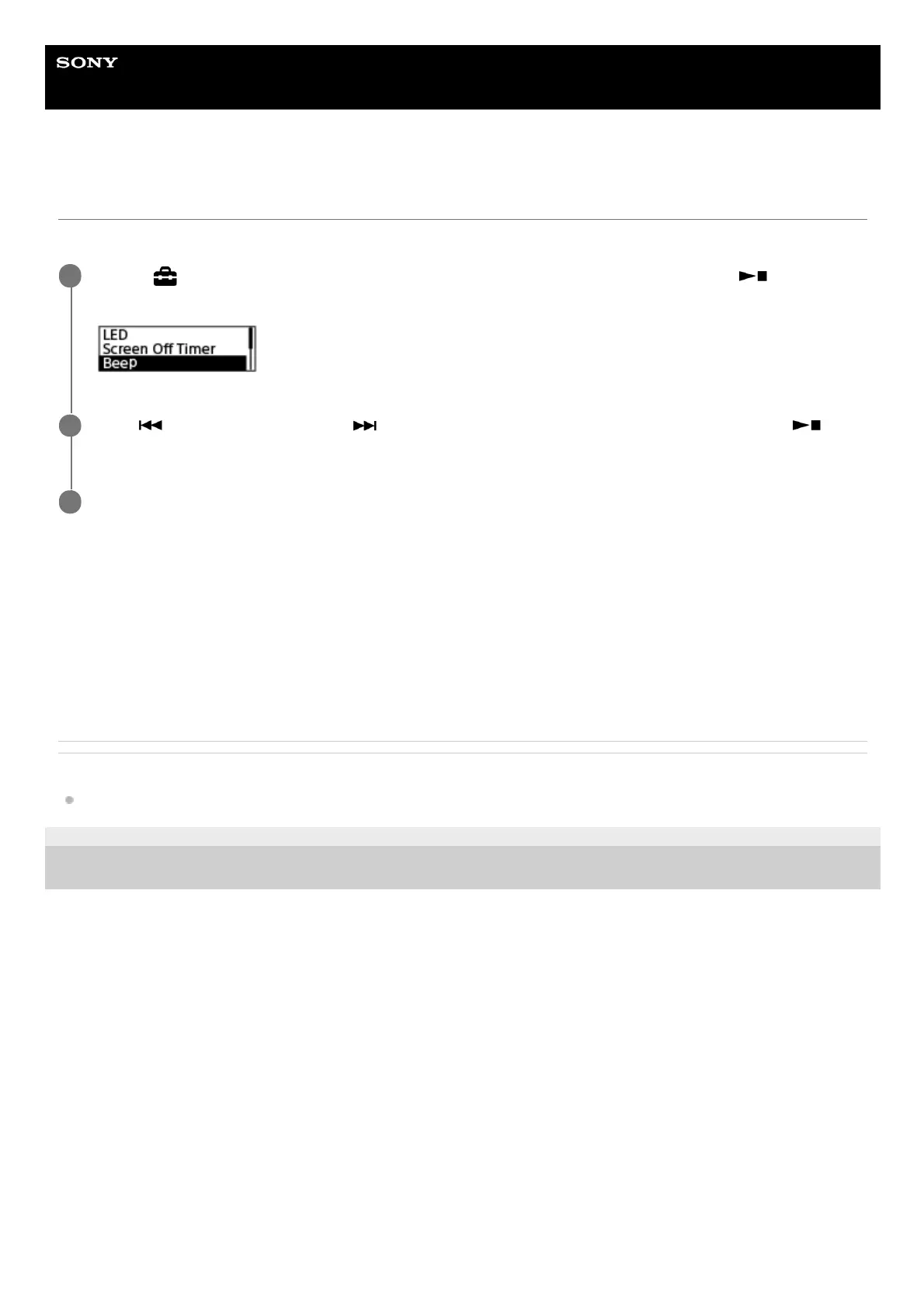
Settings] - [Common Settings] - [Beep] from the HOME menu, and then press
(play/enter/stop).
1
Press
(review/fast backward) or (cue/fast forward) to select [ON] or [OFF], and then press
(play/enter/stop).
2
Press and hold BACK/HOME to return to the HOME menu.
3



 To Next Page