Help Guide
IC Recorder
ICD-TX660
Selecting the sensitivity level of the built-in microphones (Mic Sensitivity)
You can select the sensitivity level of the built-in microphones. Setting low mic sensitivity level makes the sounds that are
recorded quieter. Setting high mic sensitivity level makes the sounds that are recorded louder. Adjust the sensitivity level,
as needed, while looking at the appropriate range for the recording level guide. Also, if you want this to be adjusted
automatically, set [Auto].
Description of menu items
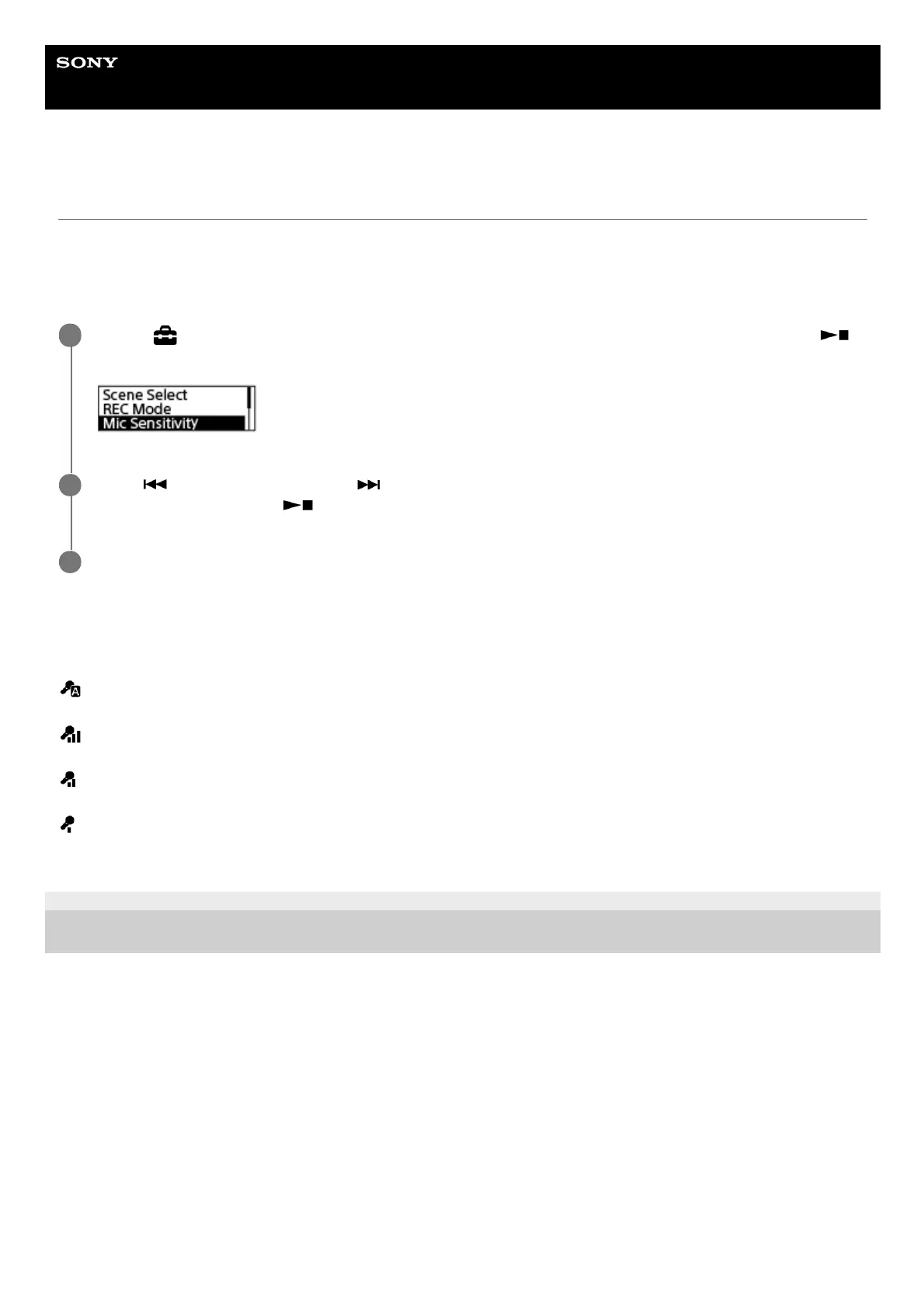
You can select one of the following items:
Auto:
The mic sensitivity level is set automatically so that the recording level is appropriate.
High:
Suitable for recording distant or soft human voices in large spaces, including conference rooms.
Medium:
Suitable for recording small meetings or interviews (default setting).
Low:
Suitable for speaking into the built-in microphones to record voice notes or recording nearby or loud human voices.
5-025-099-11(1) Copyright 2021 Sony Corporation
Select [
Settings] - [Recording Settings] - [Mic Sensitivity] from the HOME menu, and then press
(play/enter/stop).
1
Press
(review/fast backward) or (cue/fast forward) to select the desired level of the microphone
sensitivity, and then press
(play/enter/stop).
2
Press and hold BACK/HOME to return to the HOME menu.
3



 To Next Page