Help Guide
IC Recorder
ICD-TX660
Emphasizing the stereo effect when recording (Stereo Emphasis)
By turning on the Stereo Emphasis function, you can create recordings with a more stereo feeling.
Descriptions of menu items
You can select one of the following items:
OFF:
Turns off the Stereo Emphasis function (default setting).
Light:
Adds a slightly enhanced stereo feeling to recordings.
Strong:
Adds a more enhanced stereo feeling than [Light] to recordings.
Note
While [REC Mode] is set to [MP3 48kbps(MONO)], the Stereo Emphasis function is disabled.
5-025-099-11(1) Copyright 2021 Sony Corporation
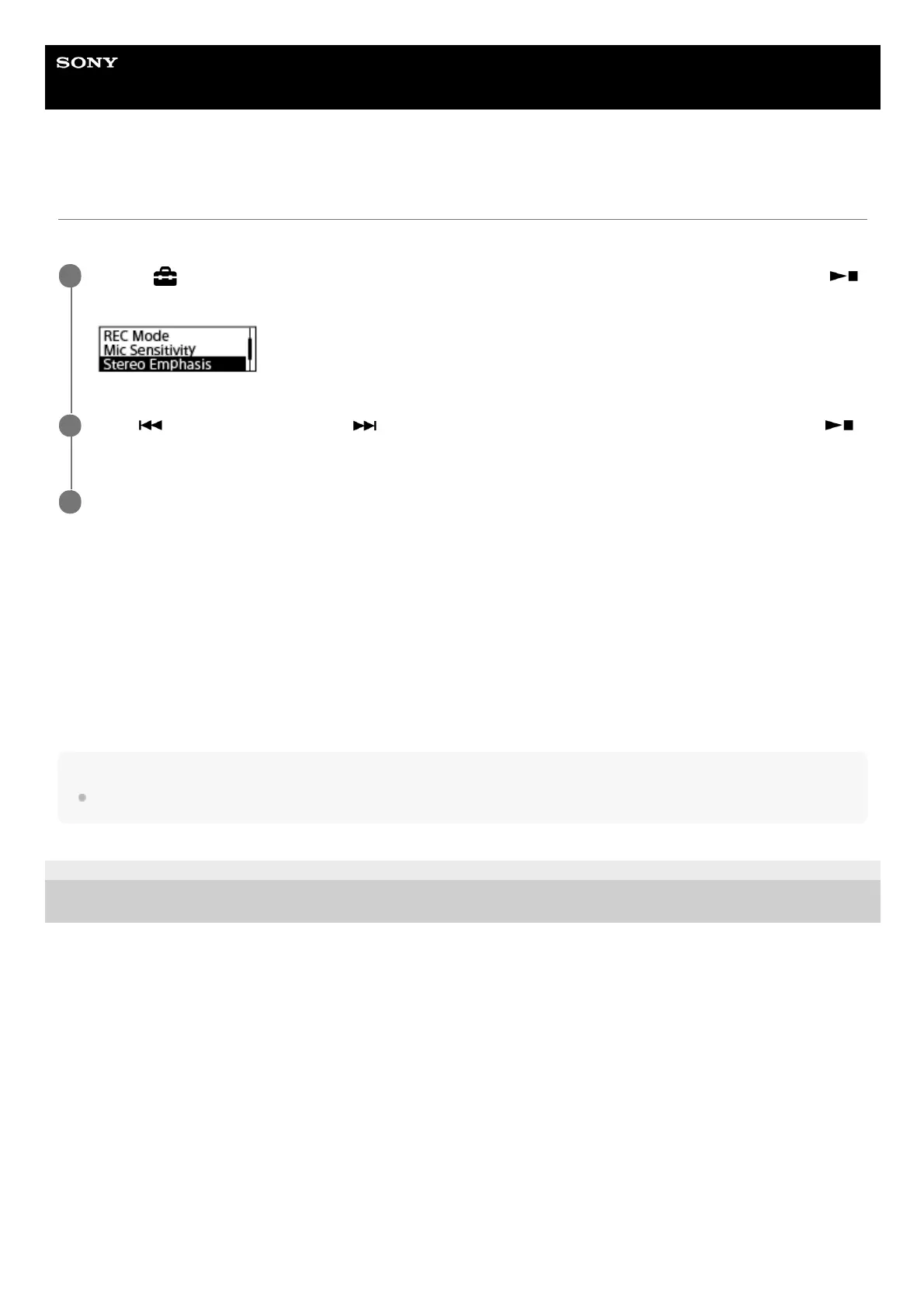
Select [
Settings] - [Recording Settings] - [Stereo Emphasis] from the HOME menu, and then press
(play/enter/stop).
1
Press
(review/fast backward) or (cue/fast forward) to select [Light] or [Strong], and then press
(play/enter/stop).
2
Press and hold BACK/HOME to return to the HOME menu.
3



 To Next Page