Help Guide
IC Recorder
ICD-TX660
Changing the storage folder for recorded files
By default, the recorded files by normal recording are stored in [FOLDER01].
To change the storage folder for recorded files, follow the steps below:
Hint
For instructions on creating a new folder, see Creating a folder.
5-025-099-11(1) Copyright 2021 Sony Corporation
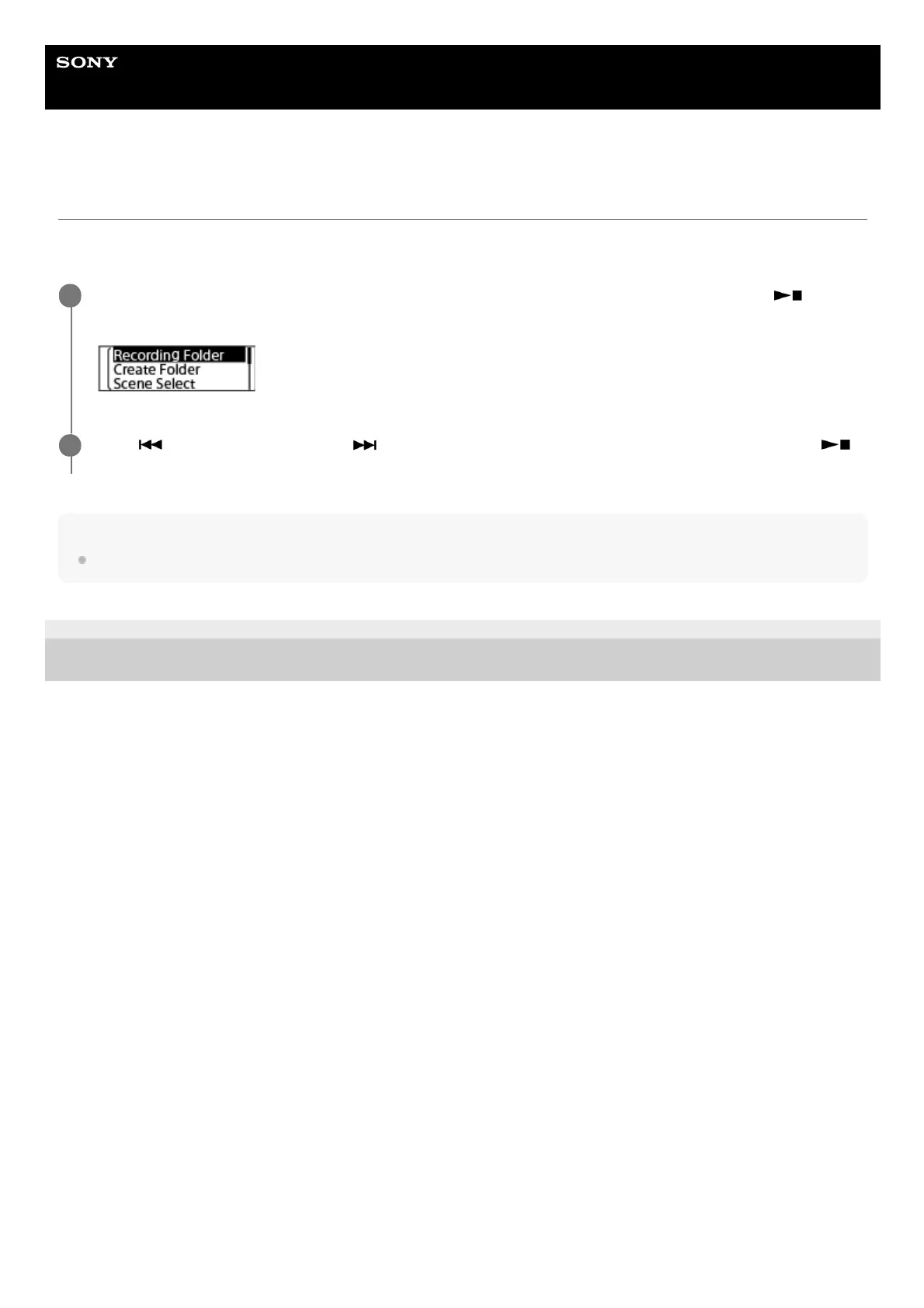
While recording is on standby, select [Recording Folder] on the OPTION menu, and then press
(play/enter/stop).
1
Press
(review/fast backward) or (cue/fast forward) to select the desired folder, and then press
(play/enter/stop).
2



 To Next Page