Menu List
147
Chapter 6 Menu Displays and Detailed Settings
Tips
• The bold-faced numbers designate the pages that have been registered in the USER menu at the factory.
• The following lists include items and settings that appear only when an option board or separately sold
software is installed.
• The bold-faced settings are the factory default settings.
• The initial value of items with a setting range of –99 to 99 is 0.
• When the setup value in the Settings column is surrounded by parentheses ( ), the value is a relative
value. The setting range shown on the menu screen may differ from what is shown in the manual.
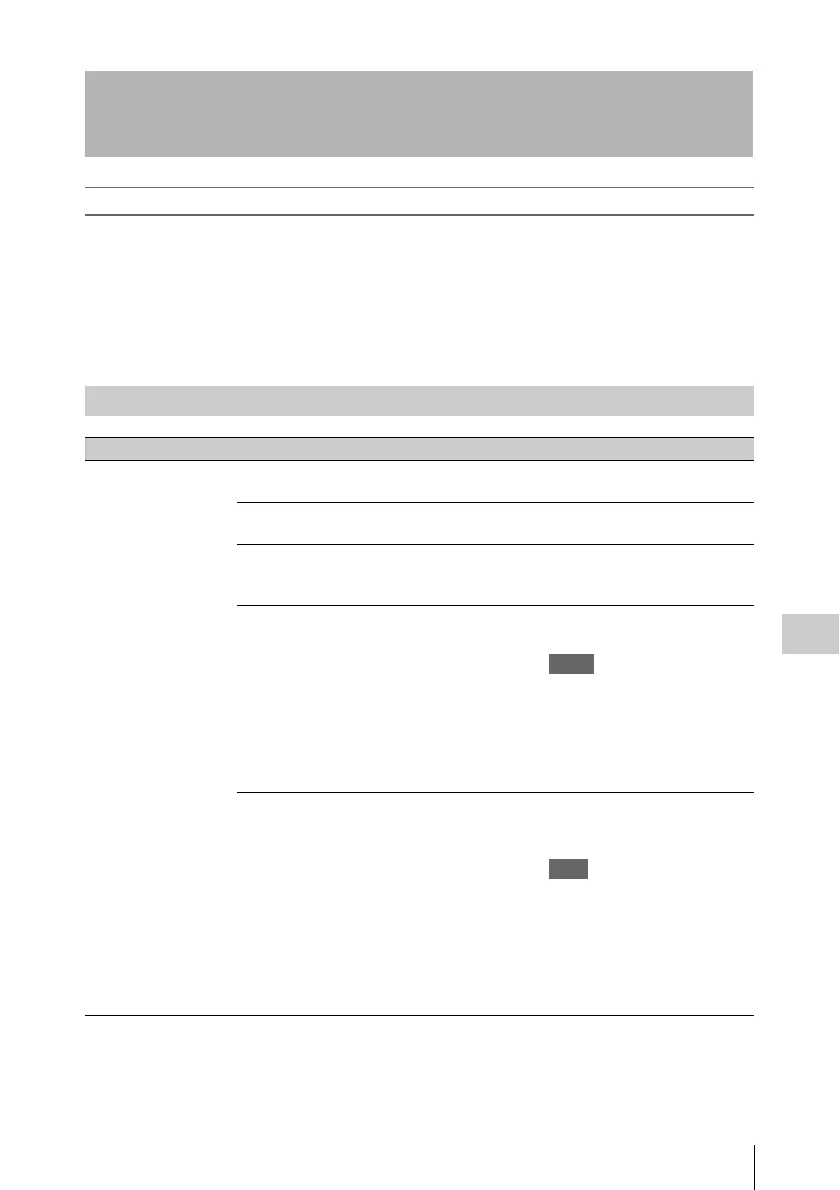
Menu List
OPERATION menu
No. Page Item Settings Description
01 OUTPUT 1 SDI OUT 1 SELECT OFF/HDSDI/SDSDI Selects the output signal from the
SDI OUT 1 connector.
SDI OUT 2 SELECT OFF/HDSDI/SDSDI Selects the output signal from the
SDI OUT 2 connector.
SDI OUT 2 SUPER OFF/ON Sets the superimposed
information output from the SDI
OUT 2 connector.
TEST OUT SELECT VBS/Y/R/G/B/LCD Selects the output signal from the
TEST OUT connector.
Notes
• When R, G, or B is selected,
turning the power of the unit off
and on changes the setting to Y.
• If LCD is selected, the signal is
output only when the LCD
monitor is set to status display.
TEST OUT SUPER OFF/ON Sets the superimposed
information output from the
TEST OUT connector.
Note
Regardless of this setting, text data is
output from this connector when the
setting of TEST OUT SELECT is Y,
R, G, or B. During the display of text
data, you can hide the text data by
switching this item from ON to OFF.
(It is also hidden in the viewfinder.)



 To Next Page