Basic Procedure for Shooting
75
Chapter 4 Shooting
This section describes the basic procedures for
shooting and recording.
Before a shooting session, ensure that the
camcorder is functioning properly.
For details, see “Testing the Camcorder before
Shooting” on page 240.
Basic procedure for shooting: from power
supply to disc loading
1 Attach a fully charged battery pack.
For details, see “Preparing a Power Supply” on
page 33.
2 Set the POWER switch to ON.
3 Press the DISP SEL/EXPAND button to
switch the LCD monitor to status
display, and check that the following
conditions are met.
• The HUMID indicator is not showing.
If it is, wait until it disappears.
• The battery status indicator shows at least
five segments (x).
If it does not, replace the battery pack with
a fully charged one.
4 Check that there are no obstructions
such as cables near the disc
compartment lid. Then press the
EJECT button to open the disc
compartment lid.
5 After checking that the disc is not write-
protected (see page 71), load it and close
the disc compartment lid.
Basic procedure for shooting: from
adjusting the black balance and white
balance to stopping recording
Switch settings
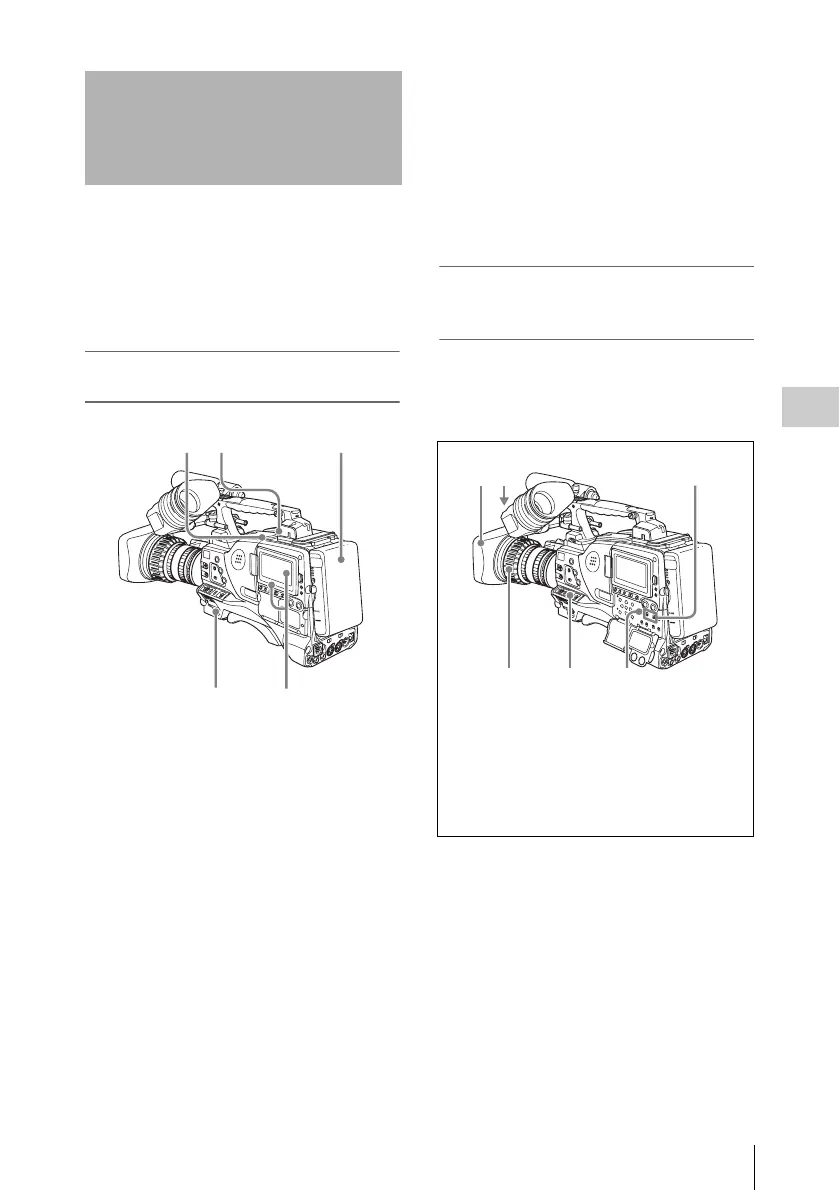
After turning on the power and loading a disc, set
the switches and selectors as shown below and
begin operation.
Basic Procedure for
Shooting
2
45 1
3
1 DISPLAY: ON
2 Iris: Automatic
3 Zoom: Automatic
4 OUTPUT/DCC: CAM, DCC: ON
5 F-RUN/SET/R-RUN: F-RUN or R-RUN
(set as needed)
6 AUDIO SELECT CH-1/CH-2: AUTO



 To Next Page