Locations and Functions of Parts and Controls
20
Chapter 1 Overview
b Video format
Indicates the format of video being currently
played back or recorded.
a) LP is playback only.
c System frequency
Indicates the system frequency of video being
currently played back or recorded.
If NTSC AREA is selected
1)
If PAL AREA is selected
1)
1) Selected by COUNTRY setting on the FORMAT page
of the OPERATION menu (see page 154).
Note
There may be no indication displayed when this unit
cannot identify the system frequency, for example, when
playing back a disc recorded with other equipment.
d Audio format
Indicates the format of audio being currently
played back or recorded.
e Audio level indicators
Indicates the audio recording or playback levels
of channels 1 to 4.
f Status display
PB: Appears during playback.
NDF: Appears when non-drop-frame timecode is
selected.
EXT-LK: Appears when the internal timecode
generator is locked to an external signal input
to the TC IN (timecode input) connector.
HOLD: Appears when the internal timecode
generator is stopped.
g Time counter display
Switches displays of time counter, timecode, and
user bits, depending on the position of the
DISPLAY switch.
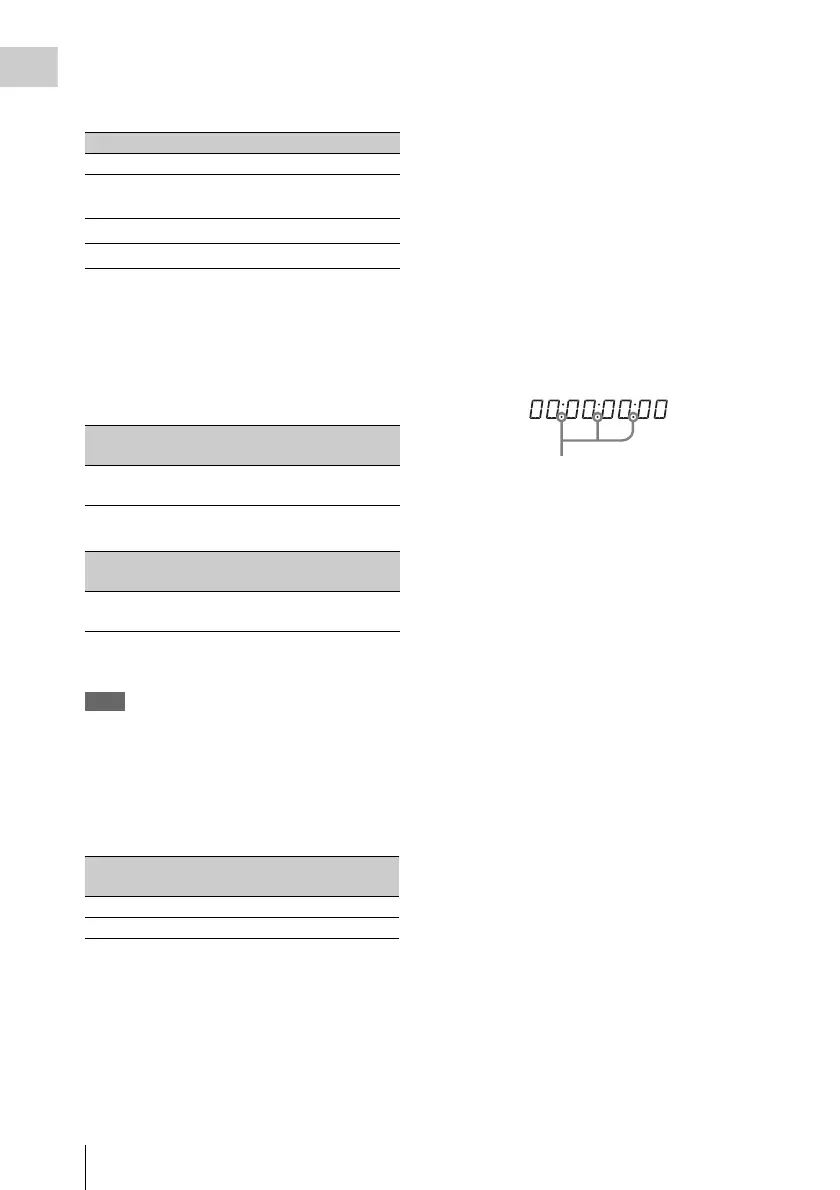
When the HOLD/CHAPTER button is pressed to
hold the timecode value, the timecode is
displayed in the format shown below. When the
HOLD/CHAPTER button is pressed again to
release the hold, the timecode is displayed in the
normal format.
h Warning indicator area
Displays warnings when trouble with recording
or moisture condensation occurs.
For details, see “Operation Warnings” on page 246.
Also, when it is possible to set clip names by
using planning metadata (see page 93), displays
as clip information the title contained in the
planning metadata that has been loaded into this
unit. (The display format follows the setting of
Planning Clip Name in Clip Info. Area in the Disc
Menu.)
The following characters can be displayed.
• Digits: 0 to 9
• Alphabetic characters: a to z, A to Z
• The following symbols: !, ", #, $, %, &, ', (, ), *,
+, , (comma), -, . (period), /, : (colon), ;
(semicolon), <, =, >, ?, @, [, ], ^, _, {, |, }, ~
•Space
Indication Format Bit rate
HD422 50 MPEG HD422 50 Mbps
HD420 HQ/SP/
LP
a)
MPEG HD420 35/25/18 Mbps
IMX 50/40/30
MPEG IMX 50/40/30 Mbps
DVCAM
DVCAM 25 Mbps
Indication Field or frame
rate
Scan mode
59.9i 59.94 fields per
second
Interlace
Indication Field or frame
rate
Scan mode
50i 50 fields per
second
Interlace
Indication Quantization bit rate/sampling
frequency
24bit 24 bits/48 kHz
16bit 16 bits/48 kHz
Lights when the HOLD/CHAPTER button
is pressed.



 To Next Page