Advanced Operations for Shooting
92
Chapter 4 Shooting
5 Turn the MENU knob to select “AUTO
NAMING” and then press the MENU
knob.
6 Turn the MENU knob to display
“TITLE” and then press the MENU
knob.
The same name will now be given to newly
recorded clips.
Notes
• An FTP client software that supports UTF-8 is
required to use Unicode characters other than ASCII
characters. Command prompt FTP commands do not
support UTF-8.
• When the first letter of the title setting on the CLIP
AUTO TITLING menu is a space or period (.), the clip
name is the title string minus the first letter.
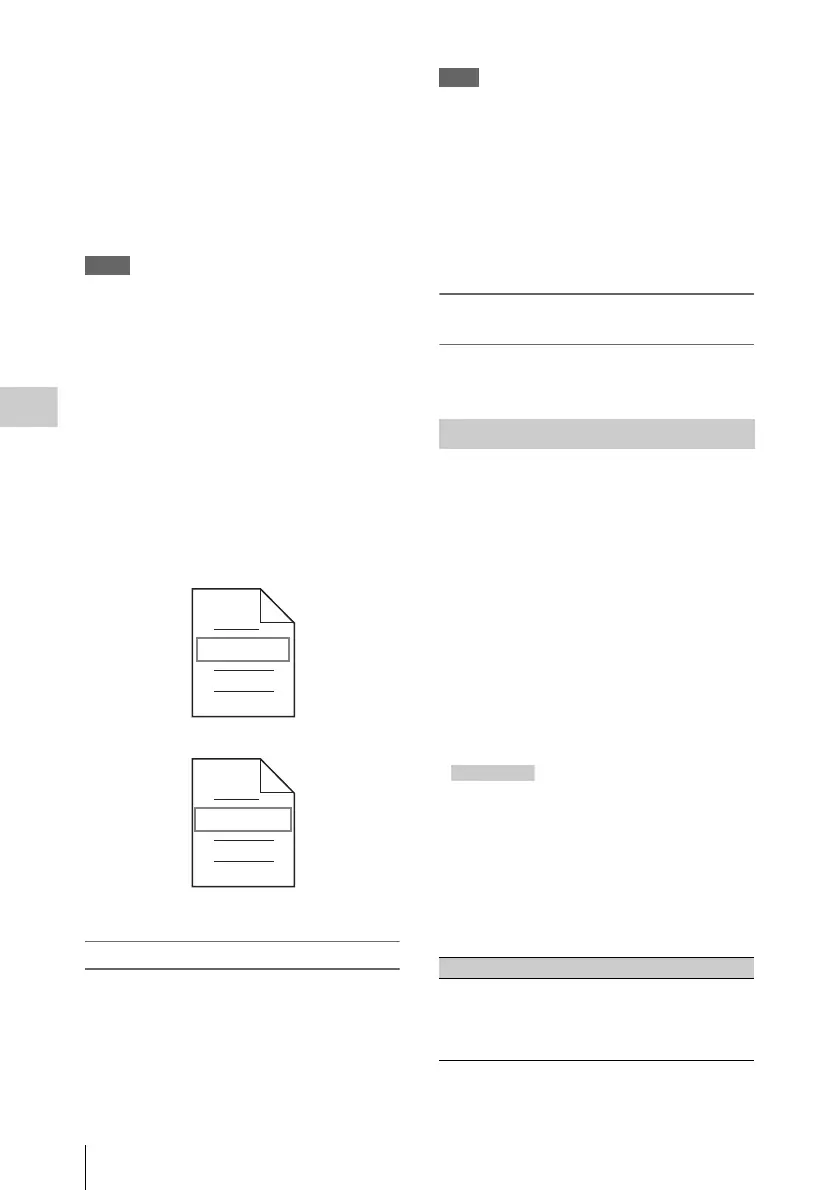
To use clip names and clip list names by FAM
and FTP
Carry out steps 2 to 4 of “To assign clip names on
this unit” (page 91).
It is now possible to write, transfer, and rename
clips and clip lists with user-defined names over
file access mode (FAM) connections (see page
229) and FTP connections (see page 233).
To check clip names
Press the THUMBNAIL button to display the
thumbnail screen, and select the clip whose name
you want to check.
The name of the selected clip appears in the upper
left of the screen.
See “Clip thumbnail screen” (page 102) for more
information.
Note
The item at the upper left of the screen is displayed
according to the following order of priority.
Title > user-defined clip name > standard format clip
name
Therefore, the display of this item changes as follows,
depending on whether or not there is a title.
• When a title has been set as a clip name on this unit,
the title is displayed for clips recorded on this unit.
• The user-defined name or standard format name is
displayed for clips without a title.
To check clip information (name, title,
etc.)
For details, see “Checking clip properties”
(page 116).
Planning metadata is a file that contains metadata
about the clips to be shot and recorded.
To use planning metadata, you need to load a
planning metadata file into the unit’s memory
before starting to shoot.
There are three ways to load files.
• Automatically load a file that has been written
to the following directory on a Professional
Disc via an FTP or FAM connection.
If you do not want to load a file automatically,
add a “load” property to the PlanningMetadata
tag and set the value of the property to “false”,
as shown in the shaded part of the following
example.
Example: <PlanningMetadata …
sp
sp
version="1.00">
• Use a GUI screen to load a file that has been
written to the following directories on a
Professional Disc or a USB flash drive (see
page 129).
• Use a web browser to load a planning metadata
file (see page 134). (You must install the
CBKZ-UPG01 Software Upgrade Key.)
File creation rules
Fuji.MXF
Sakura.SMI
User-defined clip names can be used by FAM
and FTP
User-defined clip list names can be used by FAM
and FTP
Using planning metadata
File location File name
Professional Disc:
General/Sony/
Planning
directory
a)
• Format that can be used in
the General directory (see
page 227)
• Extension: XML
load="false"



 To Next Page