Adjustments and Settings from Menus
208
Chapter 6 Menu Displays and Detailed Settings
a) The unit must be powered off and on again to
enable changes to this setting.
b) Enabled only when VBS is selected using TEST
OUT SELECT on the OUTPUT 1 page.
3 Turn the MENU knob to select the
desired setting, and press the MENU
knob.
4 Repeat steps 2 and 3 until you have set
all of the desired items.
You can install the optional CBK-WA01 Wi-Fi
adapter in this unit, and set up a wireless LAN as
explained in this section.
When you connect this unit to a computer over a
network, you can make the settings explained here
from a Web menu. For details, refer to the operation
manual supplied with the optional CBK-WA01 Wi-Fi
adapter.
Notes
• The CBKZ-UPG01 Software Upgrade Key must be
installed to make these settings.
• For information about connecting to a wireless LAN,
refer to the operation manual supplied with the
optional CBK-WA01 Wi-Fi adapter.
• Even when the optional CBK-WA01 Wi-Fi adapter is
installed in this unit, the message “NO Wi-Fi
ADAPTER!” may appear if you attempt to set up a
wireless LAN immediately after powering the unit on.
If this occurs, wait for a while and try again.
• If the message “IEEE802.1X IS ENABLED!” appears
when you change the settings, execute NET CFG
RESET on the NETWORK 2 page of the
MAINTENANCE menu and then try again.
• The proxy data recording function is disabled
automatically whenever you enable the wireless LAN
connection function.
Before starting, set ETHERNET/USB and Wi-Fi
on the POWER SAVE page of the OPERATION
menu to “ENABL”.
(How to select an item in the menu screen: Turn
the MENU knob to move b to the desired item.)
1 Display the Wi-Fi page of the
MAINTENANCE menu, and then press
the MENU knob.
See “Basic menu operations” (page 189) for
more information about menu operations.
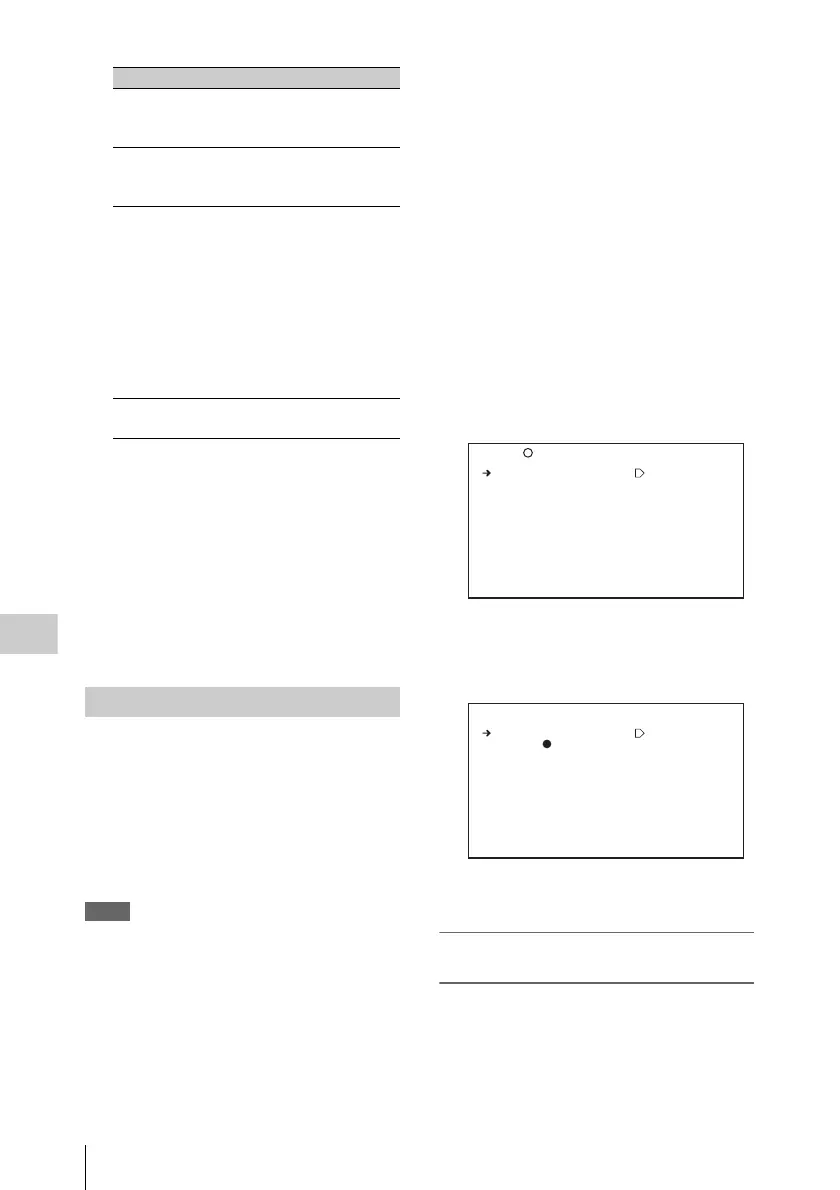
2 Select “Wi-Fi SETUP” and then press
the MENU knob.
The screen changes to the Wi-Fi SETTING
page.
3 Specify the connection destination (see
the next section for how to specify it).
To specify a connection destination by
automatic detection
1 On the Wi-Fi SETTING page, select
“SCAN NETWORKS” and then press
the MENU knob.
i.LINK(FAM)
a)
Enables or disables the
i.LINK connector (FAM
function).
REC AUDIO
OUT
Puts the AUDIO OUT
connectors in EE or SAVE
mode.
TEST OUT
SAVE
b)
Switches the TEST OUT
connector power saving
function on and off.
ON: No signals are output if
a cable is not
connected.
OFF: Signals are always
output, regardless of
whether a cable is
connected.
Wi-Fi Enables or disables the
wireless LAN function.
Setting up a wireless LAN
Item Description
TOP
M26 Wi-Fi
Wi-Fi SETUP : EXEC
Wi-Fi STATUS : [-----]
WIRELESS MODE: 802.11b
SSID: (unknown)
NETWORK TYPE : INFRA
CH : 1
AUTH : OPEN
ENCRYPTION : DISABLE
ESC Wi-Fi SETTING
SCAN NETWORKS: EXEC
SSID: 00:11:22:33:44:55
NETWORK TYPE : ADHOC
CH : 1
AUTH : OPEN
ENCRYPTION : DISABLE
SET



 To Next Page