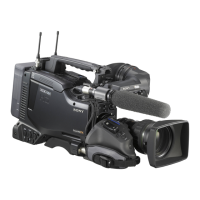
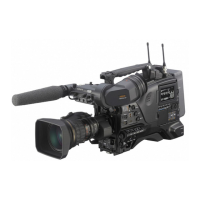
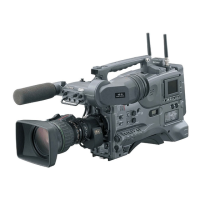
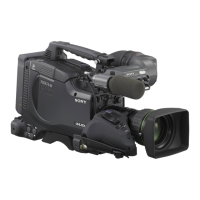
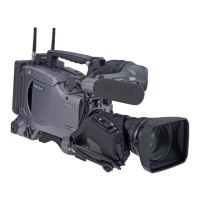
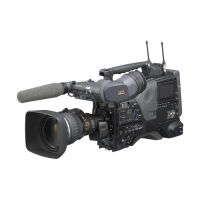
Overview
228
Chapter 8 File Operations
• To create a new directory in the General directory, first
create a directory on the desktop and rename it using
only characters that can be used on this unit. Then drag
it from the desktop and drop it in the General directory.
1) The following character codes cannot be used by FAM
connections.
U+010000, U+020000, U+030000, U+040000,
U+050000, U+060000, U+070000, U+080000,
U+090000, U+0A0000, U+0B0000, U+0C0000,
U+0D0000, U+0E0000, U+0F0000, U+100000
PROAV directory
This directory displays individual files on the
disc.
To enable display of the PROAV directory, set
PROAV DISPLAY on the CAM CONFIG 1 page
of the MAINTENANCE menu to “ENABL”.


 To Next Page