EasyManua.ls Logo

Sony SLV-686HF - Playback Quality Adjustments; Manual Tracking Adjustment; Monitor Sound Selection

Sony SLV-686HF
67 pages
Print Icon
To Next Page IconTo Next Page
To Previous Page IconTo Previous Page
Loading...
Playback
Adjusting
the
tracking
manually
When
the
playback
picture
proves
to
have
streaks
or
snow
during
normal
playback,
adjust
the
picture
manually
with
TRACKING
NORMAL/SLOW
and
STILL
ADJUST
W/
A.
Press
either
VW
or
A
to
obtain
the
best
possible
picture.
The
tracking
meter
will
appear
on
the
TV
screen
and
the
AUTO
TRACKING
indicator
will
be
turned
off.
When
the
manual
adjustment
proves
unsatisfactory,
press
both
of
the
TRACKING
NORMAL
SLOW
and
STILL
ADJUST
V/A.
The
tracking
condition
will
return
to
the
center
position.
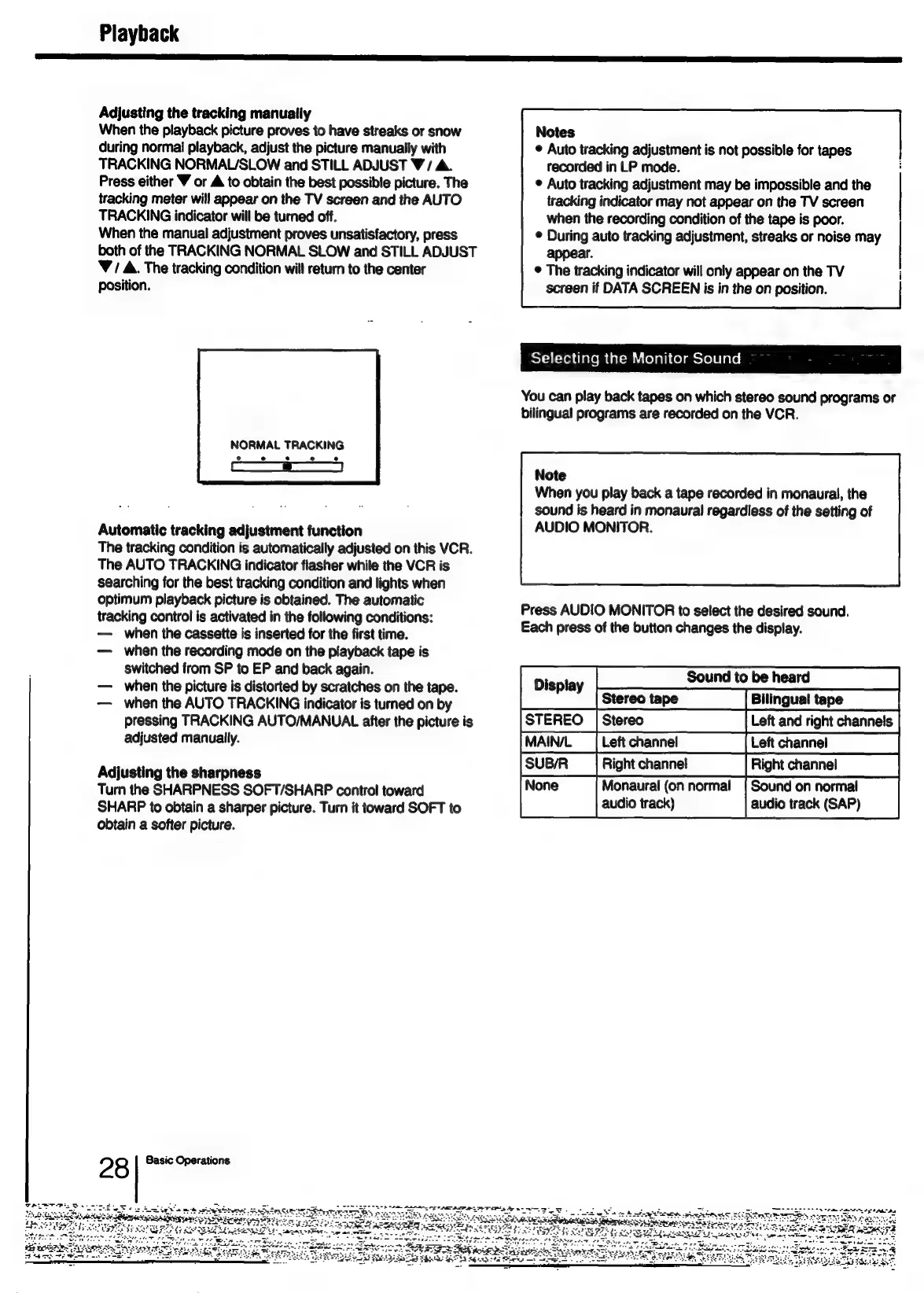
NORMAL
TRACKING
Automatic
tracking
adjustment
function
The
tracking
condition
is
automatically
adjusted
on
this
VCR.
The
AUTO
TRACKING
indicator
flasher
while
the
VCR
is
searching
for
the
best
tracking
condition
and
lights
when
optimum
playback
picture
is
obtained.
The
automatic
tracking
control
is
activated
in
the
following
conditions:
when
the
cassette
is
inserted
for
the
first
time.
when
the
recording
mode
on
the
playback
tape
is
switched
from
SP
to
EP
and
back
again.
when
the
picture
is
distorted
by
scratches
on
the
tape.
when
the
AUTO
TRACKING
indicator
is
turned
on
by
pressing
TRACKING
AUTO/MANUAL
after
the
picture
is
adjusted
manually.
Adjusting
the
sharpness
Turn
the
SHARPNESS
SOFT/SHARP
control
toward
SHARP
to
obtain
a
sharper
picture.
Turn
it
toward
SOFT
to
obtain
a
softer
picture.
2?
8
Basic
Operations
SS
a
a
i
I
TIS
I
IES
AI
OE
TT
i
mE
Notes
©
Auto
tracking
adjustment
is
not
possible
for
tapes
recorded
in
LP
mode.
©
Auto
tracking
adjustment
may
be
impossible
and
the
tracking
indicator
may
not
appear
on
the
TV
screen
when
the
recording
condition
of
the
tape
is
poor.
©
During
auto
tracking
adjustment,
streaks
or
noise
may
appear.
®
The
tracking
indicator
will
only
appear
on
the
TV
screen
if
DATA
SCREEN
is
in
the
on
position.
STA
[Tea dave
me
Ualemiuielali
Colmeslele
lace:
You
can
play
back
tapes
on
which
stereo
sound
programs
or
bilingual
programs
are
recorded
on
the
VCR.
Note
When
you
play
back
a
tape
recorded
in
monaural,
the
sound
is
heard
in
monaural
regardless
of
the
setting
of
AUDIO
MONITOR.
Press
AUDIO
MONITOR
to
select
the
desired
sound.
Each
press
of
the
button
changes
the
display.
Sound
to
be
heard
Stereo
tape
[STEREO
|
Stereo
Left
channel
[SUBIR
|
Right
channel
Monaural
(on
normal
|
Sound
on
normal
audio
track)
audio
track
(SAP)

Table of Contents

Related product manuals