3 Press
.,+
repeatedly to select
"Speaker," then press
W.
1 Make sure that the AMP button
is lit.
If
it
is not lit,
or
"GUI
MODE"
is not
displayed in the display window
of
the
receiver, follow the steps given in "7:
Operating
the receiver using the GUI
(Graphical
User
Interface)" (page 38).
2 Press
.,+
repeatedly to select
"Settings," then press
Wor +.
The
Settings menu list appears on the
TV
screen.
»
a.
Qi
::::J
o
CD
a.
en
"0
CD
III
~
~
en
CD
:::
::::J
(C
C
"0
..
1I1-tt--2·6
e
-~.
e
Tl1NIHG
-
CATlQOftY
MOOE
T\INING
+
0061
Making
settings
with
the
Test
Tone
menu
'OfOl
O
UPt:3rQ
~
UULn/N
SYSTEM
STANDBY
VlD£O
1
VIDEO
2
VIDEO
3
0VW80
I
II
I I I I I
TV
"MOfTAPE
SlRlUS
XII
SATICATV
SA-COICO
TUNER
==
I
II
II
IL.....!
SOURCE
HOMll
HOWl
HDMl3
ZONE
2
I
II II
[c::J
TEST
S?OO
1
A
OOOO
Make sure that the AMP button
is lit.
If
it
is
not lit,
or
"GUI
MODE"
is
not
displayed
in
the display window
of
the
receiver, follow the steps given
in
"7:
Operating
the receiver using the GUI
(Graphical User Interface)" (page 38).
2 Press
.,+
repeatedly to select
"Settings," then press
Wor +.
The
Settings menu list appears on the
TV
screen.
1
Press
.,+
repeatedly to select
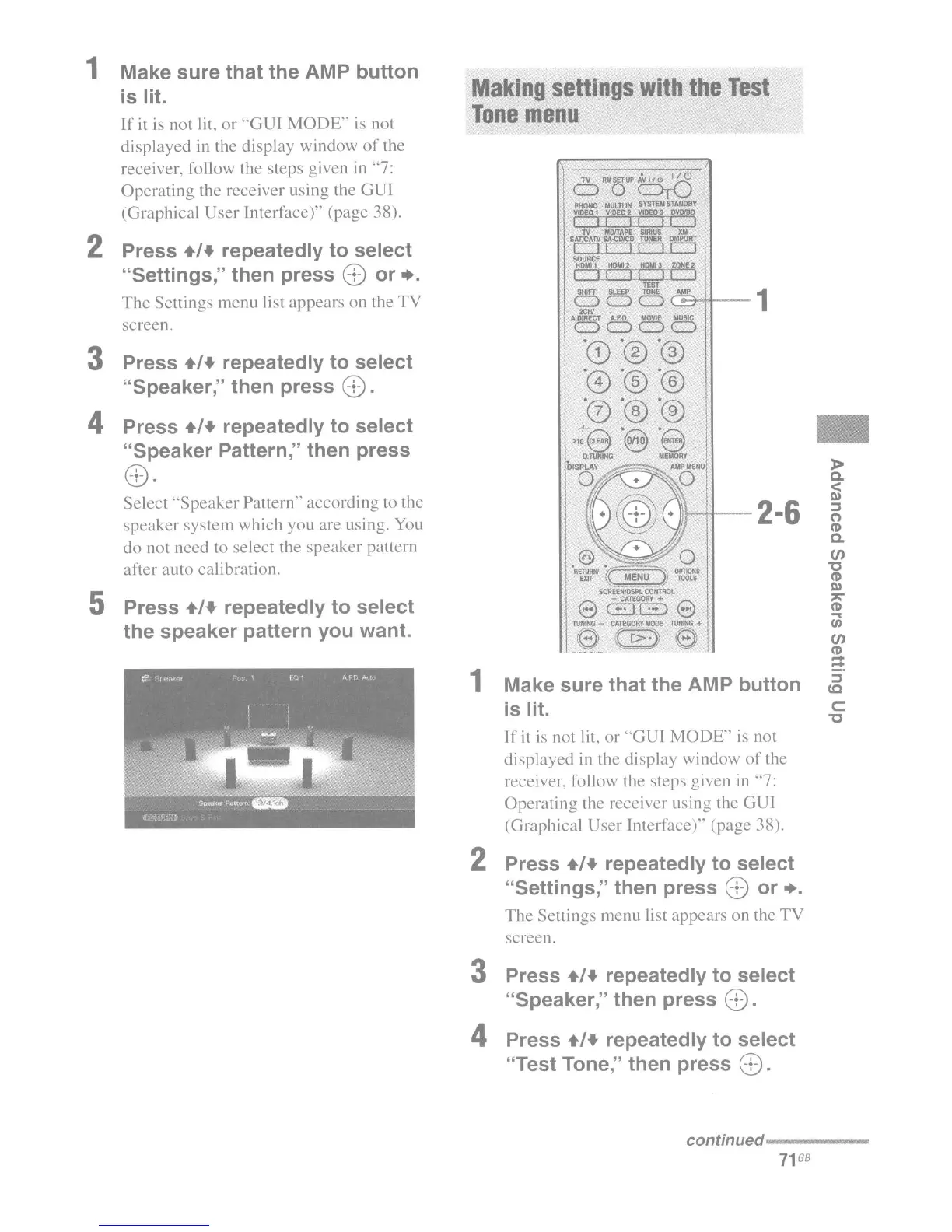
the speaker pattern you want.
Select
"Speaker
Pattern" according to the
speaker
system which you are using. You
do not need to select the speaker pattern
after
auto
calibration.
Press
.,+
repeatedly to select
"Speaker Pattern," then press
4\
'0:J •
5
4
3 Press
.,+
repeatedly to select
"Speaker," then press
W.
4 Press
.,+
repeatedly to select
"Test Tone," then press
W.
conunued----------
71
GB

















 To Next Page